
AFonts
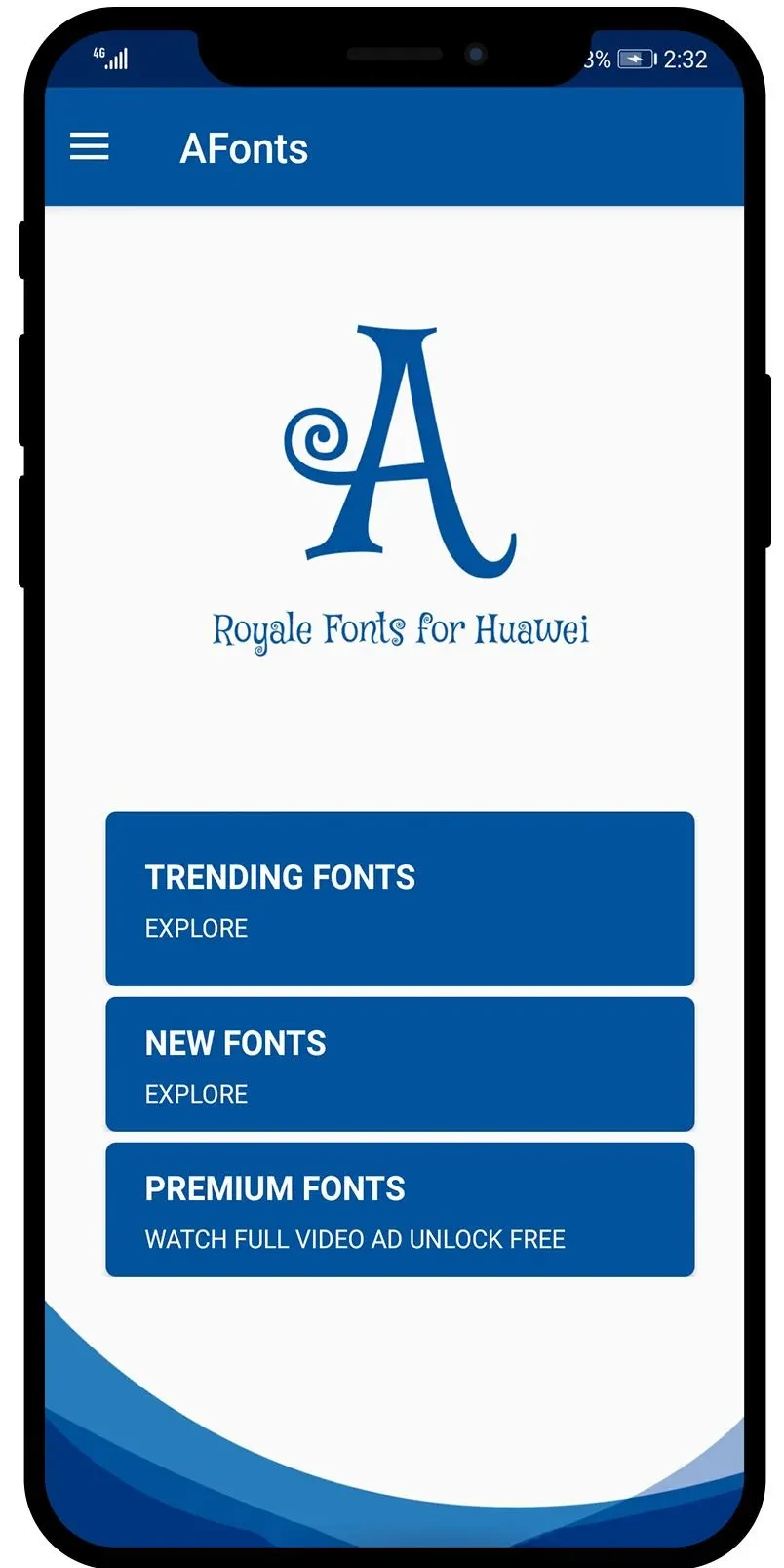
AFonts offers a collection of fonts for customizing text on supported Huawei and Honor devices, with font previews and an option to restore the default font. It also describes copy-and-paste text styling for messages and social posts.
Screenshots
About this app
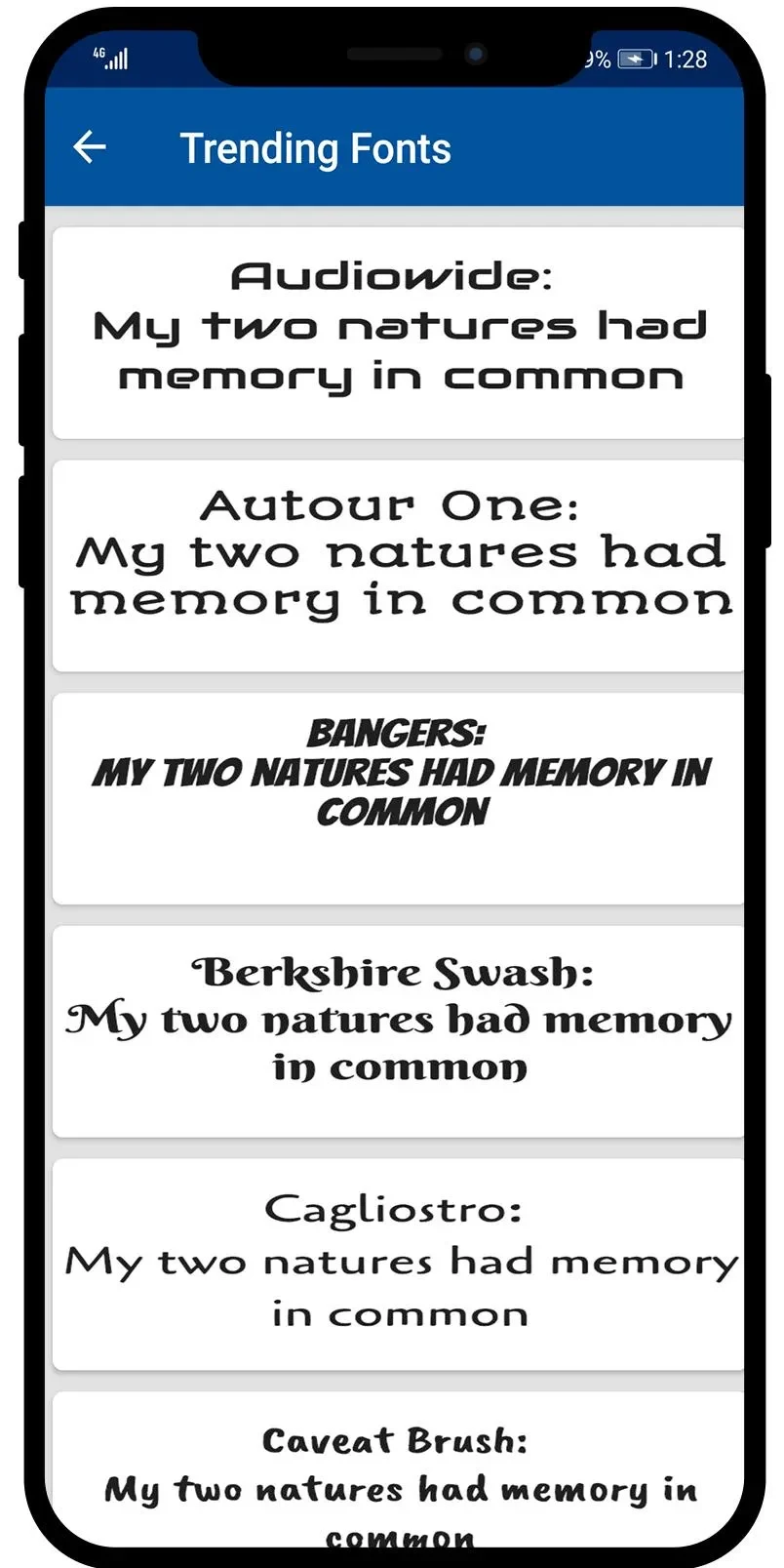
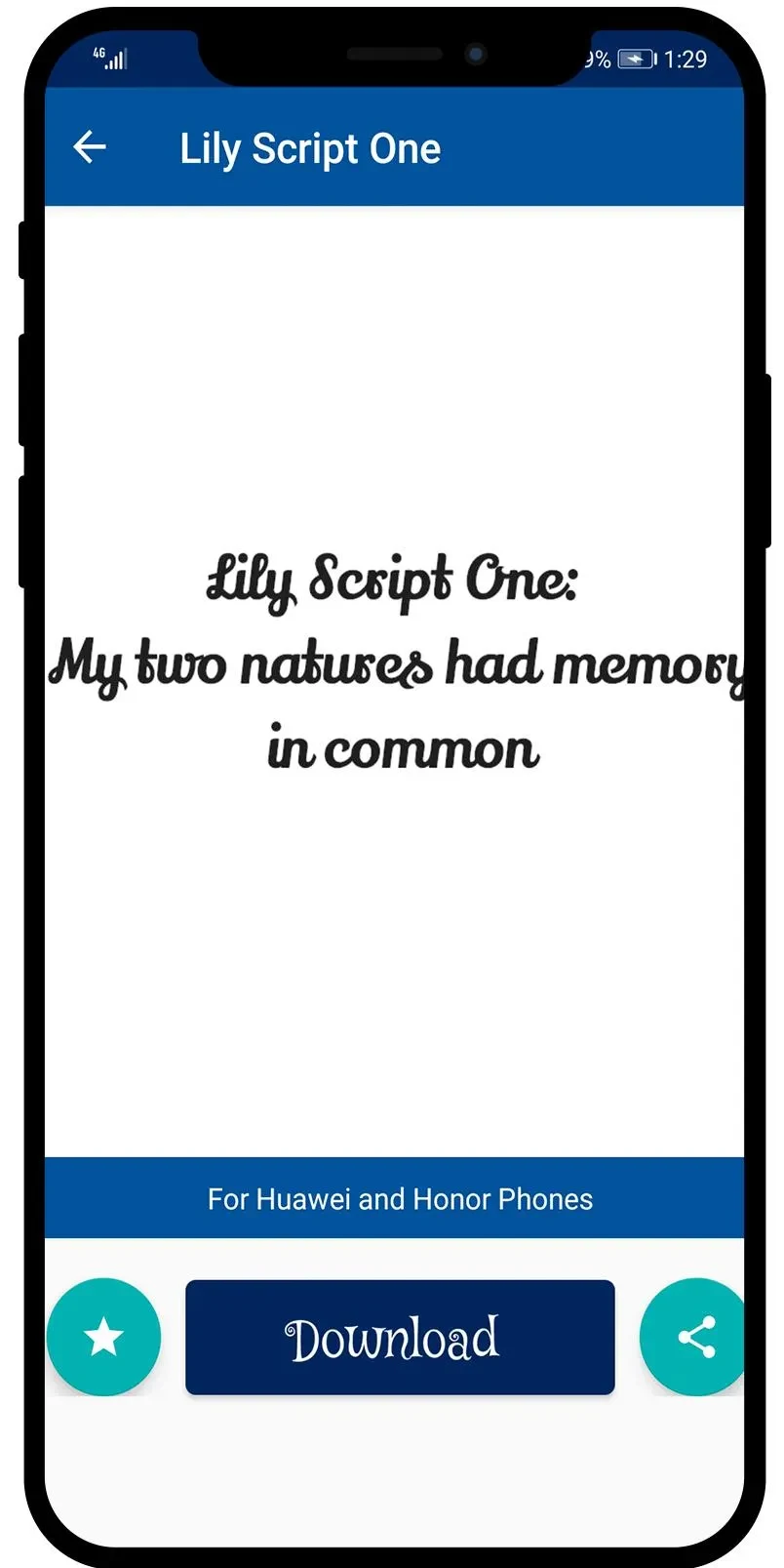
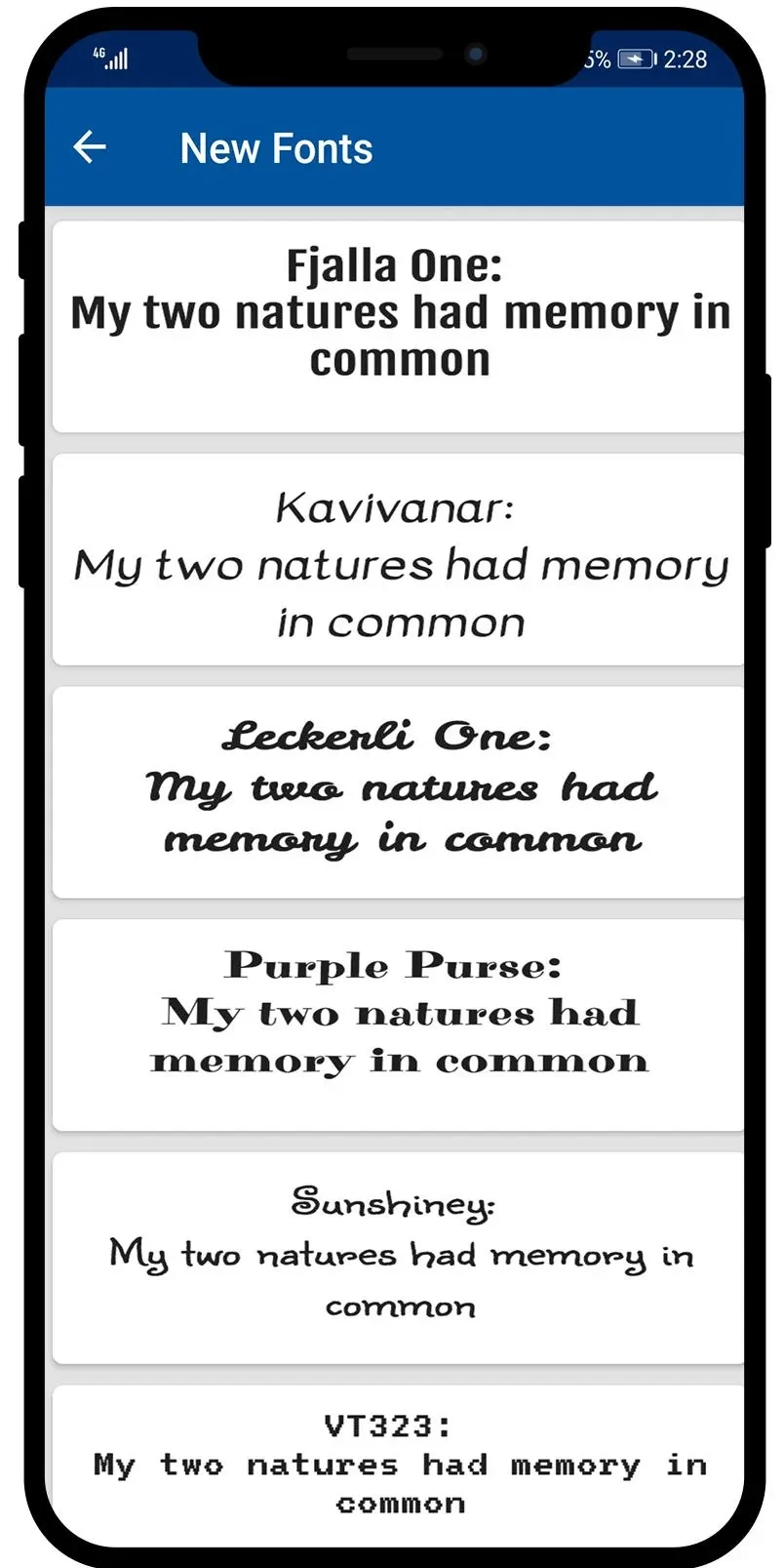
AFonts helps Huawei and Honor phone owners customize the appearance of text with a library of font styles. The app lets users preview a font before installing it, change the device font without root access, and restore the default font when they want to switch back. That combination makes it easier to try a different look before applying it across the phone. The listing specifies support for Huawei and Honor phones running Android 4 through 10, and says fonts can be used offline.
Choose and preview a font
The library includes more than 30 styles, ranging from eye-catching designs to script fonts. Previewing a selection before installation gives users a chance to check its appearance on their device instead of choosing based on the font name alone. AFonts also describes controls for making text larger or smaller, which can help users adjust the text’s appearance and readability.
Use styled text in messages and posts
Alongside device-font changes, the app describes copying and pasting selected text to use distinctive styles in messages and social media content. It names platforms such as Instagram, Facebook, and Twitter, as well as messaging apps. Trying different styles or combining them can give individual pieces of text a different look; this text-styling function is separate from installing a font for the device.
Restore the default font when needed
Users can return to the phone’s default font through AFonts, so trying a different style does not have to be a permanent choice. The listing says the app does not require root access and supports English and Arabic. Its stated device coverage is Huawei and Honor phones based on Android 4 to 10, so that compatibility information is important to check before relying on the device-wide font options.
Version history
View all18 Jul 2026 · stable
Frequently asked questions
Does AFonts require root access?
No. The listing says fonts can be changed without root access.
Can fonts be used offline?
Yes. The listing identifies offline fonts as a feature.
Which phones does AFonts support?
The listing specifies Huawei and Honor phones running Android 4 through 10.
Can I switch back to my phone’s default font?
Yes. AFonts includes an option to restore the default font.