

CinemaLuxe App apk
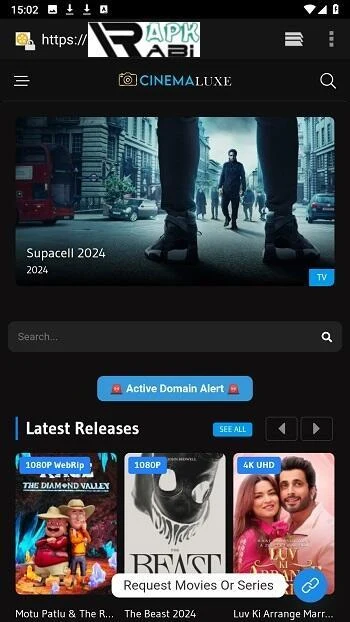
CinemaLuxe App apk is an online movie streaming app for Android with a library spanning several genres, playback from HD to 4K, subtitle language options and downloads for offline viewing. Streaming requires an internet connection, while offline viewing depends on downloading movies beforehand.
Screenshots
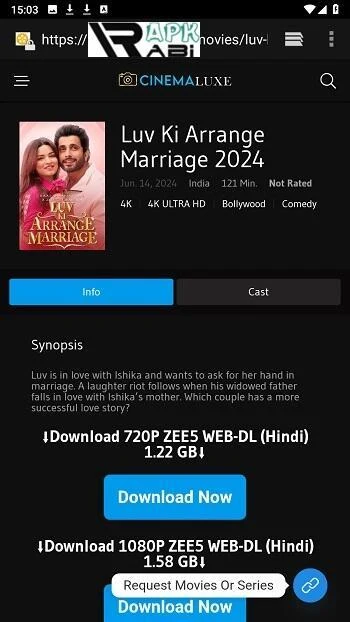
About this app
Streaming a Film Library on Android
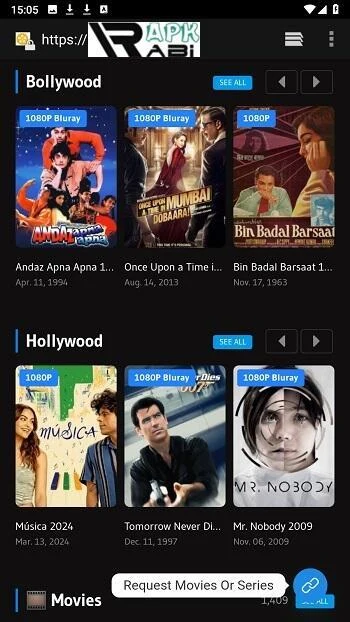
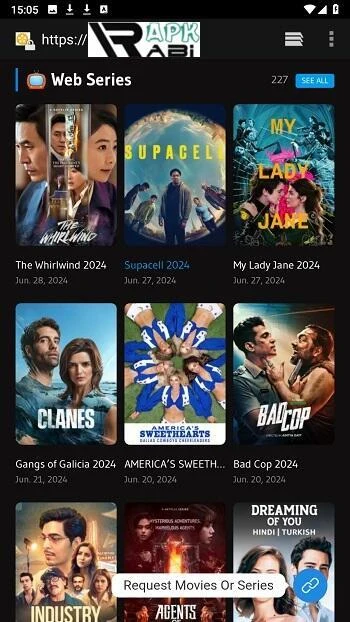
CinemaLuxe App apk is described as an online movie streaming app for Android devices and is listed in the Media & Video category. Its central function is letting users find and play films over an internet connection. The supplied listing describes a library of thousands of movies across genres including action, horror, romance, comedy and animation. The listing identifies version 3.0, but the minimum Android version information in the supplied data is unclear, so no specific requirement is stated here.
Finding Movies by Title, Person or Genre
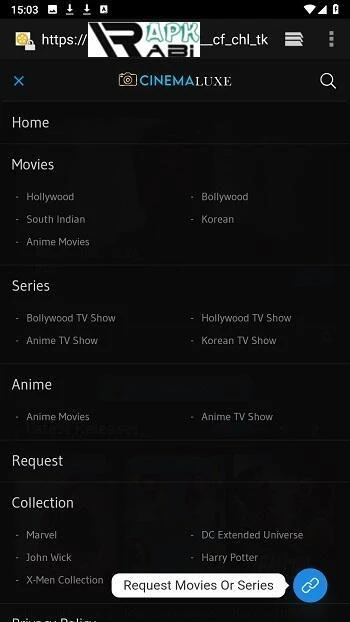
The search bar on the main interface accepts the name of a movie, an actor or a director. Users who prefer browsing can open the Genre section in the main menu and look through categories such as action, horror, romance, comedy and animation. According to the instructions, selecting a movie's poster or title is the step that begins watching it.
Playback Resolution and Subtitle Controls
The listing states that playback supports resolutions from HD to 4K. The instructions tell users to pick a resolution that suits their network speed and storage capacity, so the choice is tied to both connection and device space. Subtitles can be turned on by selecting a subtitle language in the movie settings, and the listing says multiple subtitle languages are available. Playback quality and subtitle language can also be adjusted in the App Settings section, which additionally includes notification options.
Offline Viewing
For situations without a network connection, users can save a movie by clicking the download icon, which the listing describes as usually a downward arrow. Downloaded titles are then found in the Downloaded Movies section of the menu and can be watched without an internet connection. Offline viewing therefore depends on downloading a title while online before using it.
Account, Subscription and Ads
Access to the service requires logging in or registering with details such as an email address and password. The Account section lets users update their email, password and other security options, and check their current subscription plan. The listing says upgrading to a premium plan removes ads and provides additional features, but it does not specify which features are included or what the plan costs.
Promotional Claims in the Listing
The listing says the app uses optimized transmission for smooth playback without lag, and it describes sharp images, vibrant sound and a simple interface. It also presents the app as a way to avoid spending on movie tickets or cable TV subscriptions. These statements are the publisher's descriptions. The supplied information does not include measured performance, independent testing or a direct price comparison.
Version history
View all08 Aug 2025 · stable