
DriveDroid
DriveDroid turns a rooted Android device into a USB drive that exposes ISO or IMG files to a computer for booting live environments or recovery tools.
Screenshots
About this app
DriveDroid is an Android application that lets users boot a computer directly from ISO or IMG files stored on their phone. It connects the device to a PC via USB cable and presents the selected image as a virtual drive or CD-ROM, addressing the need for portable boot media during system testing, operating system installation, or data recovery. The main supported benefit is the ability to carry multiple bootable environments without separate hardware, provided the phone has root access and a compatible kernel.
How does DriveDroid expose phone files as a bootable USB drive?
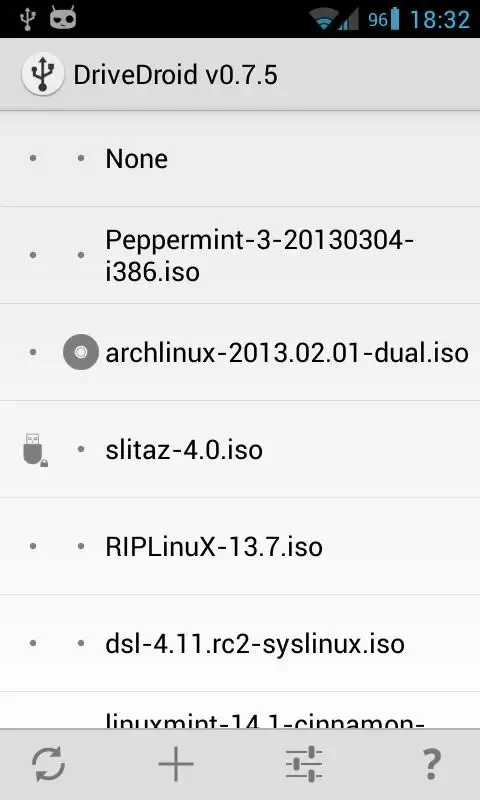
After selecting an ISO or IMG file within the app, the user connects the phone to the computer with a USB cable and configures the computer BIOS or boot menu to start from that USB connection. The app handles the exposure of the file so the computer treats the phone as an attached storage device. This process works for live Linux environments and recovery tools without first writing the image to physical media.
Which operating systems can be downloaded and used through the built-in library?
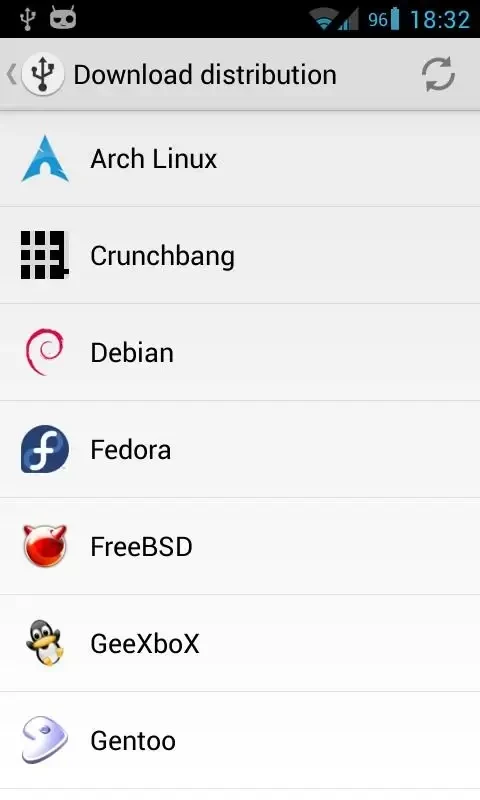
The application includes a directory that lets users browse and download images for approximately 35 Linux distributions, including Ubuntu, Fedora, Mint, openSUSE, and Arch. Downloaded files are stored directly on the phone for immediate use. The same mechanism also supports Windows installation media and hardware diagnostic tools when the appropriate ISO or IMG files are added manually.
What steps are involved in creating and managing custom blank images?
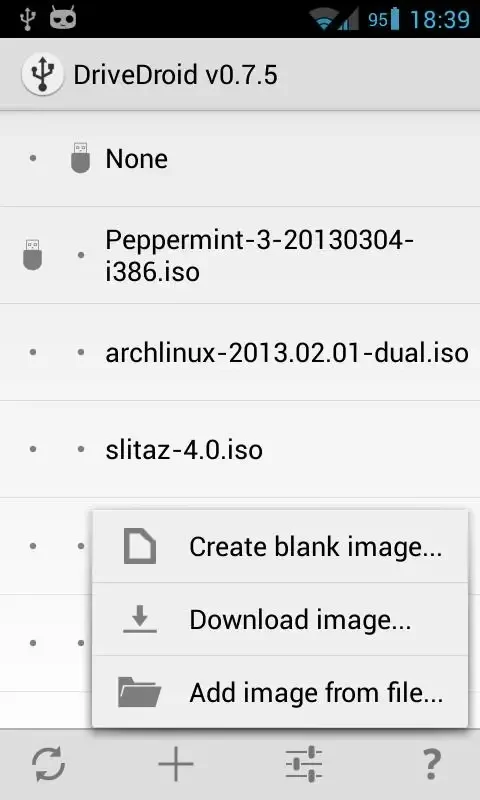
Users can generate a blank IMG file inside the app that functions like a standard USB flash drive. Once created, the file can be mounted on the computer to store other data or to receive images written by desktop tools. The app interface allows adding, removing, and deleting stored images, keeping all management on the device itself.
What device requirements and limitations affect successful operation?
Root access is necessary because the phone kernel must support USB drive emulation, and in some cases CD-ROM mode as well. Not every kernel provides both modes without additional patches, and some ISO files may require conversion before they boot correctly. Due to these kernel limitations, certain devices may fail to appear as a usable drive, and newer Android versions often encounter reduced compatibility after the app ceased active maintenance.
Who is most likely to find DriveDroid useful today?
The tool remains relevant for owners of older rooted phones who need occasional access to bootable Linux distributions or recovery environments. System administrators and Linux users working with compatible hardware can still benefit from carrying multiple images in one device, while users on recent Android releases should verify kernel support before relying on the app for critical tasks.
Version history
View all27 May 2026 · stable