

Free Fb Browser
Free Fb Browser provides four Facebook browsing modes, account switching, media downloads, and access to several social networks in one lightweight Android app. It also includes customization and privacy-focused controls described in the listing.
Screenshots
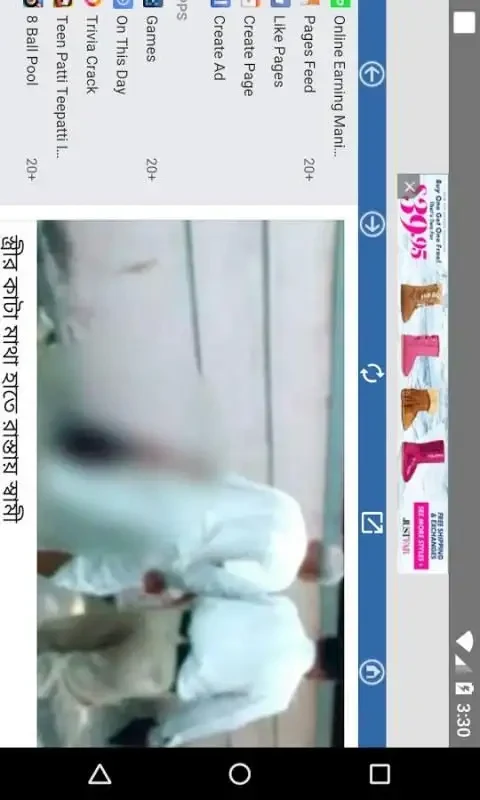
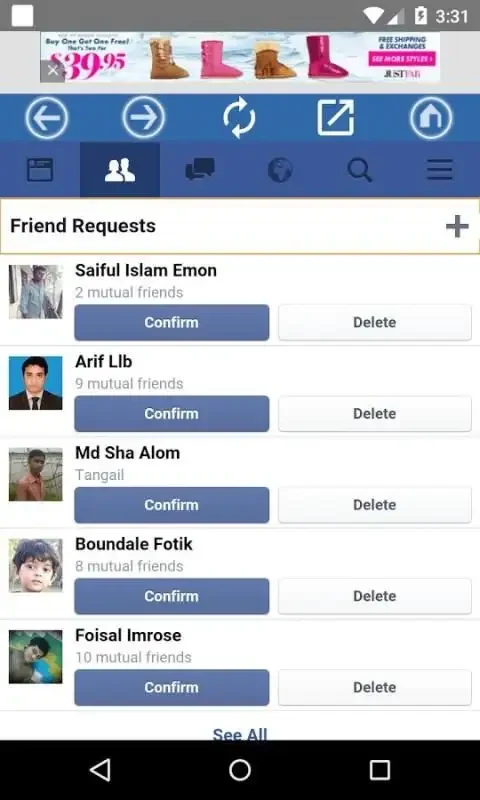
About this app
Overview
Free Fb Browser is an Android application for browsing Facebook through a choice of Desktop Mode, Mobile Mode, Basic Mobile Mode, and Free Mode. The different options are intended to suit varying browsing needs, including use on mobile networks. The listing describes the app as lightweight and designed to reduce storage, power, and data use. It also brings several social platforms together, supports switching between accounts, and offers settings for themes, energy saving, and notifications. Additional features include one-tap media downloads and privacy-focused browsing controls.
What You Can Do
⭐ Choose between Desktop Mode, Mobile Mode, Basic Mobile Mode, and Free Mode to select the Facebook browsing experience that fits your situation.
⭐ Switch between multiple Facebook and other social media accounts without managing each one through a separate app.
⭐ Browse Facebook content through an interface the listing describes as free from ad and tracker interference.
⭐ Download Facebook photos and videos with a single tap so you can save selected media on your device.
⭐ Open Facebook, Instagram, and Twitter from one app, providing a single access point for these social networks.
⭐ Adjust the experience with dynamic themes, energy-saving modes, and notification options.
Using the App
The app is organized around its four browsing modes, allowing you to change how Facebook is displayed rather than relying on one fixed layout. Its lightweight architecture is described as optimized for mobile networks, with the goal of limiting data, power, and storage use. Account switching is intended for people who maintain more than one social profile. The listing also mentions real-time notifications and a simple interface. For privacy controls, it describes tracker blocking and optional PIN or fingerprint locks for Facebook and other social media activity.
Why It May Appeal
✅ Multiple browsing modes make the app adaptable to desktop-style and mobile-oriented Facebook access.
✅ A single app can provide access to several social networks instead of requiring separate browsing tools for each service.
✅ Theme, notification, and energy-saving settings offer some control over how the app behaves.
✅ The listing emphasizes a small, resource-saving design, which may suit users concerned about storage and mobile data use.
Things to Consider
❎ The source lists higher memory usage as a drawback, even though the app is also described as lightweight and resource-saving.
❎ The privacy, tracker-blocking, and security features are claims made in the app listing; the source does not provide independent verification or technical details about how they work.
Version history
View all03 Jun 2026 · stable
Frequently asked questions
What is Free Fb Browser used for?
It is used to browse Facebook through Desktop, Mobile, Basic Mobile, and Free modes.
Can Free Fb Browser access other social networks?
The listing says it can provide access to Facebook, Instagram, and Twitter from one app.
Does the app support downloading Facebook media?
Yes. The source describes one-tap downloads for selected Facebook photos and videos.
Does Free Fb Browser support multiple accounts?
Yes. The listing describes account switching for multiple Facebook and other social media accounts.
What privacy controls are listed?
The source mentions tracker blocking and PIN or fingerprint locks, but it does not provide independent verification or technical details for these claims.