
House Design Plan 3D App
House Design Plan 3D App enables users to create floor plans, apply interior design tools, and view realistic 3D models for personal or professional projects.
Screenshots
About this app
Overview
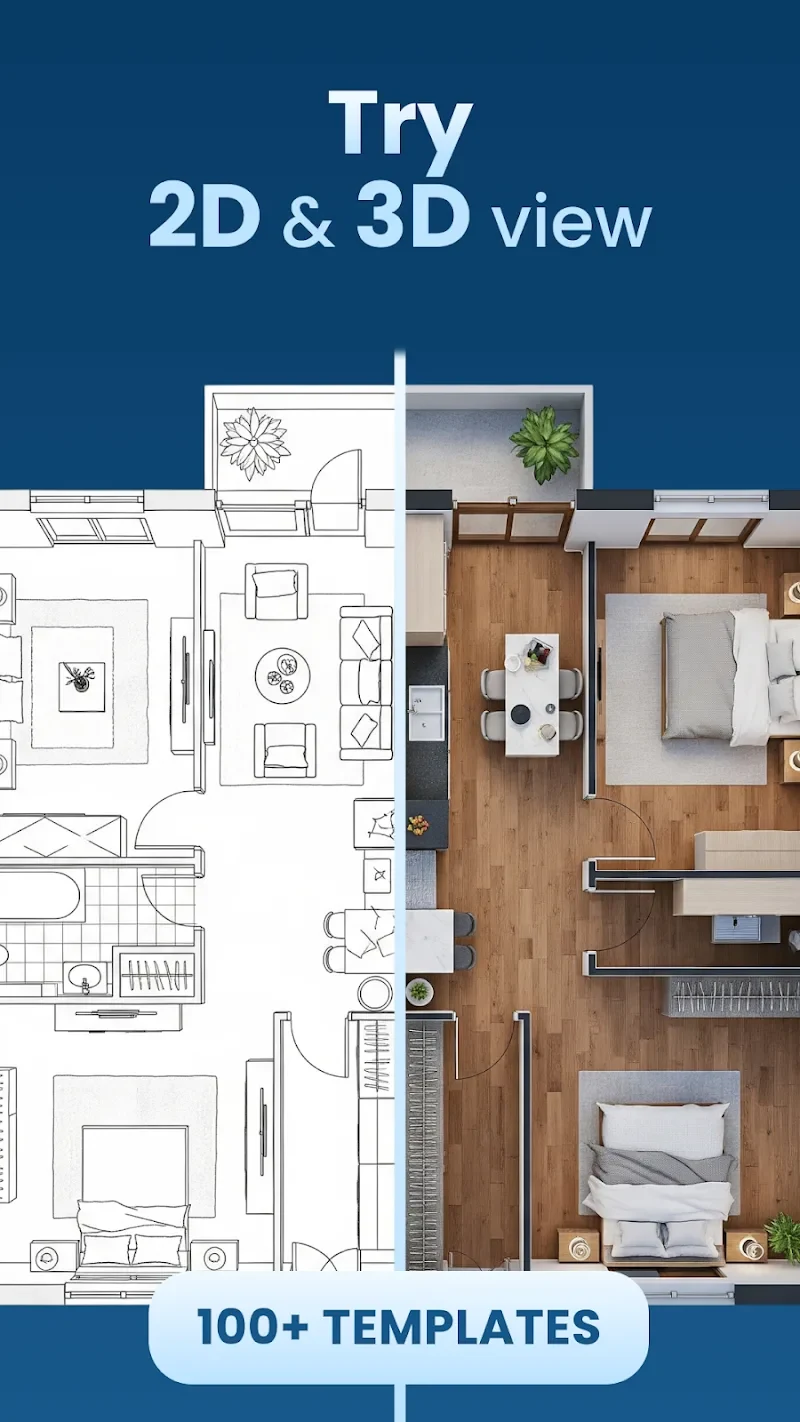
House Design Plan 3D App serves as a practical platform for house planning and design, enabling users to create architectural sketches and bring ideal homes to life through flexible layouts and room effects. It combines a drag-and-drop system for building floor plans with real-time 3D display that lets users observe every corner and rotate views to check details from multiple angles. The app includes a comprehensive interior design customization toolkit that supports millimeter-level precision when transforming 2D designs into 3D models. This approach delivers a more complete visual experience for residences, commercial spaces, or office buildings while remaining accessible to both beginners and those with professional experience.
What You Can Do
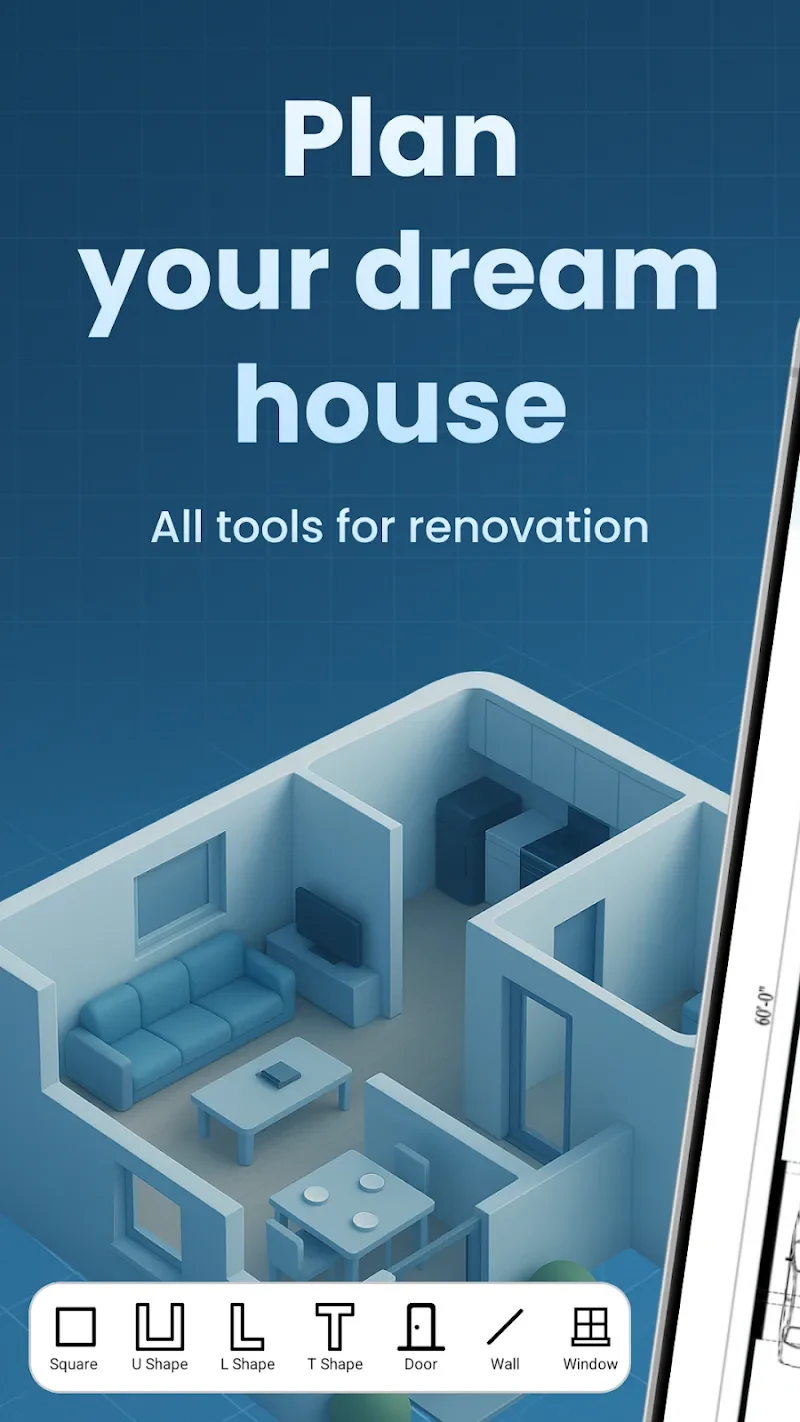
⭐ Users start with a flexible drag-and-drop system to build floor plans and then switch to real-time 3D display to inspect every corner by rotating the view.
⭐ The interior design customization toolkit allows millimeter-level adjustments when adding details and transforming 2D layouts into full 3D models.
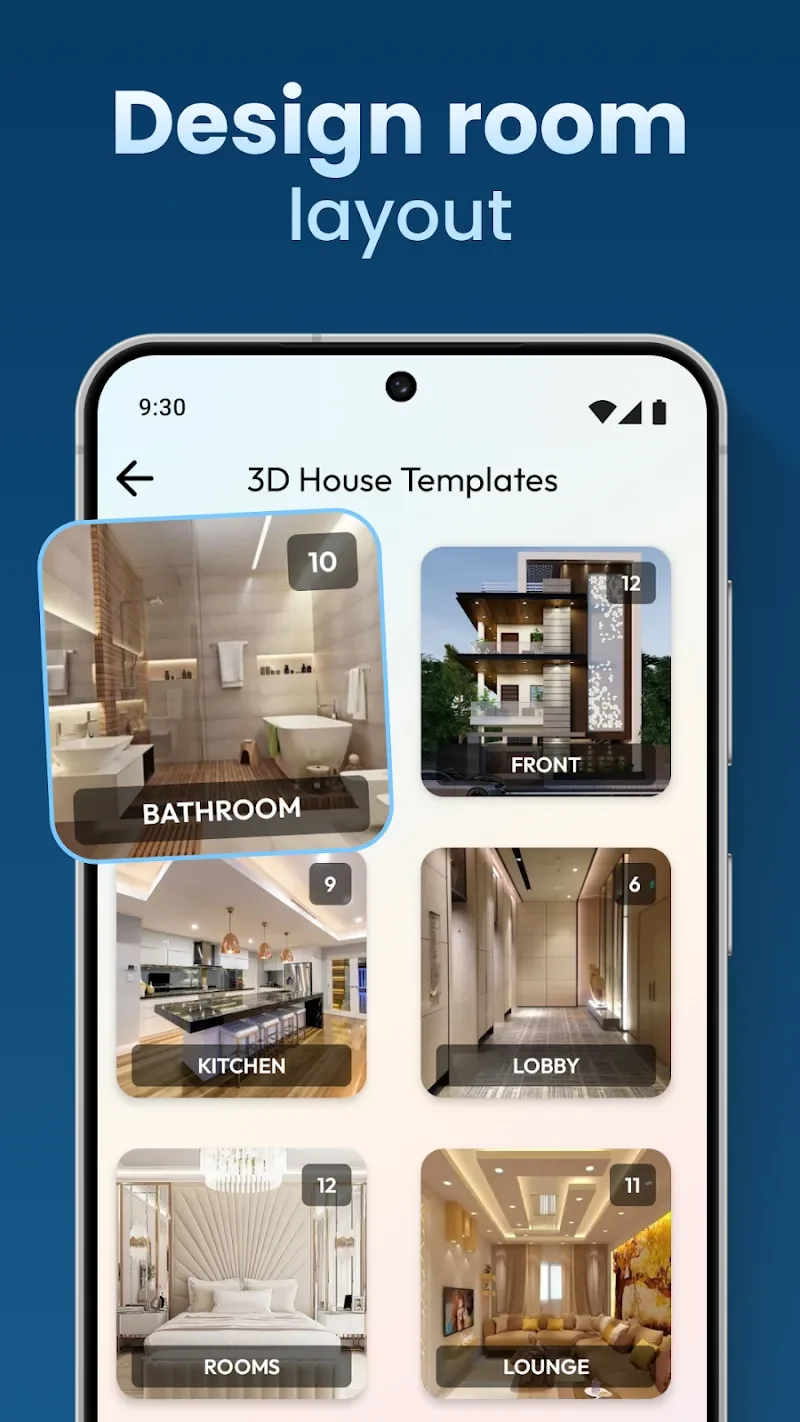
⭐ Multiple templates provide quick starting points for different house types and interior styles, reducing setup time for new projects.
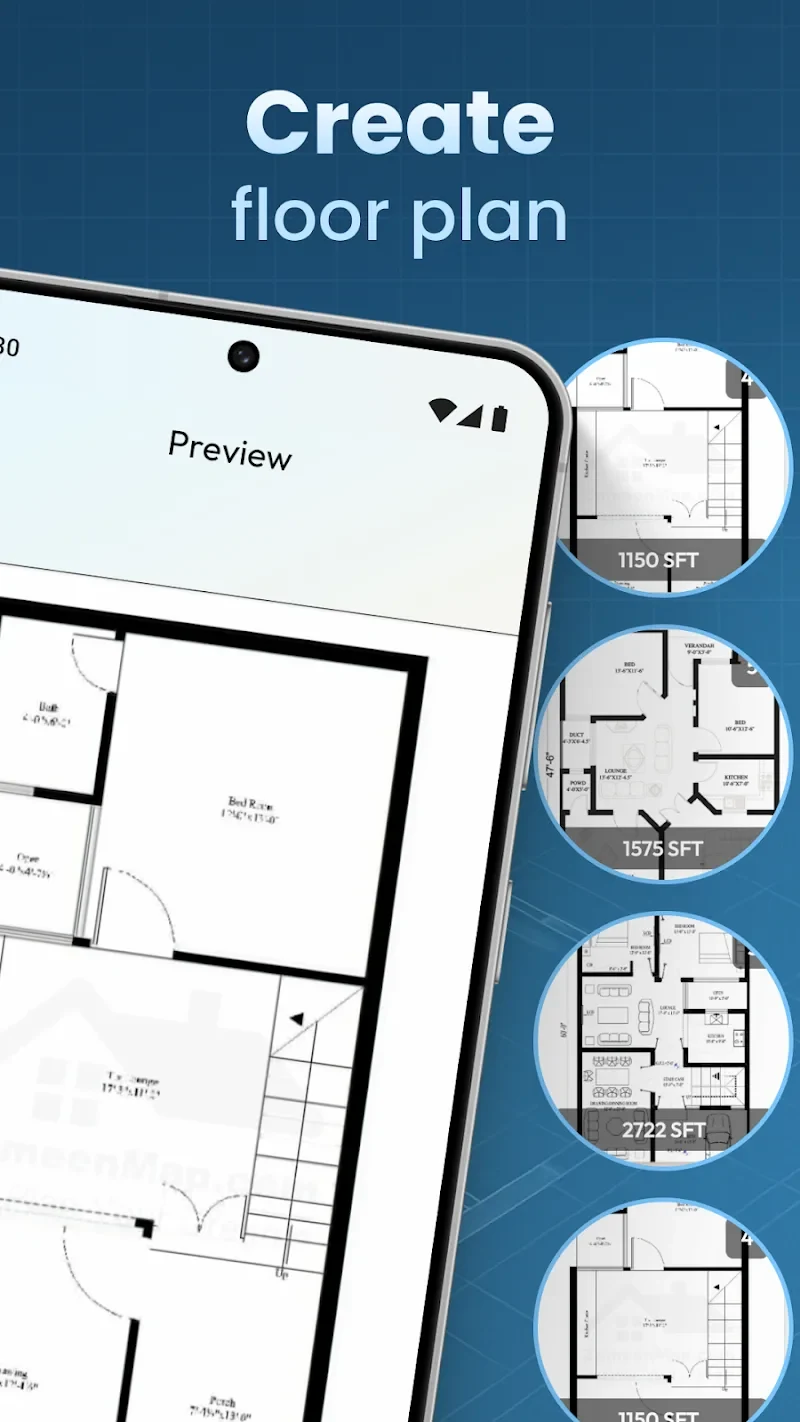
⭐ Blueprint creation tools generate detailed plans that can be refined with additional customization options for floor plans and decorations.
⭐ Designs can be saved and shared directly, supporting collaboration or presentation of completed work.
⭐ The ad-free MOD version removes interruptions, allowing continuous focus during extended design sessions.
Using the App
The workflow begins with selecting a template or starting a blank plan, followed by dragging elements into position on the 2D canvas. Users then activate the 3D view to examine spatial relationships, rotating the model repeatedly to verify that added details remain reasonable. The interface supports both quick template-based starts and deeper customization through the toolkit, with changes reflected instantly in the 3D display. Performance remains responsive during these operations, and saved files can be reopened for further edits or shared without additional steps.
Why It May Appeal
✅ The combination of 2D blueprint tools and real-time 3D visualization helps users evaluate designs more thoroughly than flat drawings alone.
✅ A user-friendly interface accommodates both beginners exploring floor plans for the first time and professionals handling detailed projects.
✅ Ad-free operation in the MOD version supports uninterrupted sessions, which users note improves efficiency when iterating on complex layouts.
Things to Consider
❎ Some users report that creating fully original drawings from scratch can feel less straightforward than working with existing templates or basic shapes.
❎ Judging whether added details are spatially reasonable still requires manual rotation and inspection, as the app does not automatically flag potential issues.
Version history
View all03 Jun 2026 · stable
Frequently asked questions
Can I use this app for professional projects?
It's suitable for both personal and professional use.
Is this app completely ad-free?
Yes, the MOD version of the app is ad-free.
What types of templates are available?
The app offers a variety of templates suitable for different types of houses and interior designs.
Can I save and share my design?
You can save your design and share it with others.
Is this app easy for beginners?
Yes, this app is designed to be user-friendly for both beginners and professionals.