
Korean Keyboard with English
Korean Keyboard with English supports typing in Korean and English, with voice input, swipe typing, and tools such as a personal dictionary and text suggestions. Its customization options include fonts, themes, key sounds, vibration, and a photo background.
Screenshots


About this app
Korean Keyboard with English is an Android keyboard for composing text in Korean and English. It combines language switching with voice input, typing assistance, and appearance controls for messages, emails, and documents.
Which languages and typing methods does it support?
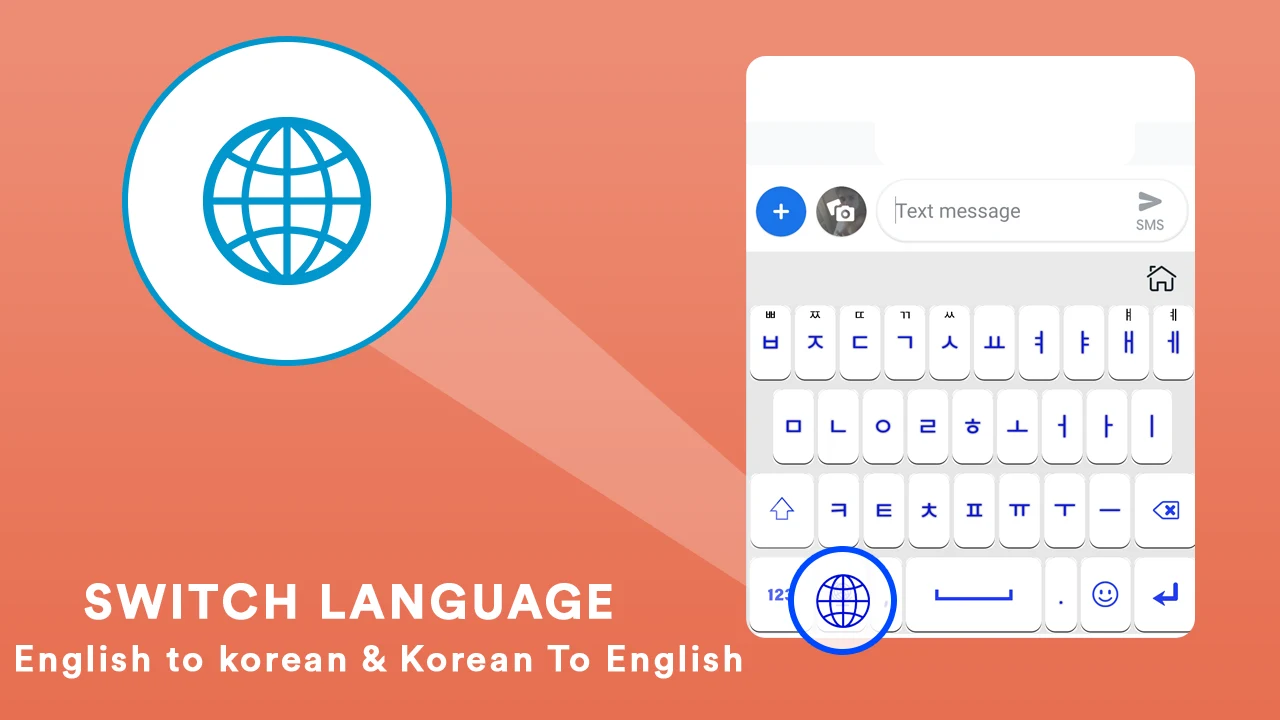
The keyboard supports both Korean and English, and includes a phonetic keyboard option for Korean. Users can type by tapping keys or swiping across the screen. Voice input is also available: holding the voice-input key lets the app recognize speech and convert it to text.
What tools can help with frequent or accurate typing?
Auto-correction and autosuggestions are included to assist with text entry. A dictionary lets users save frequently used words, which can be useful when typing Korean vocabulary they use often. The app also lists 2,000 emoji, cute emoticons, stylish stickers, and GIFs among its supported content.
Can the keyboard’s appearance and typing feedback be changed?
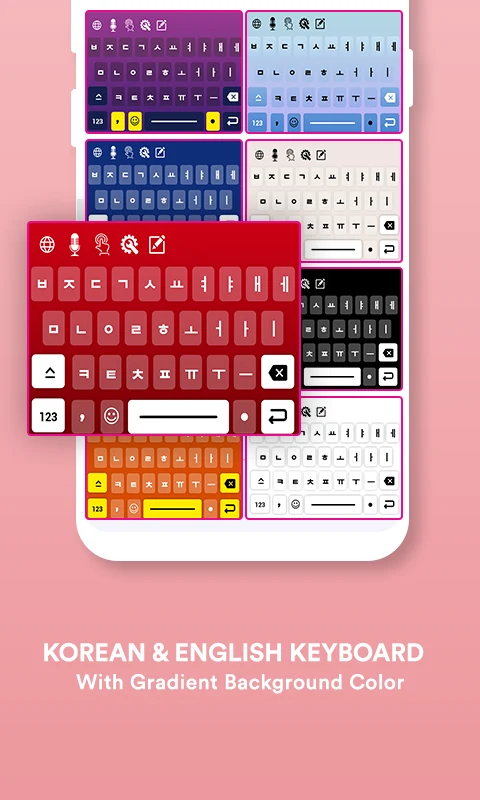
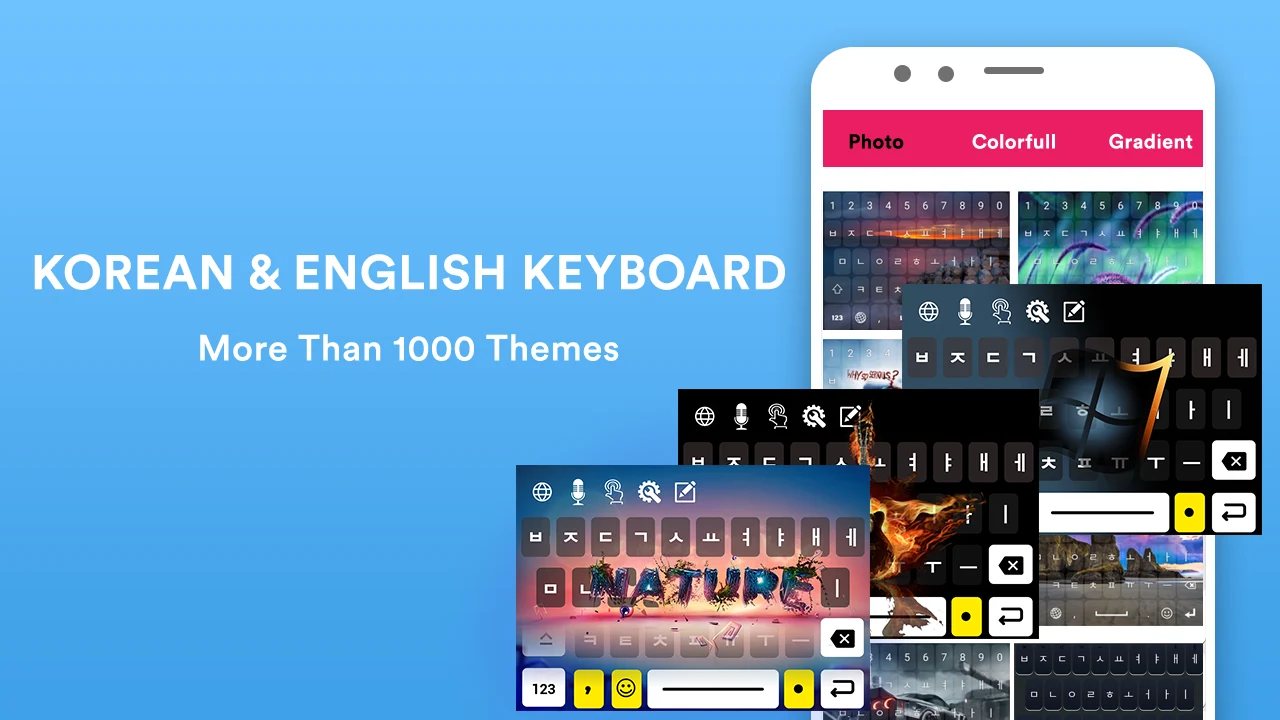
Customization options include different Korean font styles, custom and gradient themes, and the option to use a personal photo as the keyboard background. Users can also choose among key sounds and adjust vibration options, changing the keyboard’s visual presentation and typing feedback.
Which version details are provided?
The supplied listing identifies version 1.2.5, dated June 26, 2024. Its version notes mention minor bug fixes and performance improvements. These are the details provided for that version; they do not establish what may be included in later releases.
Version history
View all12 Aug 2025 · stable