

MintAI
MintAI is an Android photo editing app for restoring, enhancing, colorizing, and creatively transforming images. It combines one-click AI processing with manual lighting controls and basic editing tools.
Screenshots
About this app
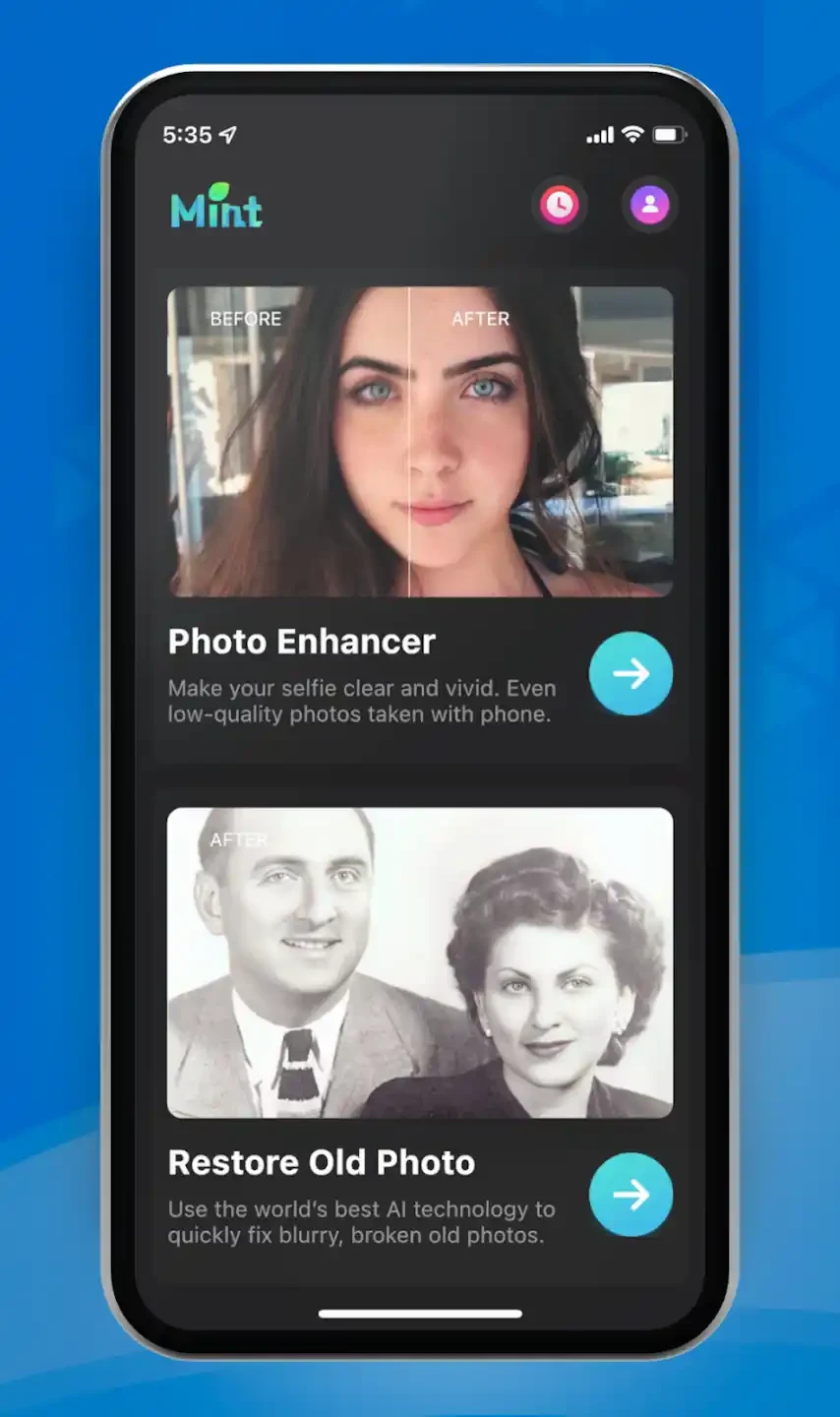
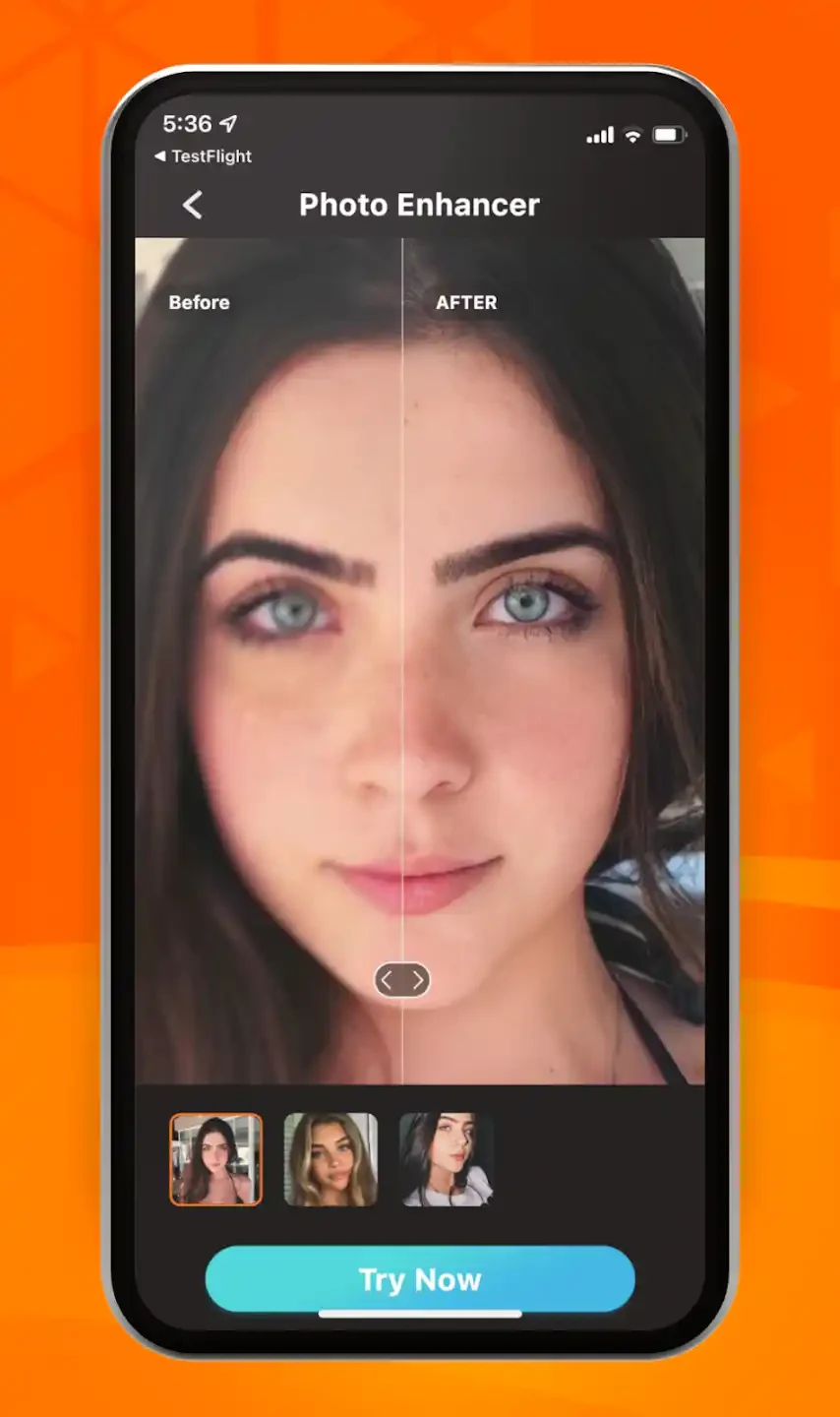
MintAI is an AI-powered mobile image processing and editing app focused on restoring, enhancing, and creatively transforming photos. It can improve the quality and clarity of blurry images, repair old photographs, add color to black-and-white pictures, and convert images into drawings, comics, or artistic paintings. The app also includes selfie beautification, hairstyle matching, filters, cropping, text addition, and color adjustment. Its clearest benefit is that many enhancement tasks can begin with one click, making image improvement accessible without specialist photo-editing knowledge.
Can MintAI restore damaged or low-quality photos?
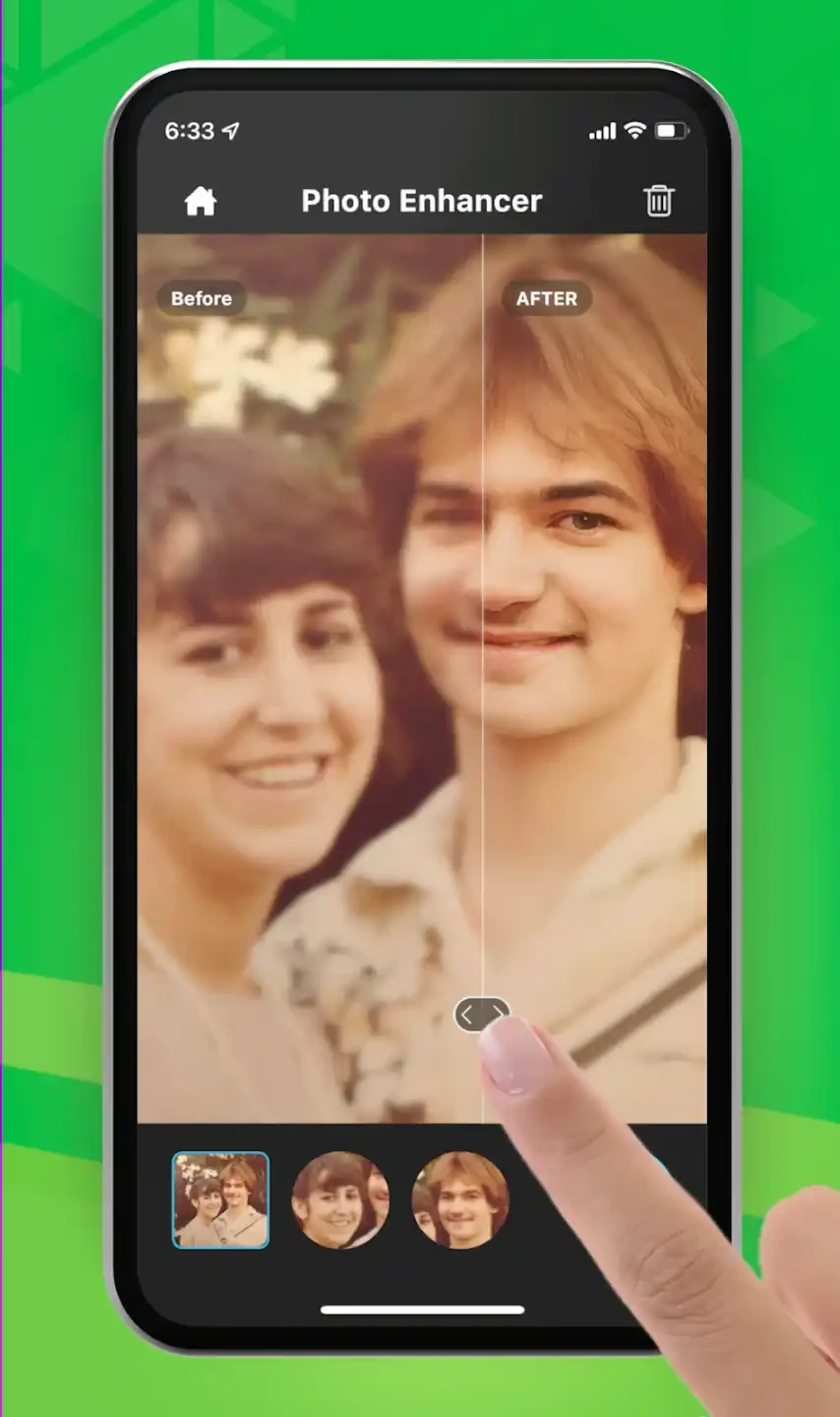
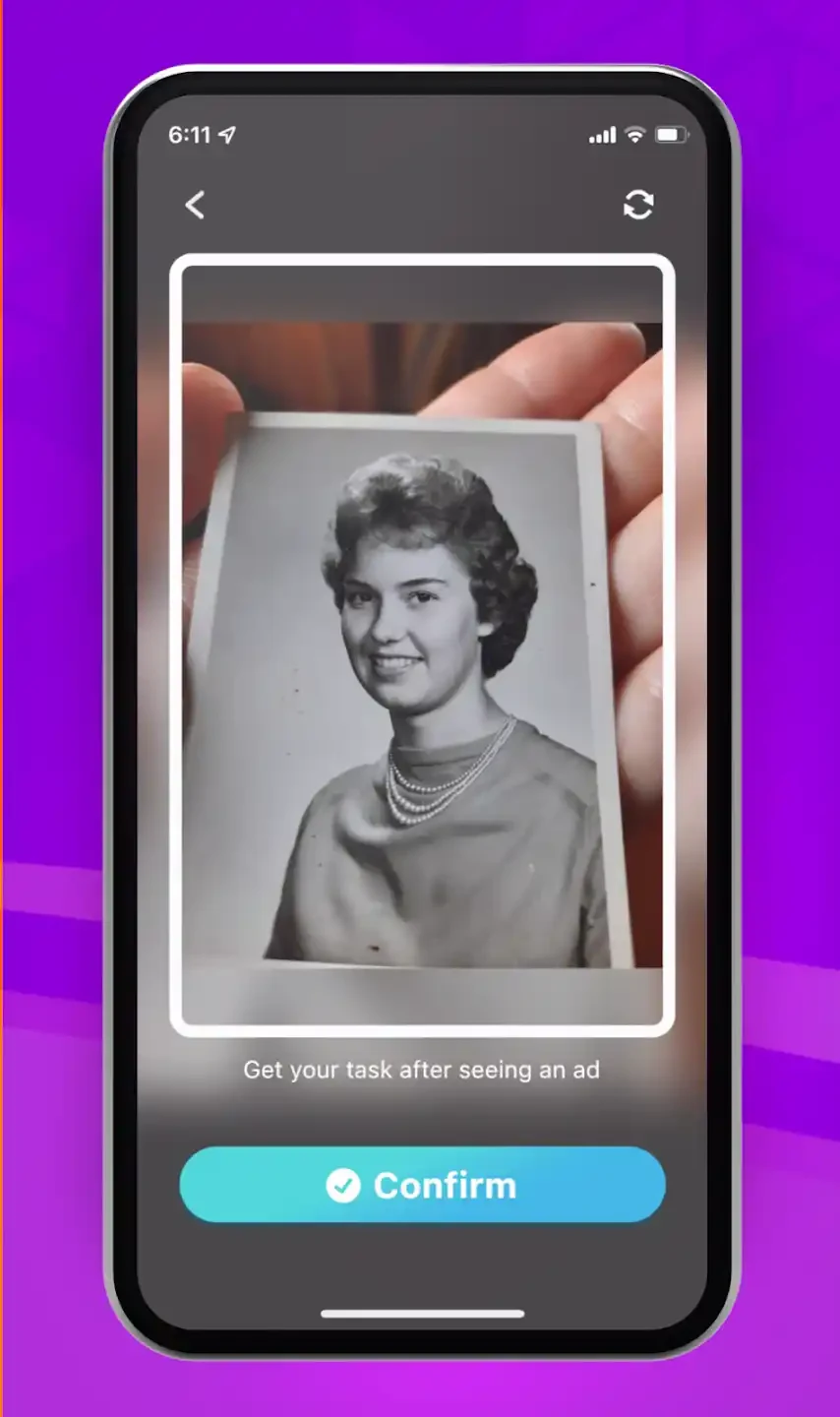
MintAI is designed to work with several common photo restoration tasks. It can enhance the quality and clarity of blurry photos, restore old images, and repair visible scratches and folds. These functions are intended to help users refresh photographs that have become difficult to view or that show signs of age.
The app can also colorize black-and-white photos. Users can select areas of an old image to color, after which the AI handles the remaining process automatically. Brightness can be adjusted as part of this work, helping users emphasize the main subject or make the restored image appear more vivid.
How much control does the app provide over image improvements?
MintAI supports automatic lighting adjustment to address photos that are too dark or do not show their subject clearly. Users can start the improvement process with one click instead of manually changing every lighting setting. For people who want more control, manual lighting adjustments are also available, allowing an image to be made brighter or its main subject to be emphasized.
The app provides a side-by-side comparison of results, so users can view the original and processed versions together. Alongside its AI tools, it includes basic editing functions such as filters, cropping, text addition, and color adjustment. These tools provide simple finishing changes, although the source describes the advanced editing options as limited.
Can MintAI create artistic versions of photos?
Beyond restoration, MintAI can transform ordinary images into drawings or comics and apply artistic painting effects. The listed styles include American comic book and oil painting transformations. This gives users a way to use the same photo for both practical improvement and creative image making.
The app also includes selfie beautification and hairstyle matching. After processing, images can be shared directly to social media platforms. These functions make MintAI suitable for users who want to improve personal photos, experiment with visual styles, or prepare an image for sharing without moving between several separate tools.
Is MintAI simple to use, and what limitations should users know?
MintAI is presented with a user-friendly interface in which the tools and features are organized for easy access. Its one-click intelligent beautification and automatic processing are intended to reduce the need for technical or photo-editing expertise. The app is described as free to use, but frequent advertisements may interrupt the editing workflow.
Image processing requires an internet connection, so the app is not suited to workflows that need offline enhancement. It also does not provide batch processing, meaning the source does not describe a way to process multiple photos together. Users looking for extensive advanced editing controls may find the feature set narrower than that of a dedicated professional editor. Overall, MintAI may be useful for Android users who want straightforward AI-assisted restoration, colorization, lighting adjustment, artistic effects, and basic edits in one mobile app.
Version history
View all26 May 2026 · stable