

Monefy Pro
Monefy Pro lets Android users record income and expenses quickly by hand, then review spending through charts and lists while keeping all data private on the device or chosen cloud storage.
Screenshots
About this app
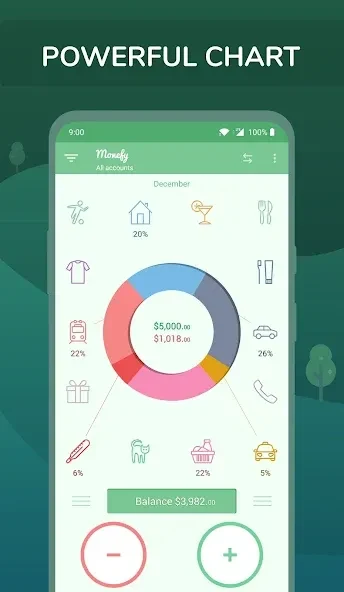
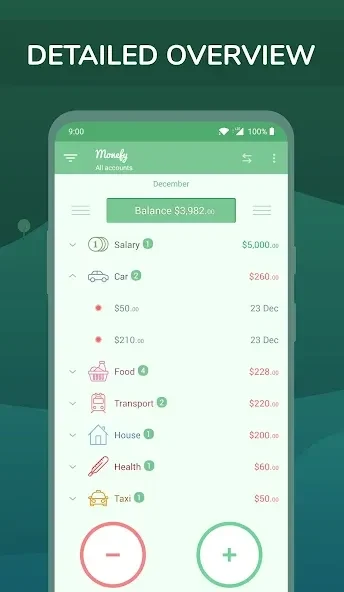
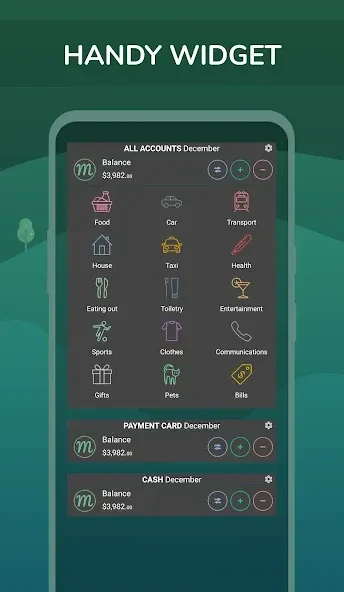
Monefy Pro helps Android users monitor personal finances by logging income and expenses manually without any bank account connection. This method keeps financial data private and lets people enter purchases in just a couple of taps through a clean interface. The app shows spending distribution on charts or in a detailed records list so users can spot patterns and reduce overspending. It supports multiple accounts, custom categories, and more than 150 currencies while running on Android 4.0 and newer devices. Widgets display key figures on the lock screen, and the tool offers budget mode along with one-click backup and export of statistical reports. Because entry stays manual, the process works offline for basic tracking and requires only consistent use to produce useful monthly overviews.
Recording Transactions Quickly
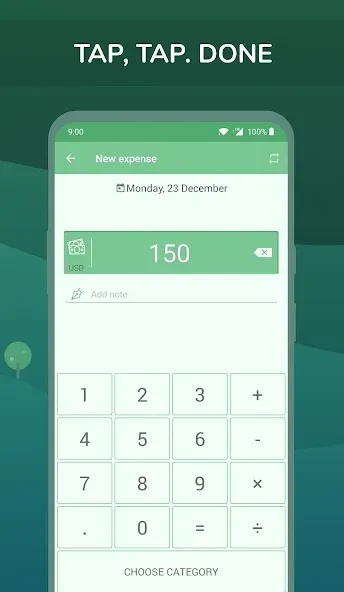
Users add new records through an interface designed without extra steps or clutter. The same screen supports fast selection of amount, category, and account, after which the entry appears immediately in the list and updates any open widgets. Default categories can be edited or replaced entirely when they do not match actual spending habits, keeping the system aligned with individual needs over time.
Reviewing Spending Patterns
Charts display how money is distributed across categories for any chosen report period. Switching to the records list reveals individual transactions with dates and notes for deeper review. These two views work together so a user can first see the overall picture on a chart and then examine specific entries when a category appears larger than expected.
Syncing Data and Protecting Privacy
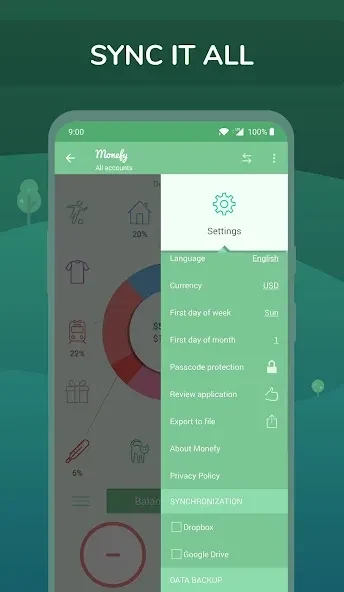
Backup and export happen in one tap, while synchronization uses the user’s own Dropbox account to keep records current across devices. No automatic bank connection is involved; statements can be imported manually if desired. An optional passcode adds protection for the local data, and the same sync method also works when sharing a budget with another person on a different phone.
Using Budget Mode and Multiple Accounts
Budget mode lets users set limits for selected categories and track progress within the chosen period. Separate accounts can be maintained for different purposes such as household expenses or personal spending, with transfers recorded between them. All of these functions rely on the same manual-entry flow, so the budget and account balances update instantly once a transaction is saved.
Version history
View all10 Sep 2026 · stable
Frequently asked questions
What is Monefy Pro and how does it work?
Monefy Pro is a lightning-fast expense-tracking app that lets you record any purchase in two taps and see where your money goes instantly.
Is Monefy Pro safe to use with my financial data?
Yes — all data stays on your device or in your own Google Drive / Dropbox; optional passcode & biometric locks add an extra layer of protection.
Can I sync Monefy Pro across multiple phones?
Absolutely. Use the built-in Google Drive or Dropbox sync to keep budgets updated on every device you own (or share with a partner). This also works across iOS and Android devices.
Does Monefy Pro connect to my bank automatically?
Monefy Pro focuses on simplicity, speed and privacy — you can import statements manually or add expenses in seconds, no bank login required.
Which currencies and languages does Monefy Pro support?
150+ currencies and 25+ languages — so you can budget in your home currency wherever you live.