

MuseScore Songbook
MuseScore Songbook helps musicians find, view, listen to, and practice sheet music for many instruments. It includes score customization, playback controls, offline storage, and access to community-shared music.
Screenshots
About this app
MuseScore Songbook is a music score app for finding and practicing sheet music on Android. Its search engine helps you locate scores for many instruments, choose the part you want to play, and display it in the app. You can browse a large collection after setting up your profile, listen to scores, adjust playback, and save sheet music for offline use. The app is intended for learners and musicians at different levels, from beginners studying fundamentals to advanced players working on technique, theory, composition, and aural skills.
How do you find and prepare a score for your instrument?
Start by selecting the instrument whose scores you want to view. Numerous instrument options are available, and you can change your selection later. The search engine helps you find scores that match your needs, while the online collection can be browsed by swiping through the available sheet music.
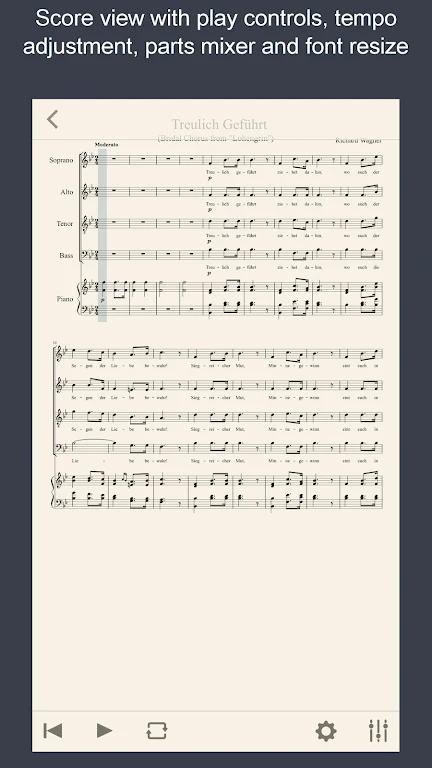
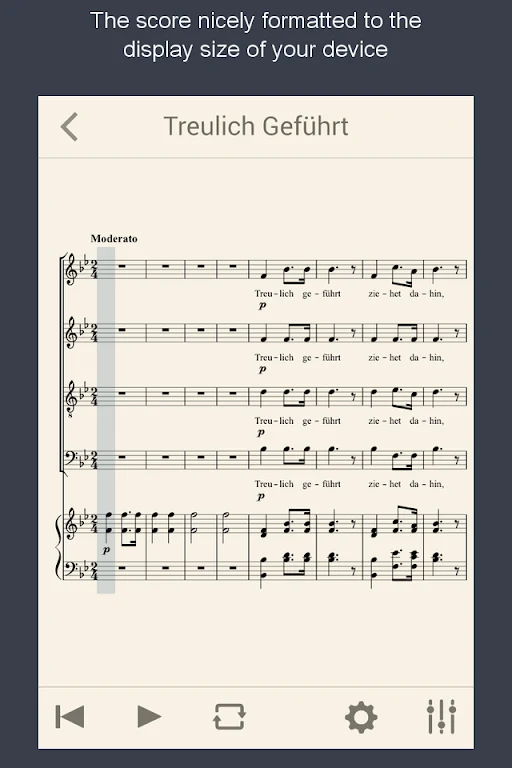
MuseScore Songbook lets you select the voice to display and the voice to play. It can preserve the original sheet music layout, while staff size adjustment can make the displayed score more suitable for your reading preferences.
Can the app help with playback and practice?
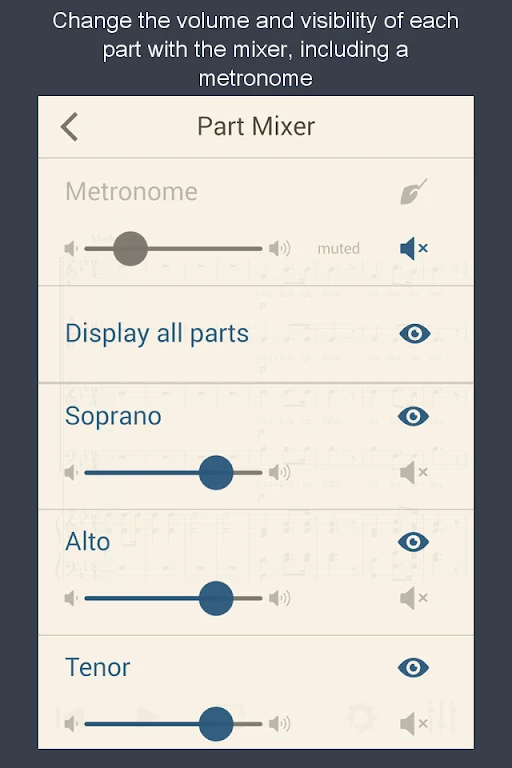
You can listen to sheet music and use multitrack playback with volume control. The tempo can be adjusted in real time, and a metronome with its own volume control is available for practice. Melodies and chord symbols can also be transposed, which is useful when a piece needs to be played in another key.
For hands-free page turning, the app is compatible with an Airturn Bluetooth page turner. These controls give users ways to follow a score, isolate or balance parts, and adapt playback while practicing.
Can you use scores without an internet connection?
Community-shared sheet music is available online, and selected scores can be downloaded to the app's built-in library for offline use. The app can also open MuseScore files in the .mscz format from Dropbox, email, or a browser, extending the types of scores you can bring into the songbook.
What can beginners and experienced musicians study?
The learning material covers playing techniques for instruments including piano, guitar, violin, and trombone, as well as other instruments. The source material describes lessons with world-class music instructors and includes music theory, composition, and aural training.
Because the content is described as covering beginner through advanced levels, MuseScore Songbook may suit someone starting an instrument as well as a more experienced musician who wants searchable scores, adjustable playback, or a stored practice library. The available features focus on reading, listening to, organizing, and practicing sheet music rather than on a single instrument or skill level.
Version history
View all29 May 2026 · stable
Frequently asked questions
How much storage space does MuseScore Songbook need?
The installation package is listed as 28.1 MB. The source recommends reserving an additional 100–500 MB for updates and cache management.
Which Android version is required?
MuseScore Songbook is listed as requiring Android 4.1 or higher. The source also states that an older version may be available for devices that do not meet this requirement.
What can cause a download or installation to fail?
The listed causes include insufficient storage space, device incompatibility, and a poor network connection.