

Polycam - 3D Scanner
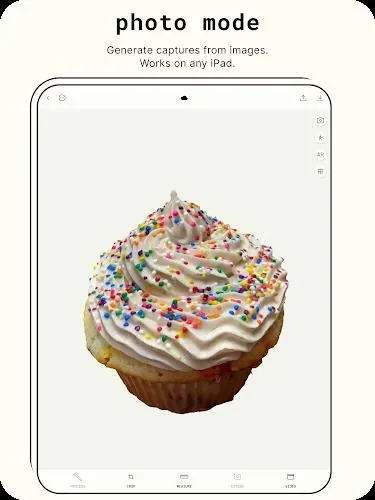
PolycamPolycam - 3D Scanner turns photos of objects and scenes into 3D models with Photo Mode. It also supports sharing captures through Polycam Web and offers export formats through Polycam Pro.
Screenshots
About this app
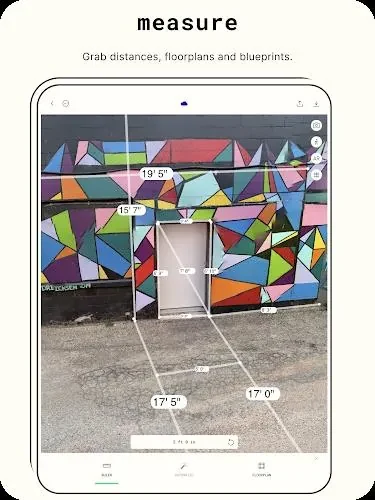
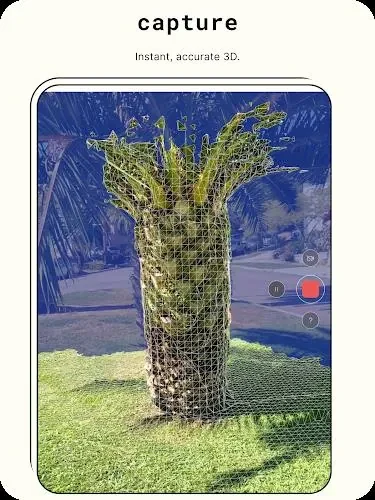
Polycam - 3D Scanner uses photogrammetry to turn photos taken with an Android device into 3D models of objects, scenes, and landscapes. Its Photo Mode is designed to create detailed assets from multiple views, giving users a way to capture subjects without a dedicated 3D scanner. The app also supports exporting models for use in computer graphics applications, with additional mesh and data export options available through Polycam Pro. Captures can be shared and explored through Polycam Web, making the app relevant to people who want to create, use, or share 3D scans.
How does Photo Mode create a 3D model?
Photo Mode uses photogrammetry to generate a model from pictures of an object or scene. Taking multiple photos from different perspectives helps record more of the subject’s angles, while varied lighting and camera positions can affect the capture. The source also advises using a stable surface or tripod to reduce movement and blur in the photos.
What can you do with the exported files?
Polycam Pro can export mesh data in .obj, .dae, .fbx, .stl, and .gltf formats. It also supports color point cloud data and blueprints in various image formats. These options may suit different project needs, including graphic design or 3D printing; the source does not specify which formats are available outside Polycam Pro.
Can you share captures with other people?
Polycam Web lets users share captures with friends and the Polycam community, as well as explore captures from other users around the world. This adds a way to view and exchange scans beyond using them as assets in computer graphics applications.
Who may find this app useful?
The app may fit people who want to make 3D models from photos of objects, places, or landscapes, especially when their projects call for exporting models into other graphics workflows. Its capture tips also point to practical considerations: use multiple angles, pay attention to lighting, and keep the camera steady. Users seeking particular mesh formats should note that the listed export options are described as Polycam Pro features.
Version history
View all09 Oct 2024 · stable