
Remote Control for LG TV
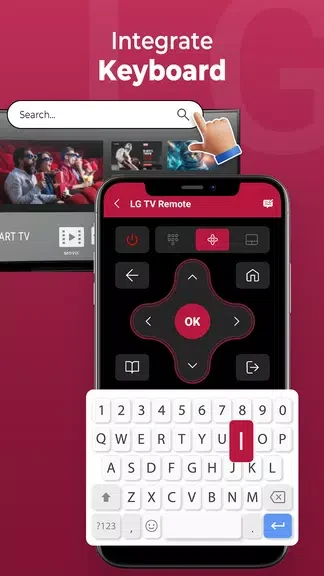
EVOLLY.APPRemote Control for LG TV provides an Android interface for controlling an LG TV, with a virtual keyboard, channel list, and Wi-Fi or IR connection options. Wi-Fi setup requires the phone and TV to share a network.
Screenshots
About this app
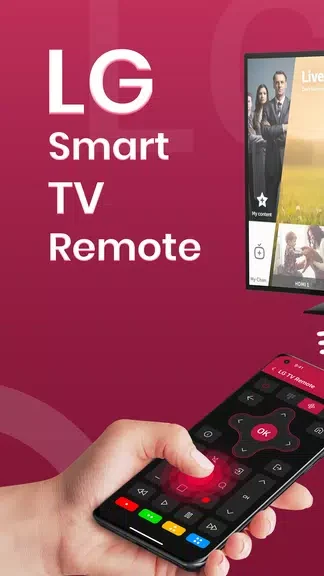
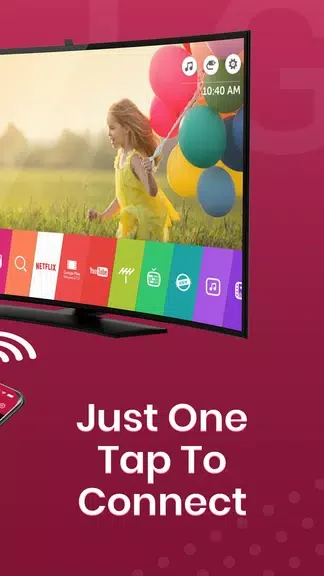
Remote Control for LG TV lets you use an Android device to control an LG TV, offering an alternative when a physical remote is misplaced or damaged. Its interface brings several everyday interactions together: you can enter text with a virtual keyboard, view the TV’s channel list, and change channels from the app. Connection can be made over Wi-Fi or IR, giving users more than one method to link the phone and television. For Wi-Fi setup, the app’s instructions explain the connection steps, and the Android device and TV need to be on the same network.
Text entry and channel access
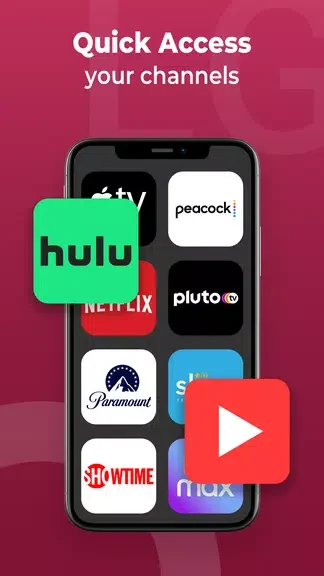
The virtual keyboard is intended for typing on an LG smart TV, while the channel list provides a way to browse available channels and select one directly in the app. These tools extend control beyond navigating with a basic on-screen remote: text entry and channel selection are handled from the Android device. The source does not specify further keyboard functions or additional channel-management options.
Choosing a connection method
The app supports both Wi-Fi and infrared connectivity. To connect over Wi-Fi, place the Android device and LG TV on the same Wi-Fi network, then follow the steps shown in the app. IR is another supported option; if the phone does not have an IR feature, the source says Wi-Fi can be used instead. The material does not provide further details about which TV models or network configurations are supported.
Using it in place of a physical remote
The app is presented as a replacement option for a lost or broken LG TV remote. Its listed controls include the virtual keyboard and channel list, alongside the Wi-Fi and IR connection choices. The source describes the app as free, but does not detail every function available compared with a physical remote. Its usefulness therefore centers on the specific control and connection features described here.
Version history
View all01 Nov 2024 · stable
Frequently asked questions
How do I connect the app to my LG TV over Wi-Fi?
Make sure the Android device and LG TV are on the same Wi-Fi network, then follow the connection steps provided in the app.
Does my Android device need IR to use the app?
No. The app can also connect over Wi-Fi if the phone does not have an IR feature.
Can the app replace a lost or broken remote?
The app is described as a replacement option for a lost or broken LG TV remote.