

Sentio Desktop
Sentio Desktop is an Android app that changes the phone's display into a landscape, desktop-style environment with a taskbar, menus, windows, and a File Explorer. The listing describes it as a way to multitask and manage files in a layout that resembles a traditional computer.
Screenshots
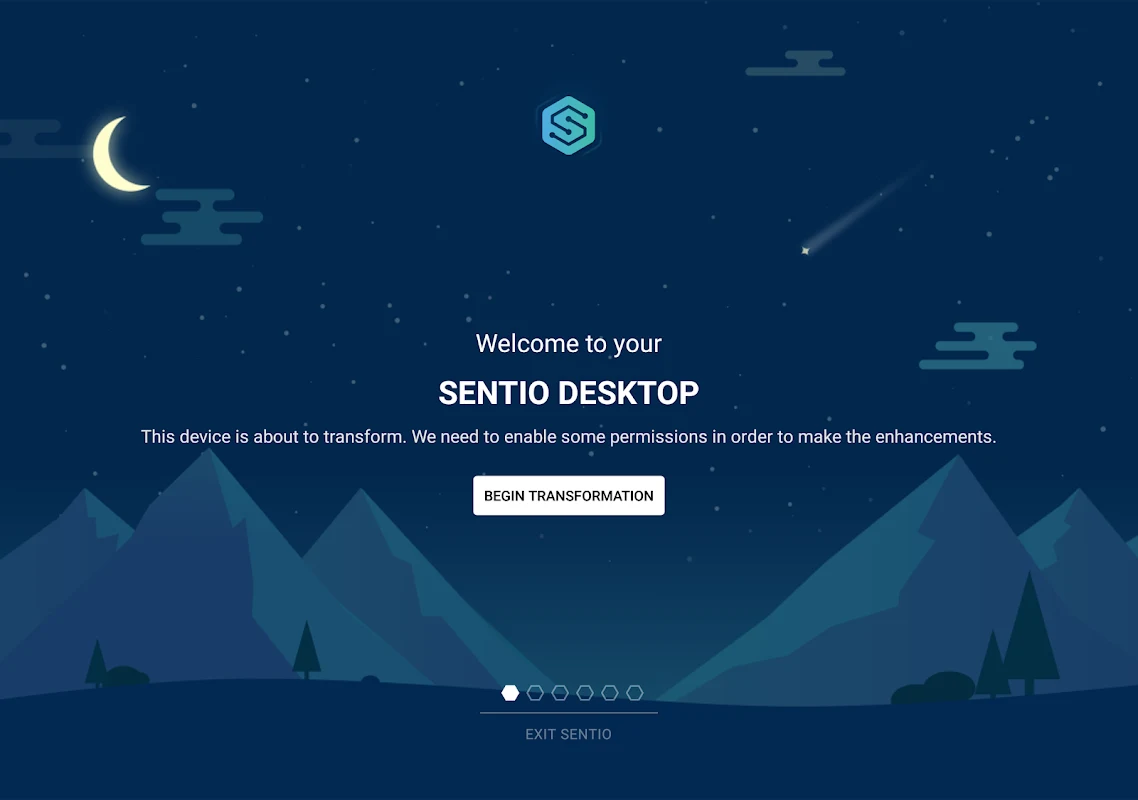
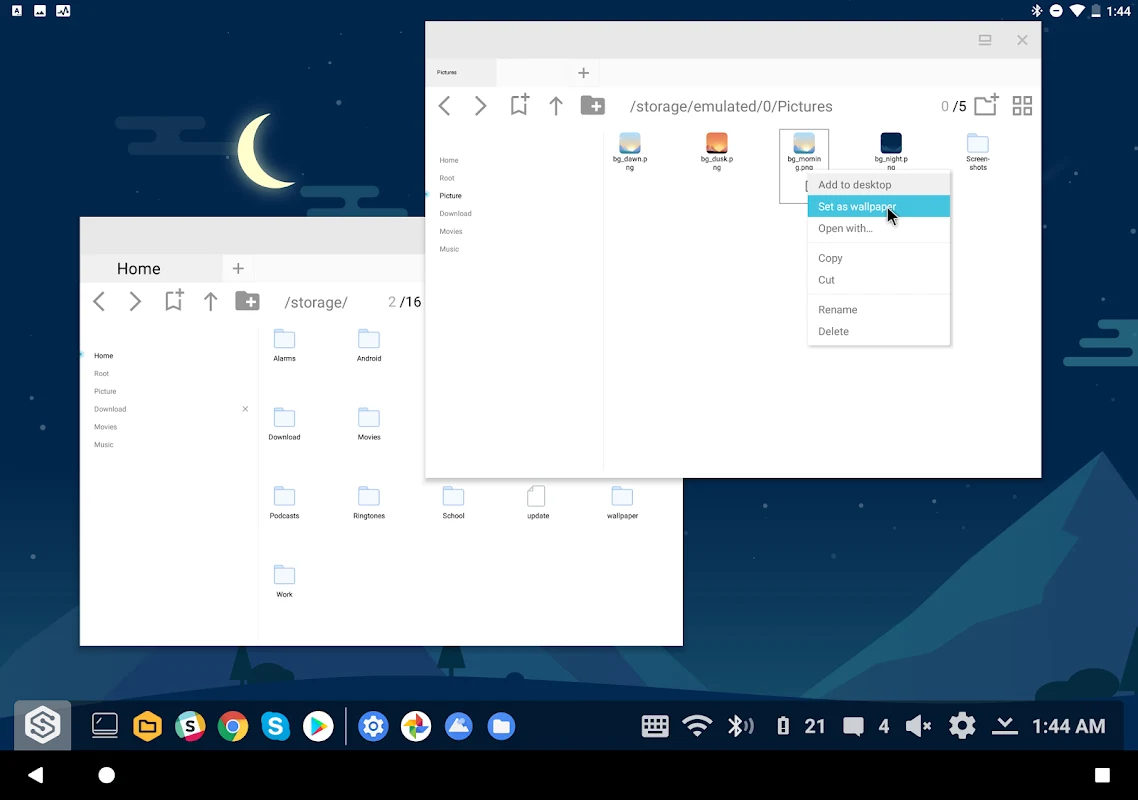
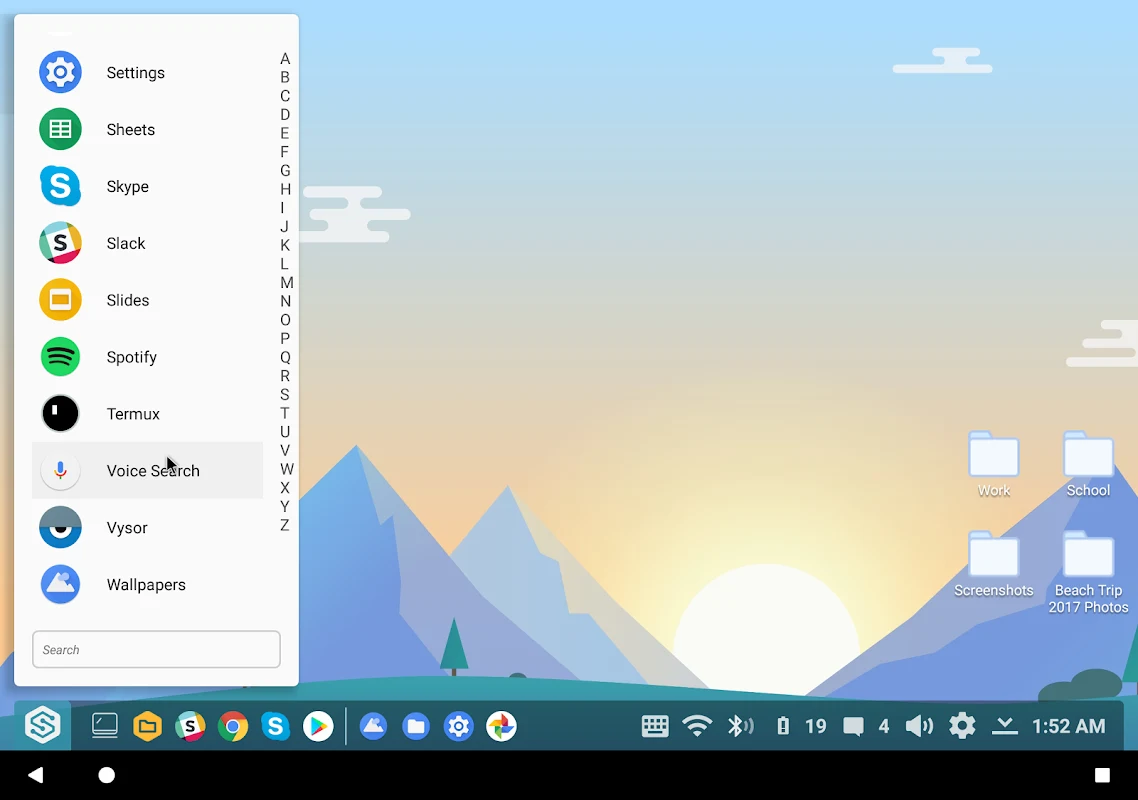
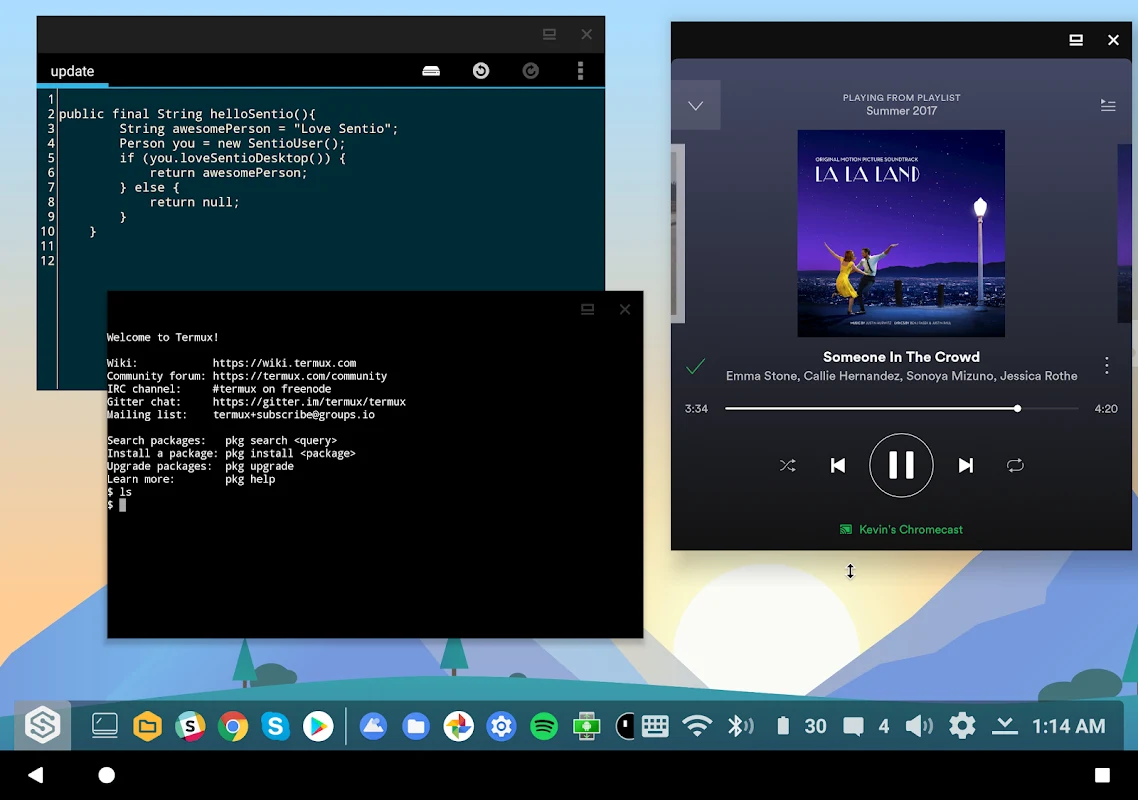
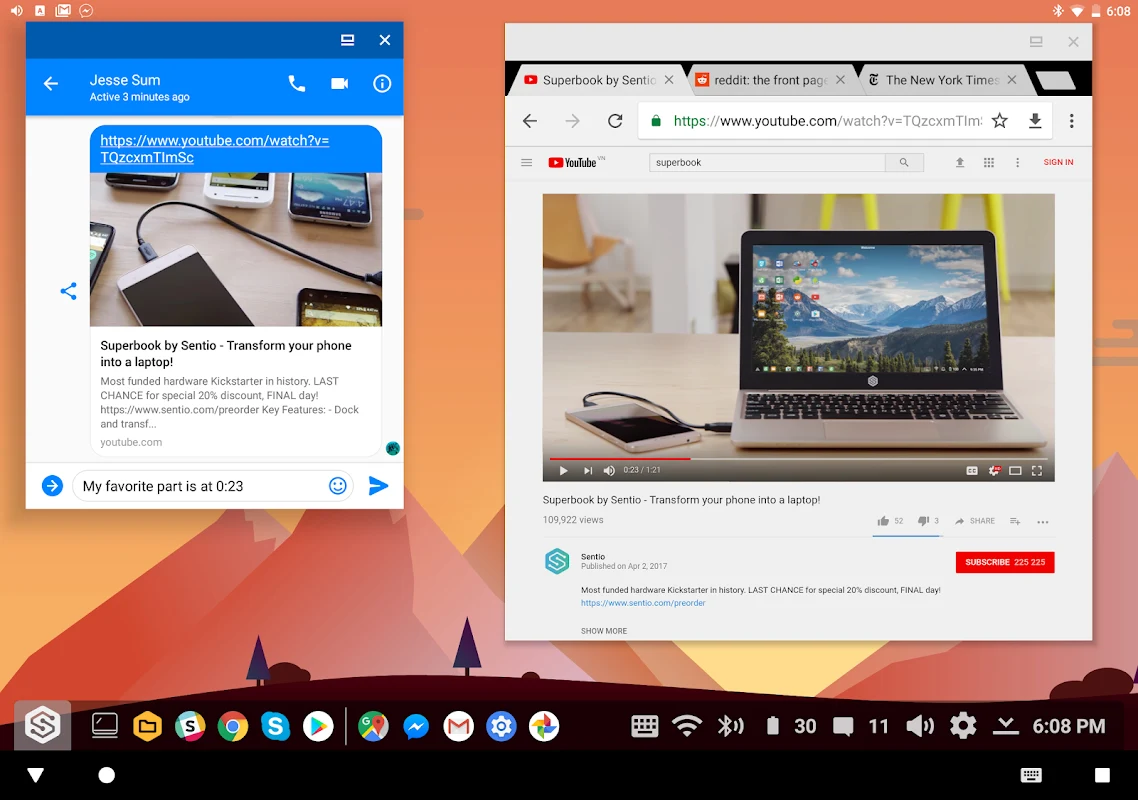
About this app
Sentio Desktop is an Android app built around one central function: presenting a desktop-style interface on an Android phone. According to the description, the app gives smartphone users a landscape view and a wider working area, and it lets them change how settings, the taskbar, menus, and apps are displayed. Most of the other documented features support this desktop layout, from window handling and file management to peripheral connections.
A desktop-style layout on a phone
The desktop interface is the feature the source presents as the app's main strength. Its landscape layout is meant to resemble the desktop environment users know from PCs and tablets, and the description states that it adapts familiar desktop elements so users can work across several tasks. The source also mentions a Start Menu and a Notification Center as part of this environment.
Taskbar, windows, and multitasking
The taskbar sits at the center of the interface. The description says it includes a System Tray and works alongside the Start Menu and Notification Center. Users can run several applications at the same time in resizable windows, which the source connects directly to efficient multitasking. The app is also described as offering PC-style window controls.
File management with a built-in explorer
A File Explorer appears in the taskbar, and the description says users can manage their data from it in much the same way as on a desktop computer. Items can be dragged and dropped into folders or removed. The source also says users can link files and folders directly to the desktop interface for quicker access.
The listing separately recommends the Sentio File Explorer, which it describes as optimized for desktop use. According to the source, this companion tool supports rapid file search and organization and integrates cloud storage so documents can be reached from different locations. The description presents it as an encouraged addition for the best experience rather than a required part of the app.
Windows-style productivity applications
The description states that the app supports a range of productivity applications designed for Windows PCs and lets Android users run them. Examples named in the source include Microsoft Word, Excel, Google Docs, Sheets, and anti-virus software, along with Windows-style menus, a tool bar, a task bar, and a system tray. The source does not explain how these programs are run, so the listing should be read as a description of what the app claims to support.
Settings, shortcuts, and external peripherals
Date, battery, and WiFi settings can be found in the System Tray, where users tap or press an item to change it. The description also mentions customizable resolution options and a smart app chooser for quick access to favorite applications. According to the source, the app can launch automatically when an external monitor, keyboard, or mouse is connected, and it advertises full peripheral support for a desktop-style setup.
Connecting to a desktop computer
The source describes a separate connector plugin for users who want to connect a desktop computer to their phone and use it remotely. The description says this connector cannot be obtained as a separate APK and must be installed from the Google Play Store.
Resource use and cost as described
The description characterizes Sentio Desktop as a lightweight application that takes up relatively little storage and, according to the source, uses less battery and RAM without affecting device performance. These are the listing's own statements and are not independently verified here. The app is also described as free to download and use, and the listing does not describe any paid tiers.
Community resources and guides
The listing points users to a Slack group for tips, support, and shared experiences. It also mentions a blog for tutorials and guides and setup instructions for different Android versions, so users who want help with configuration have documented places to look.
Version history
View all24 Oct 2025 · stable
Frequently asked questions
What category is Sentio Desktop listed under?
The listing places Sentio Desktop in the Productivity category.
Which version of Sentio Desktop does the listing show?
The listing shows version 1.7.6.