

sim network unlock pin
new games luckysim network unlock pin lets you unlock your Android device for use with any network operator and offers EFS data backup tools.
Screenshots
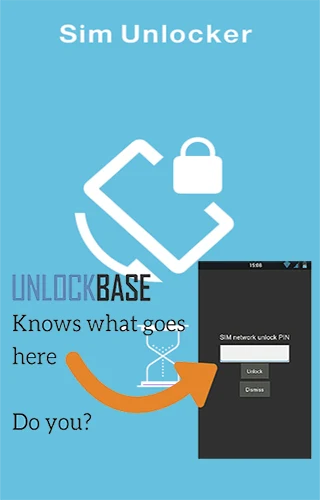
About this app
Sim network unlock pin is an Android tool developed by new games lucky that helps users unlock their smartphones or tablets so they can switch to alternative network operators. Designed to remove carrier restrictions, the application allows users to change their carrier SIM card easily on compatible devices without needing to enter complicated unlock codes. Beyond network unlocking, the app provides functions for checking lock status and safeguarding critical system data, helping you take control of your mobile device configuration.
How does the app unlock your device network?
The app is designed to unlock supported smartphones and tablets with a straightforward button click on most devices, avoiding the need to open or input manual unlock codes. To use this feature, your device must be rooted beforehand. The unlock status remains effective even after performing a device reset, flash, clear, or unroot operation. Additionally, the application supports devices that were previously unlocked using tools such as Open Voodoo, Sim Unlocker Lite, or Galaxy Open.
What data protection features are included?
In addition to unlocking functions, the application includes tools for backing up and restoring EFS data. Users can store their EFS backups safely on an email account or cloud drive account for free. The app also features automatic backup capabilities alongside manual options, helping protect important device files against errors that may be caused by third-party applications.
How do you use the unlock and backup features?
Before utilizing the app, you must ensure that your device has root access; tutorial links are provided for major devices if you need assistance with rooting. Once rooted, you simply open the user-friendly interface, click the unlock button, and then reboot your device to complete the process. You can also view detailed information on your current lock status to check whether your device is completely locked, partially locked, or unlocked.
Who can benefit most from this app?
This utility is useful for individuals who want to unbrand or nysemlocking their phone, switch carriers freely across various supported Galaxy family devices, or manage EFS data backups securely. It suits users who are comfortable working with rooted Android environments and want a structured method to check lock statuses and handle carrier transitions following firmware resets or flashes.
Version history
View all15 Oct 2024 · stable