

Text on photo - photo editor
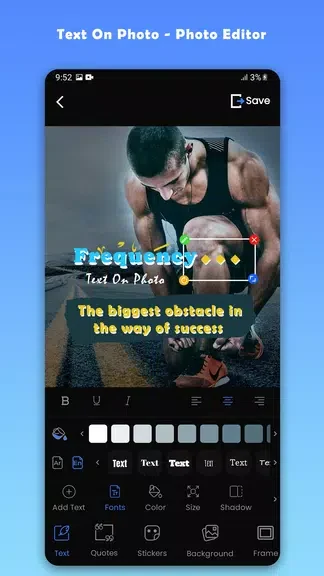
Devabits IncText on photo - photo editor lets you add text to images from your gallery or camera, or begin a design from scratch. It includes Arabic and English fonts, text colors, and controls for size, alignment, and spacing.
Screenshots
About this app
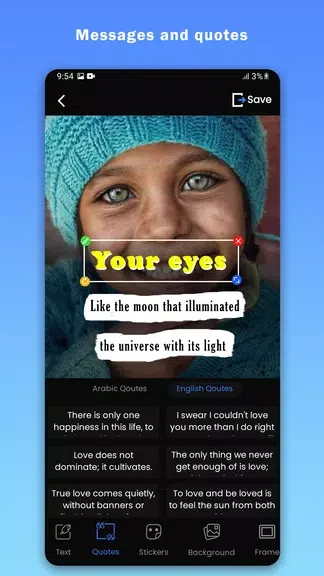
Text on photo - photo editor helps turn an image into a personalized design by adding text that fits its subject and layout. You can choose a photo from your gallery, take a new one with your camera, or begin without an existing image. That flexibility is useful whether you have a picture ready to annotate or want to build a text-focused design from the start. The app brings font, color, and layout choices into a straightforward editing interface, so you can adjust how the words appear rather than settling for a single preset style.
Choose where your design begins
Starting with a gallery image lets you work with a photo you already have. If the image has not been taken yet, you can use the camera instead. The option to start from scratch gives you a separate path when an existing photo is not part of the design.
Match lettering to the image
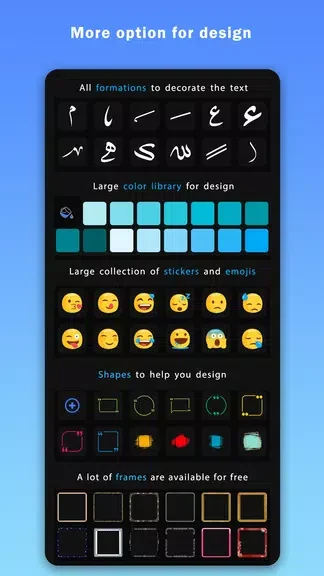
The font selection includes Arabic and English options, giving you different ways to style the text. You can also choose from a range of text colors. Trying a contrasting color may help the lettering stand out against the image, while a different font can change the overall look.
Adjust the text layout
Text settings let you change size, alignment, and spacing. Together with the font and color choices, these controls help you position and style the wording to suit the design you are making.
Version history
View all06 Nov 2024 · stable
Frequently asked questions
Can I use a photo I already have?
Yes. You can select an image from your gallery or take a new photo with your camera.
What text options are available?
The app includes Arabic and English fonts, text colors, and settings for size, alignment, and spacing.