
Tezza Mod
Tezza Mod is a photo and video editor for adjusting color, applying artistic effects, and creating visual content with templates, presets, overlays, and collage layouts. It combines quick previews and batch editing with more detailed controls such as layers, masking, blending modes, HSL, sharpening, and vignettes.
Screenshots
About this app
Tezza Mod is a photo and video editor that helps you adjust visual content, apply artistic effects, and build finished compositions from templates and editing tools. Its interface groups related controls into tabs, while instant previews show how changes affect an image or video as you work. This makes the app suitable for both quick edits and more deliberate projects that require several adjustments.
Templates for faster content creation
The template library is designed for situations where you want a prepared starting point instead of building a design from scratch. The source describes more than 150 pre-made templates, including floral, editorial, Y2K, film, sketch art, mood board, and 90s styles. Templates can be customized by changing elements such as colors and text, allowing the same starting design to be adapted to different content.
A search feature helps you find suitable templates in the library. This connects the discovery and editing parts of the app: you can look for a visual direction, open a matching template, and then modify its available elements rather than searching through unrelated designs manually. The source also mentions collage and layout options for combining multiple images into one composition.
Color controls and creative presets
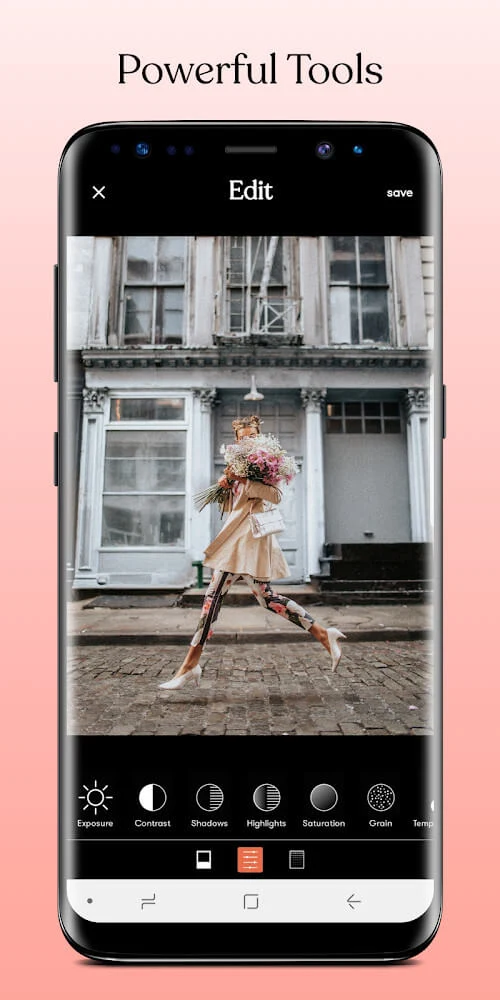
Tezza Mod includes adjustment controls for common image-editing tasks. You can change contrast, brightness, exposure, sharpness, and saturation, and the broader adjustment set also includes white balance and HSL controls. These tools support targeted changes when a preset alone does not produce the desired result. The source identifies 14 adjustment tools, including Blur, Grain, Color Grade, Dehaze, and Noise Reduction.
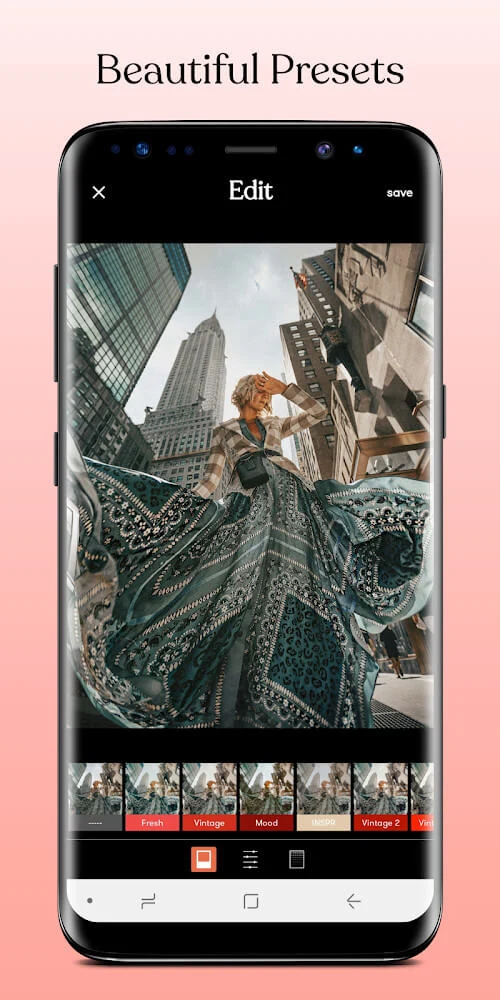
Presets provide a quicker way to alter the overall appearance of photos and videos. More than 40 presets are described, with options such as vintage filters, blur, and grain for a film-inspired look. Color adjustments can also give content a different visual character. Because the app provides an instant preview while changes are applied, you can see the direction of an edit before saving the result.
Textures, overlays, and focused effects
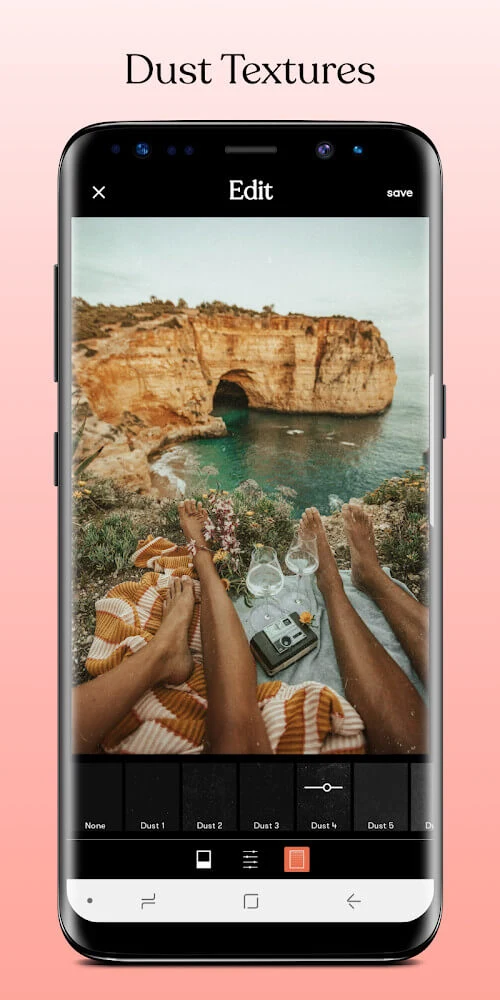
The editor provides dust textures that can add particles and atmosphere to visual content. Examples in the source include sparks, snow, and swirls. These effects can be customized through settings such as size and opacity, so the texture can be made more or less noticeable within the image or video.
Overlays add another layer to the composition. Available examples include paper, dust, light, plastic, and shadows. The source describes these overlays as transparent PNG layers that can be positioned over an existing photo. Hue, saturation, and opacity controls can be used to alter the overlay, and it can be moved to a preferred position before the image is saved.
For localized image changes, the sharpening tool lets you select particular areas with your finger rather than applying sharpening uniformly across the entire photo. The vignette tool darkens the edges of an image to draw visual emphasis toward the center or subject. These controls are separate from the broader adjustment tools and are intended for more focused finishing changes.
Detailed editing tools
Beyond presets and overlays, the source lists layers, masking, and blending modes among the available editing capabilities. These tools provide additional control over how elements are combined and adjusted. Layers can help organize separate visual components, masking can limit where an effect appears, and blending modes can change how one element interacts with another. The source presents these as part of the app's more comprehensive editing toolkit.
Tezza Mod also supports edits to both photos and videos. The described tools include color adjustments, filters, textures, and effects that can be applied across these two types of content. The source additionally mentions video options such as adding effects and changing a background, although it does not provide a detailed workflow for those functions.
Batch editing and output options
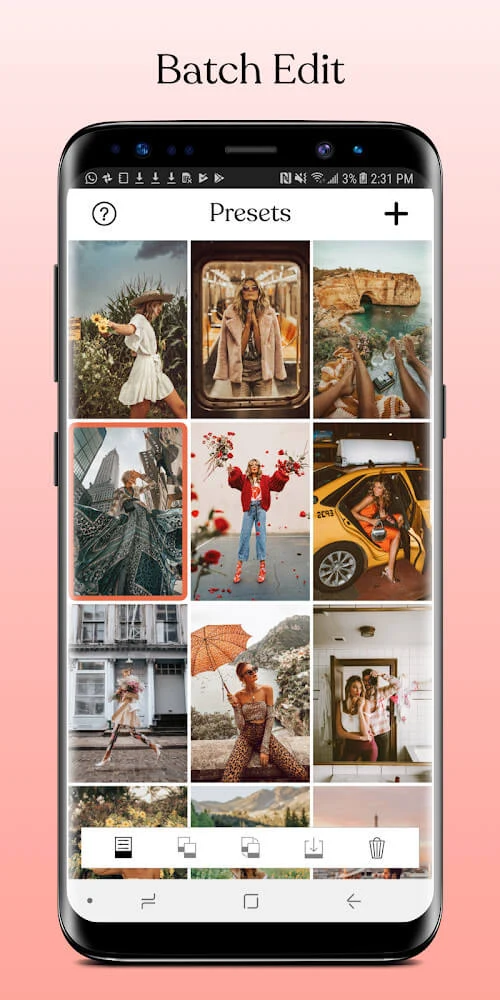
Batch editing allows multiple photos or videos to receive the same settings in one operation. This is useful when a group of items needs a consistent treatment, such as a shared preset or adjustment style. Instead of repeating every change separately, you can apply the chosen settings across the batch.
When an edit is ready, the source states that images can be exported in a variety of file formats. It also describes sharing integration with popular social media platforms. Aspect-ratio options are mentioned for preparing photos and videos for social sharing, including formats associated with services such as Instagram and Facebook. Together, these tools connect the editing workspace with common publishing and sharing needs without changing the app's main focus on visual editing.
Version history
View all29 Jul 2025 · stable