

True VPN Network / Free Vip IP 2019
True VPN Network inc.True VPN Network / Free Vip IP 2019 offers VPN location and IP changes for accessing websites that may be blocked in a user's current location. It also includes WiFi protection and tests for download speed, upload speed, and ping.
Screenshots
About this app
True VPN Network / Free Vip IP 2019 is a VPN app for changing an IP address and VPN location when a website may be blocked in the current location. The app also includes WiFi protection and an internet speed test, covering both connection changes and checks of connection performance.
When a website is blocked by location
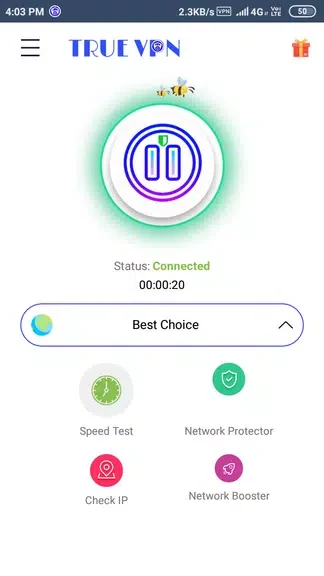
The app describes changing the VPN location as a way to access websites that may be blocked where the user is. It lists 20 servers to choose from, so users can select among different VPN locations. The description says an IP change can be made with a single touch and takes less than 30 seconds. It presents this as a way to switch locations when access to a particular site is the goal; it does not specify which websites or locations will be available.
When connecting over WiFi
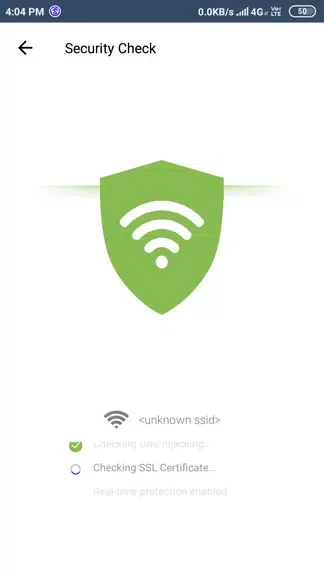
WiFi protection is another listed function, intended for browsing over WiFi networks, including public ones. The app suggests activating this feature when connecting to public WiFi. Its description frames the feature as a way to protect browsing and sensitive information, but does not give technical details about how protection works. The feature is separate from choosing a VPN location to access a blocked website.
When checking connection performance
The built-in speed test reports download speed, upload speed, and ping. These measurements let users check those aspects of their internet connection. The app suggests running a test before downloading large files or streaming video, so users can review the reported speeds before proceeding. The source does not state a particular speed threshold or guarantee how a download or stream will perform.
When finishing a VPN session
The app's guidance recommends disconnecting the VPN when it is no longer needed, including after finishing an access task. The description says disconnecting can help conserve battery life and improve device performance. It does not describe an automatic disconnect process, so this is presented as a user action rather than an automated feature.
Version history
View all23 Aug 2024 · stable