

Brick Out
Brick Out is an arcade puzzle game where you aim a volley of balls at numbered bricks and use ricochets and special effects to clear the playfield. Short rounds, adjustable controls, and offline play suit quick sessions as well as longer attempts to improve your aim.
Screenshots
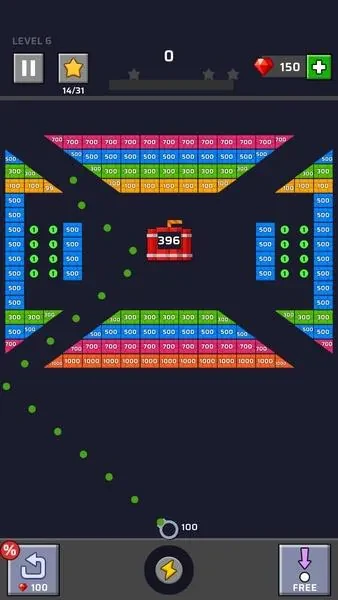
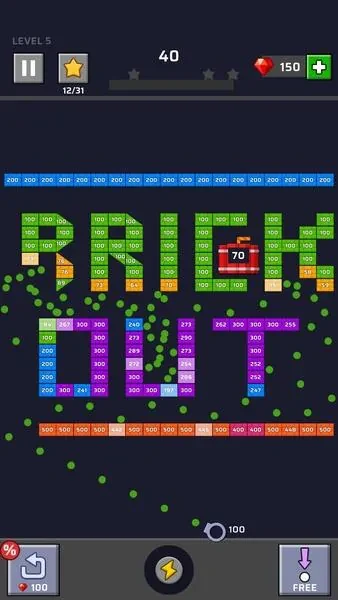
About this app
Overview
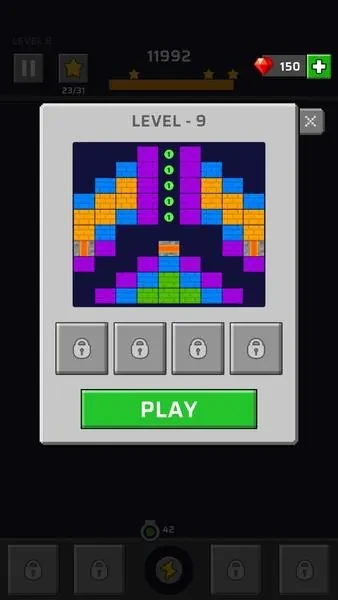
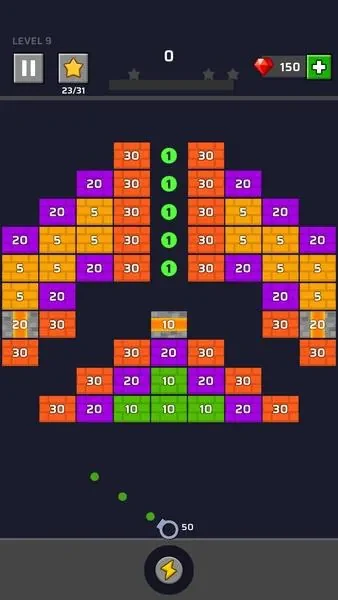
Brick Out is a fast-paced arcade puzzle game about aiming volleys of balls to clear screens filled with numbered bricks. Each brick takes a set number of hits to break, so choosing an angle can matter as much as choosing a target: balls rebound from walls and blocks, reaching corners or slipping behind clusters. Short rounds introduce increasingly crowded layouts and tougher bricks, while special types can clear lines or blast nearby blocks. The simple swipe-and-release controls keep the focus on planning a shot and seeing how it plays out. It is designed for quick mobile sessions, and the source says it can be played without a constant internet connection.
What You Can Do
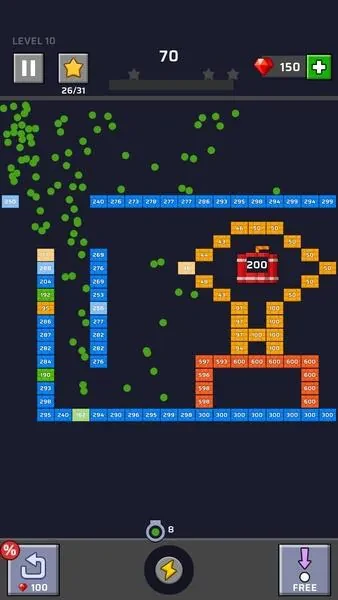
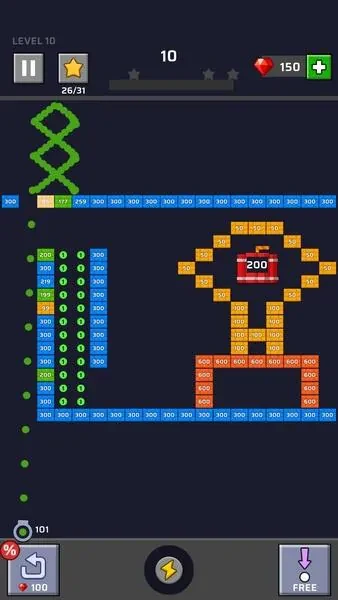
⭐ Swipe along the bottom of the screen to aim, then release to launch a volley. A minimal aiming guide shows the initial trajectory, helping you plan a shot without covering much of the playfield.
⭐ Use wall and brick rebounds to direct balls into corners and spaces behind clusters. Since numbered bricks require multiple hits, you can decide whether to weaken tougher targets over several volleys or pursue a route that reaches more blocks.
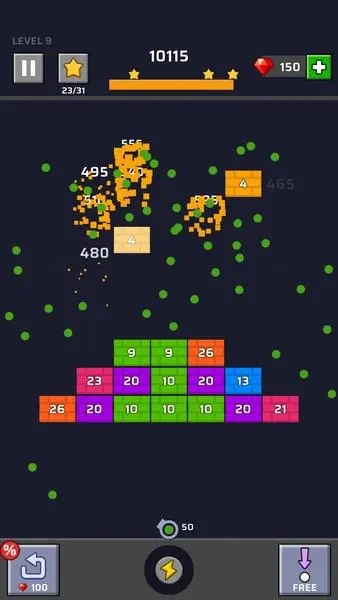
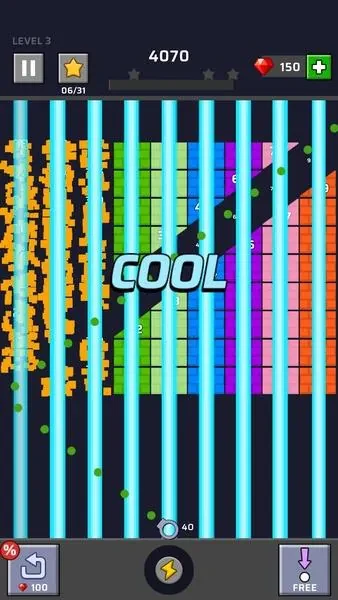
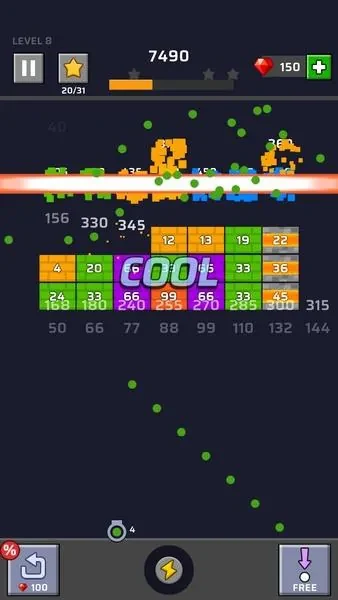
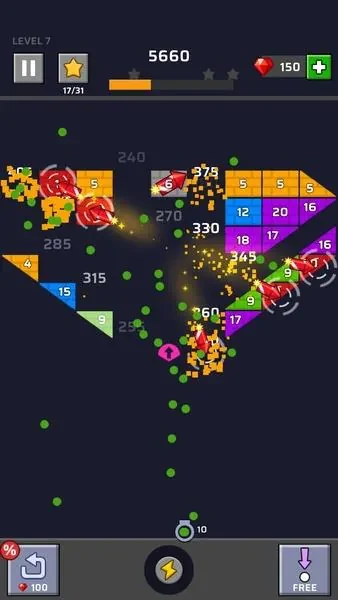
⭐ Look for special bricks as you plan a shot. Laser bricks clear straight lines, while explosive bricks damage nearby blocks; targeting them can create chain reactions or open up a crowded area.
⭐ Play through rounds with changing brick arrangements, denser screens, and higher-numbered bricks. The early stages introduce the basics, while later layouts call for more careful angle selection and planning across shots.
⭐ Adjust sound levels, toggle haptic feedback, and change input sensitivity. The game also provides visual contrast settings and an interface scale suited to phones and smaller tablets.
⭐ Use visual cues to follow hits and special effects. The colorful, high-contrast design distinguishes brick numbers and special types, while concise animations communicate impacts. Sound cues and a lightweight soundtrack can be muted for quieter play.
Using the App
A typical turn starts with a swipe to set the angle and a release to send the balls across the screen. The visible guide indicates the starting path, while the predictable rebounds let you estimate where balls may travel after hitting walls and bricks. Watch which blocks take damage, then adjust your next aim: a small change can send balls through a different cluster or set off a special brick. Input sensitivity settings let you tune aiming, and sound and haptics can be changed to suit your surroundings. The source describes the rounds as short and says the game works without a constant internet connection, making it an option for a commute or a brief break.
Why It May Appeal
✅ The core controls are limited to aiming and launching, but ricochets and multi-hit bricks give each shot room for tactical choices. Players can work on bank shots, decide which targets to weaken, and consider whether a laser or explosive brick will help clear a path.
✅ Changing arrangements and combinations of special bricks give repeat sessions different aiming puzzles. The gradual introduction of layouts and mechanics also lets players learn the basics before facing denser screens.
✅ Adjustable sound, haptics, and input sensitivity offer practical ways to tailor play, while contrast settings and legible brick numbers support clearer reading of the board.
Version history
View all06 Aug 2026 · stable
Frequently asked questions
How do you aim and launch balls in Brick Out?
Swipe along the bottom of the screen to set your aim, then release to launch a volley. A guide shows the initial trajectory.
What do the special bricks do?
Laser bricks clear straight lines, while explosive bricks take out nearby blocks. Using them can help create wider clearings or chain reactions.
Can Brick Out be played offline?
The supplied description says the game works without a constant internet connection.
What settings can be adjusted?
The description lists sound levels, haptics, input sensitivity, visual contrast, and interface scale as adjustable options.