
Extreme Landings Pro
Extreme Landings Pro is a demanding Android flight simulation game focused on aircraft systems, realistic navigation, changing weather, and in-flight emergencies. It combines structured missions with fast landing scenarios across a large map of airports, runways, and navigation points.
Screenshots


About this app
Overview
Extreme Landings Pro puts players in the cockpit of a challenging flight simulation built around realistic procedures, changing weather, aircraft malfunctions, and emergency decision-making. Instead of focusing only on basic steering, the game asks you to manage operational systems such as the autopilot, weather radar, auxiliary power unit, engines, fuel, and flight controls. Its missions are inspired by situations that pilots may need to handle during a flight, including turbulence, electrical problems, and engine fires. A world map based on real-world data, detailed navigation information, and automatic replay recording give the experience a practical training-style structure for aviation enthusiasts and simulation game players.
What You Can Do
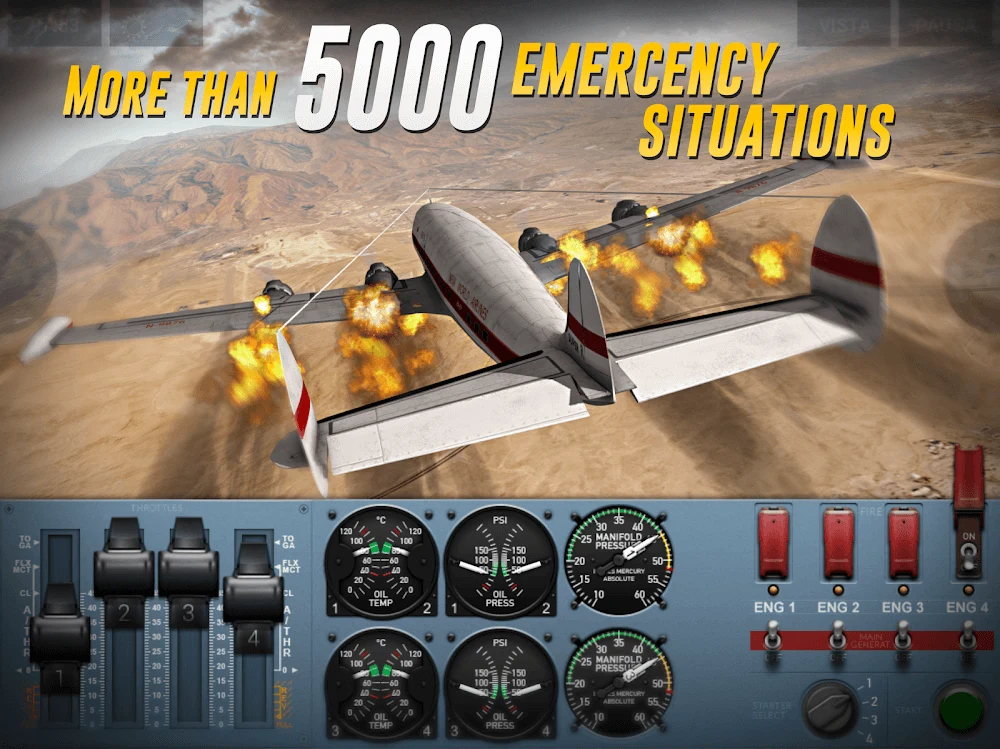
⭐ Work through 36 missions and 216 challenges that place you in different flight situations. These scenarios include electrical failures, turbulence, engine fires, and other emergencies that require more than routine aircraft control.
⭐ Try Fast Landing mode when you want a shorter, concentrated flying task. This mode focuses on landing at different airports and connects the results with global leaderboards, giving each approach a clear performance objective.
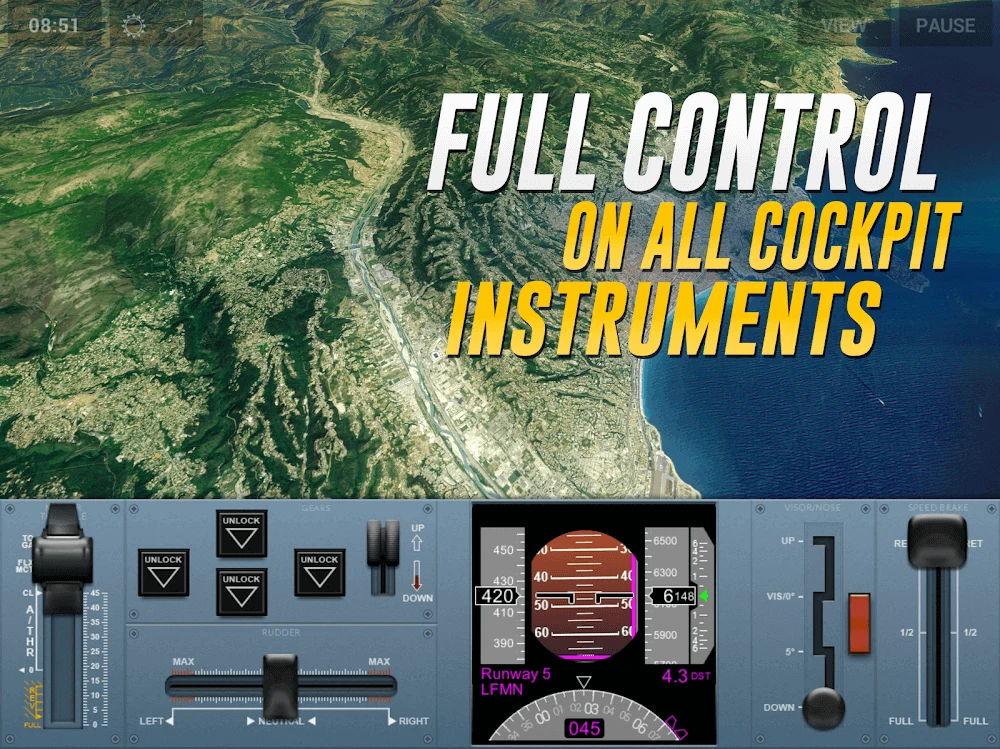
⭐ Operate a range of aircraft with 3D cockpit views and functional flight-deck instrumentation. The cockpit layout is designed to make the aircraft’s controls and panels part of the gameplay rather than decorative elements.
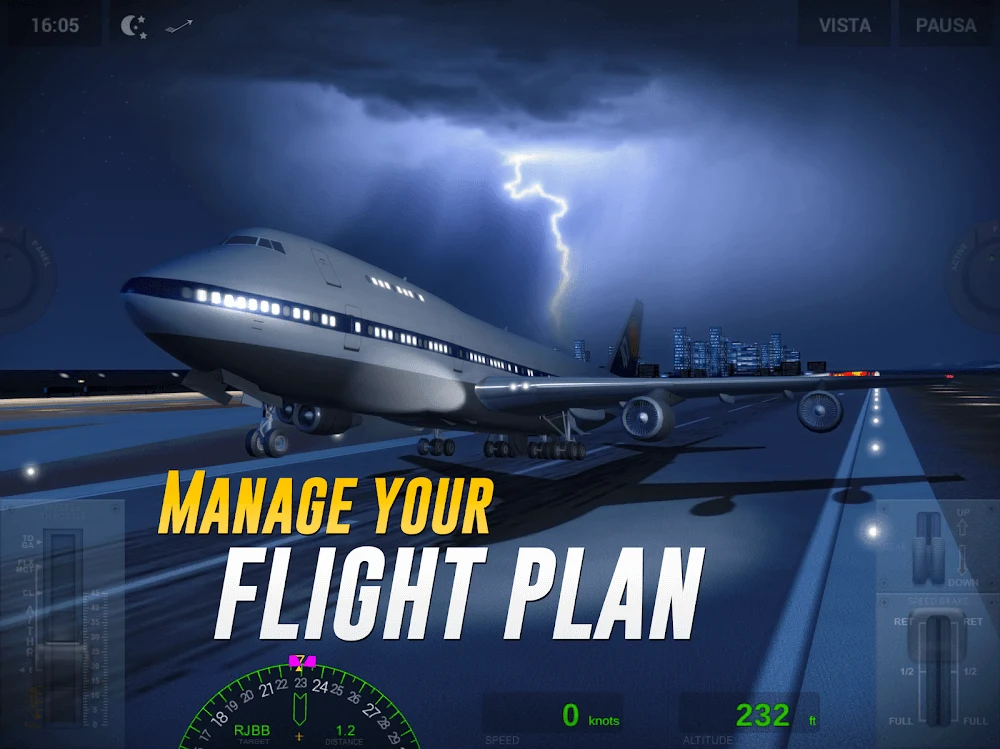
⭐ Plan and follow routes using real maps and charts. The navigation system covers 548 airports, more than 1,000 runways, and thousands of waypoints, including VOR references and GPS fixes.
⭐ Manage engines individually by carrying out ignition sequences, monitoring performance, troubleshooting faults, and responding to fire-related procedures. Engine control becomes especially important when a malfunction develops during a flight.
⭐ Handle fuel and aircraft weight as active parts of the flight. You can monitor fuel consumption, balance the aircraft’s load, and jettison fuel when necessary to influence range, weight, and performance.
⭐ Use the auxiliary power unit and ground-management functions before departure. The APU provides electrical power and starting capability, making it part of the preparation process during time on the ground.
Using the App
Flights combine manual control with cockpit systems that must be monitored throughout the journey. Depending on the situation, you may work with the rudder, flaps, spoilers, primary flight instruments, autopilot, and weather radar while also responding to a developing fault. The automatic flight-planning configuration can organize the route before takeoff, allowing more attention to be given to aircraft handling and emergency procedures during the flight.
Weather is an important part of the simulation. The game uses realistic weather data and presents conditions that can make an approach or emergency more difficult. Navigation is supported by real-world maps, charts, airports, runways, and waypoints, so route management is connected to the wider geography of the simulated world rather than being limited to a small collection of abstract levels.
Every action taken during a flight is automatically recorded. After landing or completing a scenario, you can review replays and use the recorded information to examine your decisions. This makes it possible to identify handling mistakes, review how an emergency developed, and adjust your approach for later attempts.
Why It May Appeal
✅ The game gives aviation enthusiasts direct control over systems that are often simplified in casual flying games, including engine operation, fuel logistics, APU management, weather radar, and flight instruments.
✅ Its mission and challenge structure provides clear situations to practise, while Fast Landing mode offers a more immediate way to focus on approaches and landings.
✅ The large navigation database adds geographical variety, with hundreds of airports, more than a thousand runways, and extensive waypoint coverage for route planning.
✅ Replay recording supports self-review. Players can revisit completed flights instead of relying only on a final success or failure result.
✅ The combination of real-world-inspired emergencies, weather conditions, operational controls, and a 3D cockpit makes the game suitable for players who prefer technical simulation over passive sightseeing.
Things to Consider
❎ Extreme Landings Pro is designed to be demanding. Players who want a simple flight game may find the number of systems, emergency procedures, and manual controls difficult to manage at first.
❎ The source notes that some available aircraft do not have official names and may provide only one livery, which limits the amount of visual customization for those models.
❎ The focus is strongly placed on emergencies, structured challenges, and landing performance. It may be less suitable for players seeking a relaxed airline-management experience or a primarily open-ended flight activity.
Version history
View all18 Aug 2026 · stable
Frequently asked questions
What type of game is Extreme Landings Pro?
It is a flight simulation game focused on aircraft systems, emergency situations, navigation, weather, and landing procedures.
How many missions and challenges are included?
The source lists 36 missions and 216 challenges covering situations such as electrical failures, turbulence, and engine fires.
Does the game include real-world navigation data?
Yes. Its navigation system uses real maps and charts and covers 548 airports, more than 1,000 runways, and thousands of navigation waypoints.
Can players review completed flights?
Yes. Flight actions are automatically recorded, and players can access replays to examine their performance and decisions.