

House Designer
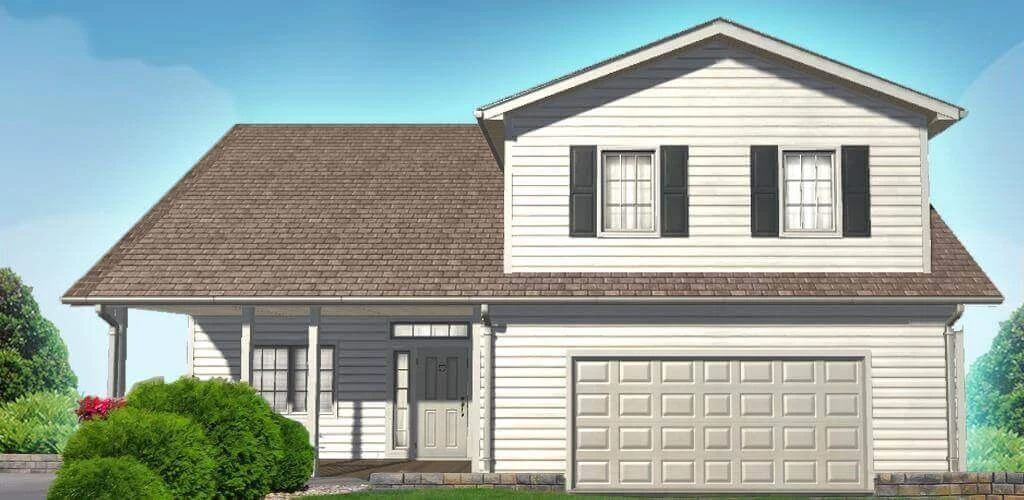
House Designer is a simulation game about buying properties, renovating their interiors, caring for outdoor spaces, and deciding whether to sell a finished home or continue customizing it. Touch-and-drag controls support room-by-room work, while furniture placement, paint choices, landscaping, and property sales shape the renovation cycle.
Screenshots
About this app
House Designer is a house renovation simulation game centered on purchasing properties, restoring them, and shaping their interiors and outdoor areas. The main activity combines touch-and-drag movement with decisions about room layouts, furniture, colors, garden features, and the eventual use of a completed property. Renovated houses can be sold to provide funds for further projects, while a player can also continue customizing a home instead of selling it.
Move through the property and work room by room
The source describes rotating the mobile screen and touching or dragging objects to move inside a house. Renovation begins with an overview of the property before moving into individual rooms and their details. This makes the basic interaction direct: the player navigates to a space, handles objects or tasks there, and gradually changes the condition and appearance of the house.
Before placing decorations, players are expected to consider a general plan for the rooms, their areas, and their functions. The original layout is mostly retained during renovation, so the work focuses on redesigning the furniture arrangement and adding other decorative elements. This planning step connects the available space with the way beds, chairs, tables, storage, appliances, and other objects are positioned.
Shape an interior through placement and color
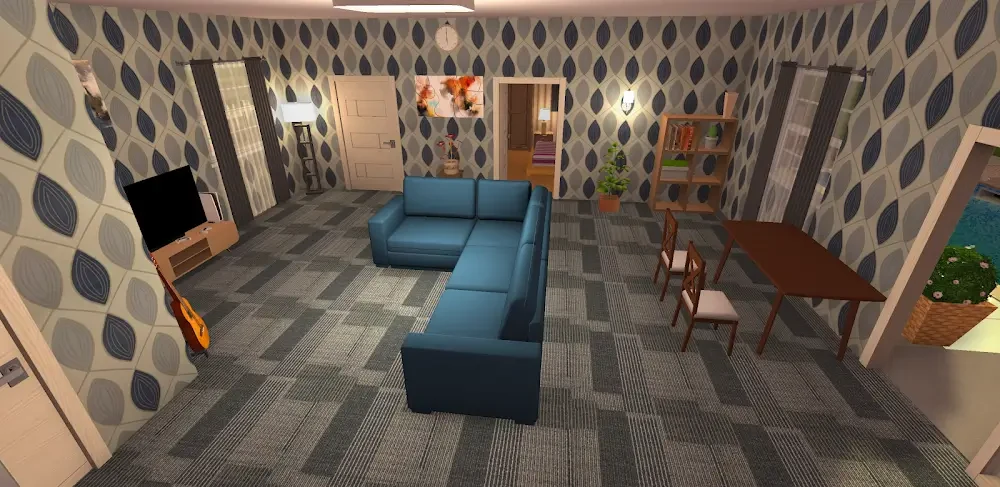
Interior design is built around furnishing rooms and selecting finishes. The documented furniture range includes beds, chairs, tables, and storage, with additional items for kitchens and bathrooms. Paint and decorative objects can be used throughout the house, allowing separate rooms to receive different treatments while also contributing to the overall appearance.
Paint colors can be selected for individual rooms and for the house as a whole. The source presents color choice as part of forming the home's general feeling, while the placement of smaller and larger details changes the look of each space. The game therefore links broad decisions, such as a room's function and color, with more specific decisions about where individual furniture and decorations should go.
Restore properties and use sales to fund projects
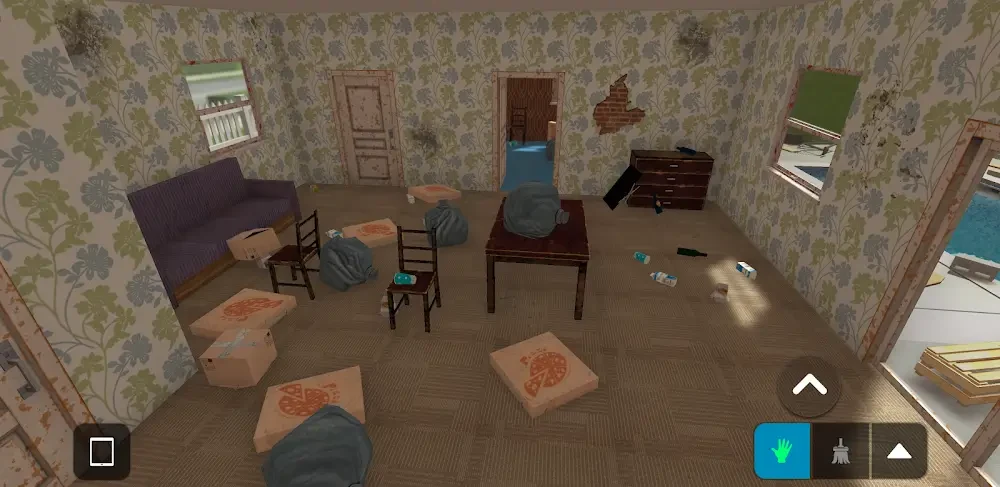
The buy, fix, and flip cycle gives the renovation activity a stated financial structure. Players purchase devastated houses, clean and improve them, add furniture or appliances, and then choose whether to sell the renovated property for profit or move in and keep customizing it. A sale provides funds for the next project, making property improvement part of an ongoing sequence rather than a single decorating task.
The starting Small House is described as a home base that cannot be sold. Because of that distinction, the source advises treating the starting property differently from houses bought for restoration and resale. Larger properties also require more money to renovate, so the documented guidance is to wait until sufficient funds are available before taking on a more demanding project.
Complete missions through practical renovation tasks
Missions provide another way to carry out renovation work and earn money. The source refers to tasks such as removing garbage, cleaning rooms, and clearing a bar area. It also notes that a mission can be completed without reaching 100 percent, even when some hidden stain or garbage item remains undiscovered. The stated result is that missing a small amount of completion does not remove all of the mission's earnings.
Mission work can be approached one room or one task at a time. The supplied guidance describes selling available items at the start of a mission for additional money, then handling tasks methodically rather than juggling several controls at once. It also compares missions by the time they take and the income they provide, identifying the starting bar-cleaning mission as a quick example for repeated work. These are source-provided approaches to managing funds and time, not a guarantee that one mission is always the best choice.
Extend the design to gardens and backyards
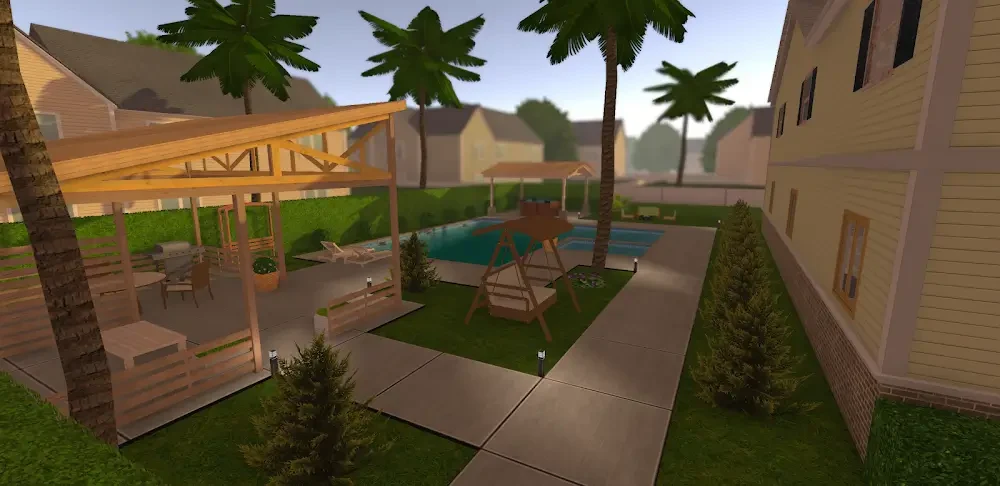
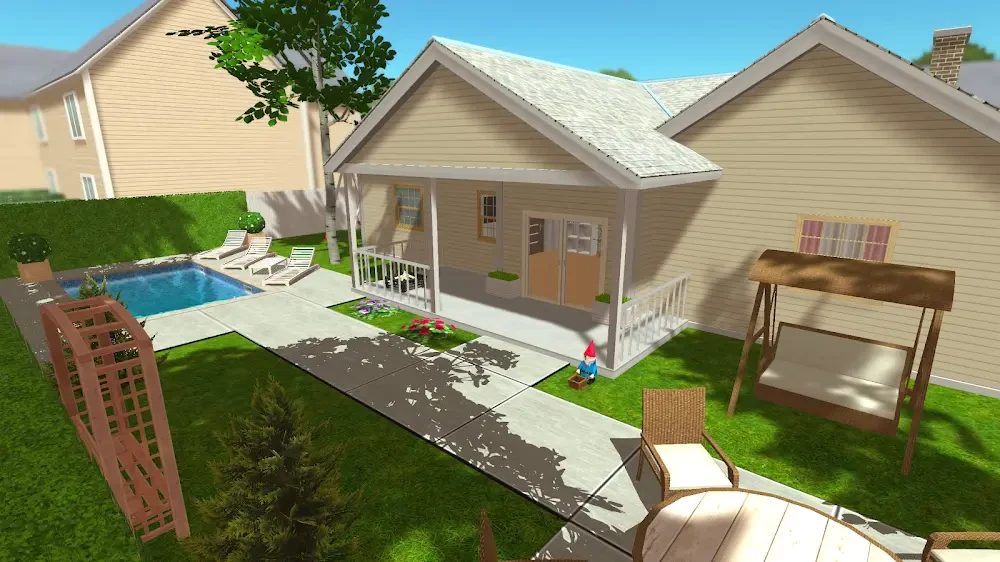
House Designer's design activity continues outside the building. Players can plan gardens and backyards with flowers, exotic plants, pergolas, paving, pool areas, and sunbeds. The source also mentions grassing, planting, and arranging exterior decorations around smaller landscape areas. These choices allow the outdoor space to be planned alongside the house rather than treated as a separate decoration screen.
Garden care is represented by practical tools and maintenance actions. Flowers and plants can be added, grass can be managed with a grass cutter, and a rake can be used to tidy areas. The documented feature set connects care work with the visual condition of lawns and beds, so outdoor design includes both placing features and maintaining the areas around them.
Adjust visual settings for available hardware
The game includes settings that affect its visual presentation and performance. The source specifically names shadows, grass, improved rendering, texture resolution, and screen resolution as adjustable options. Players can deactivate some effects or lower resolution settings through the in-game tablet, which is also used to choose missions or access the shop. The supplied guidance recommends changing these options gradually when older phones produce choppy or laggy gameplay, but it does not establish a universal setting for every device.
Version history
View all28 Apr 2026 · stable
Frequently asked questions
Can the starting Small House be sold?
No. The supplied description identifies the Small House as the home base and states that it cannot be sold.