

Milf Breeder
Milf Breeder follows Scarlett, an 18-year-old student seeking work to help pay for college tuition. Its interactive story combines character conversations and consequential choices with swipe controls, save-file management, and text-box customization.
Screenshots


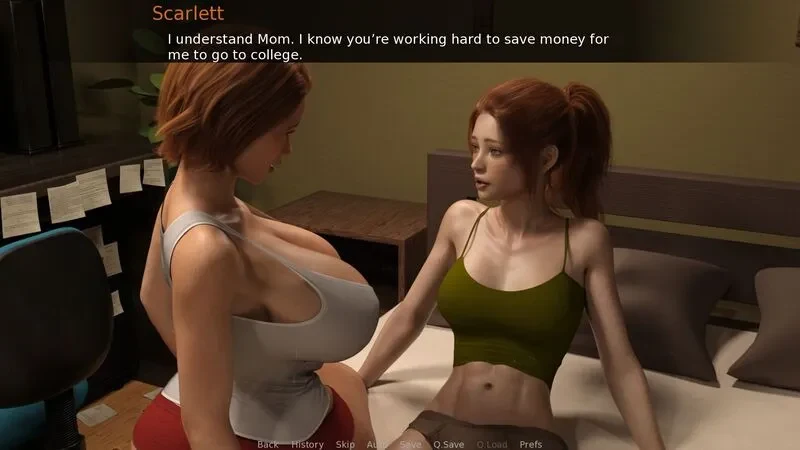
About this app
Milf Breeder is an interactive story about Scarlett, a high school student who has just turned 18 and needs a high-paying job to help pay for college tuition. A favorite teacher offers ideas about finding work, setting the story in motion. The game describes its play as a blend of simulation and strategy, with character interactions and decisions that can change the story’s direction and ending.
Scarlett’s job and the story’s choices
The central premise connects Scarlett’s need to earn money for college with a new job opportunity. The source identifies her teacher as someone who has suggestions, but does not specify the job’s duties or describe a system for managing work. The focus documented here is the unfolding narrative around Scarlett and her new role.
Players can interact with various characters and make decisions that affect the direction and ending of the story. These choices give the narrative more than one possible course, although the available information does not identify particular branches, decision rules, or how individual choices lead to specific outcomes. It also does not explain a separate strategy system, so the supported account is the relationship between character interaction, decisions, and the story.
Swipe controls for reading and navigation
Swipes provide several ways to control the visual-novel interface while following the text. Swiping down hides the user interface for an unobstructed view. Swiping left scrolls back through earlier text, while swiping right skips text. The description also says swipes can open the game menu and toggle the memory-usage window, without specifying which gesture performs each of those actions.
These controls cover reading actions as well as access to interface functions. Scrolling back lets players revisit text already shown, and skipping moves past text; the source does not state that skipping changes story decisions. Hiding the interface changes what is displayed, while the memory-usage window is an available interface option.
Save slots and text-box appearance
The save and load interface provides access to save-file thumbnails. The files are stored in a fixed folder, and a long press on a thumbnail deletes that save slot. This is the documented method for removing an unwanted slot; no further details about the number of slots or save-file effects are given.
A text-box modifier lets players adjust the appearance of dialogue boxes, including their transparency and outline. The source also describes text-box style customization. These settings are presentation controls rather than story choices, and the supplied information does not detail additional display options.
Version history
View all10 Jun 2025 · stable
Frequently asked questions
What version is listed for the game?
The supplied product information lists version 0.4.