
School Driving 3D
School Driving 3D lets players practise driving in more than 40 levels, using buses, cars, and trucks. In-game tests, Free Ride mode, and selectable steering controls support different ways to play.
Screenshots
About this app
Overview
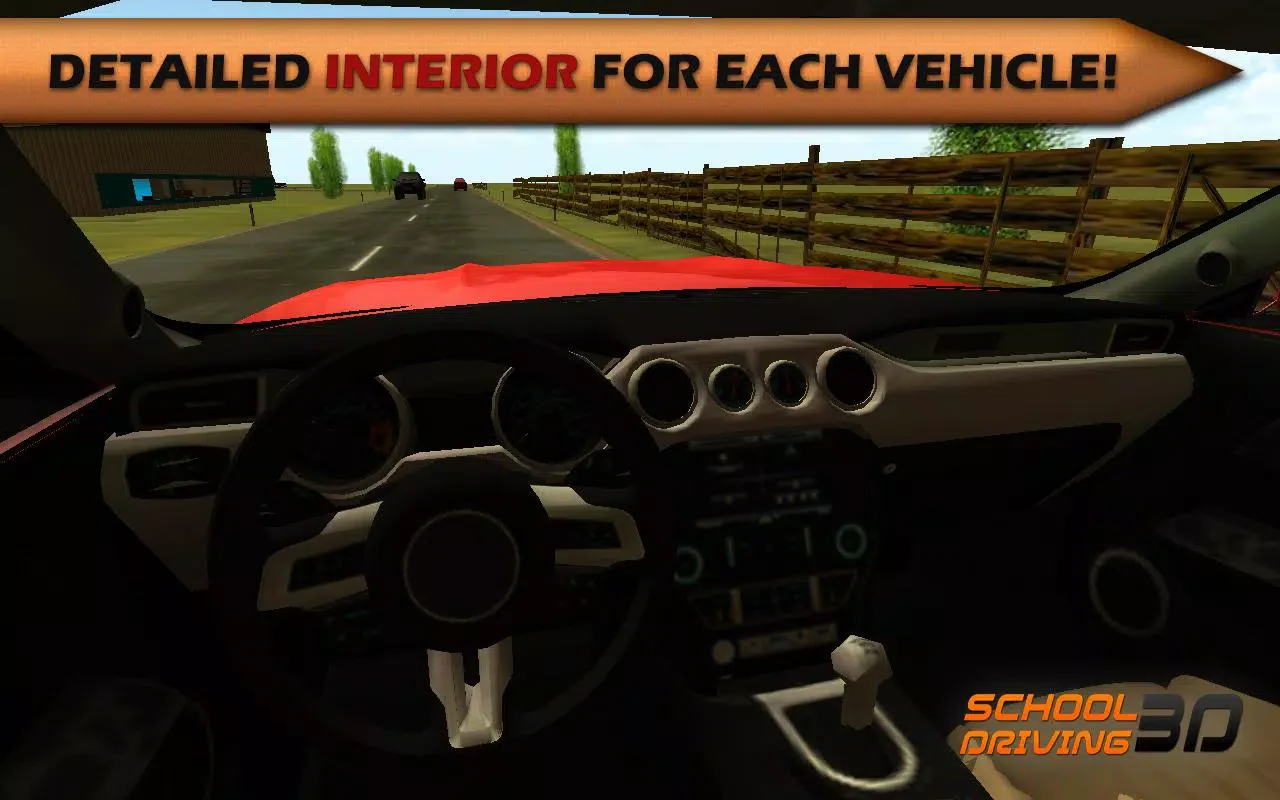
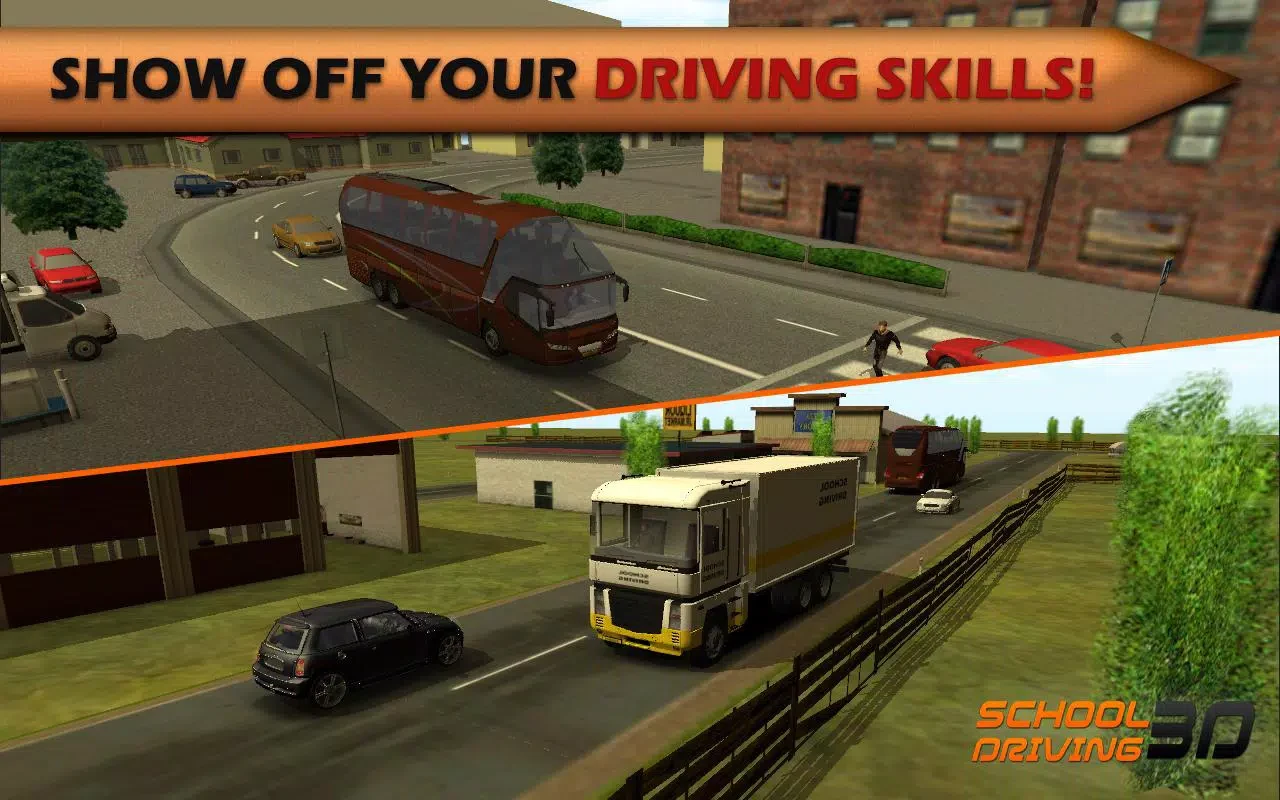
School Driving 3D is a driving simulation game where players take the wheel of buses, cars, and trucks and work through road-based challenges. Its levels use settings such as city streets and nighttime routes, while in-game driving tests award vehicle licenses when players reach the required score. That progression gives the driving tasks a goal beyond simply completing a route. The game also includes a Free Ride mode for practising, several steering options, and vehicle interiors with dashboard gauges. It is listed for Android 4.0 and above.
What You Can Do
⭐ Work through more than 40 levels featuring different routes and environments, including crowded city streets and nighttime driving scenarios.
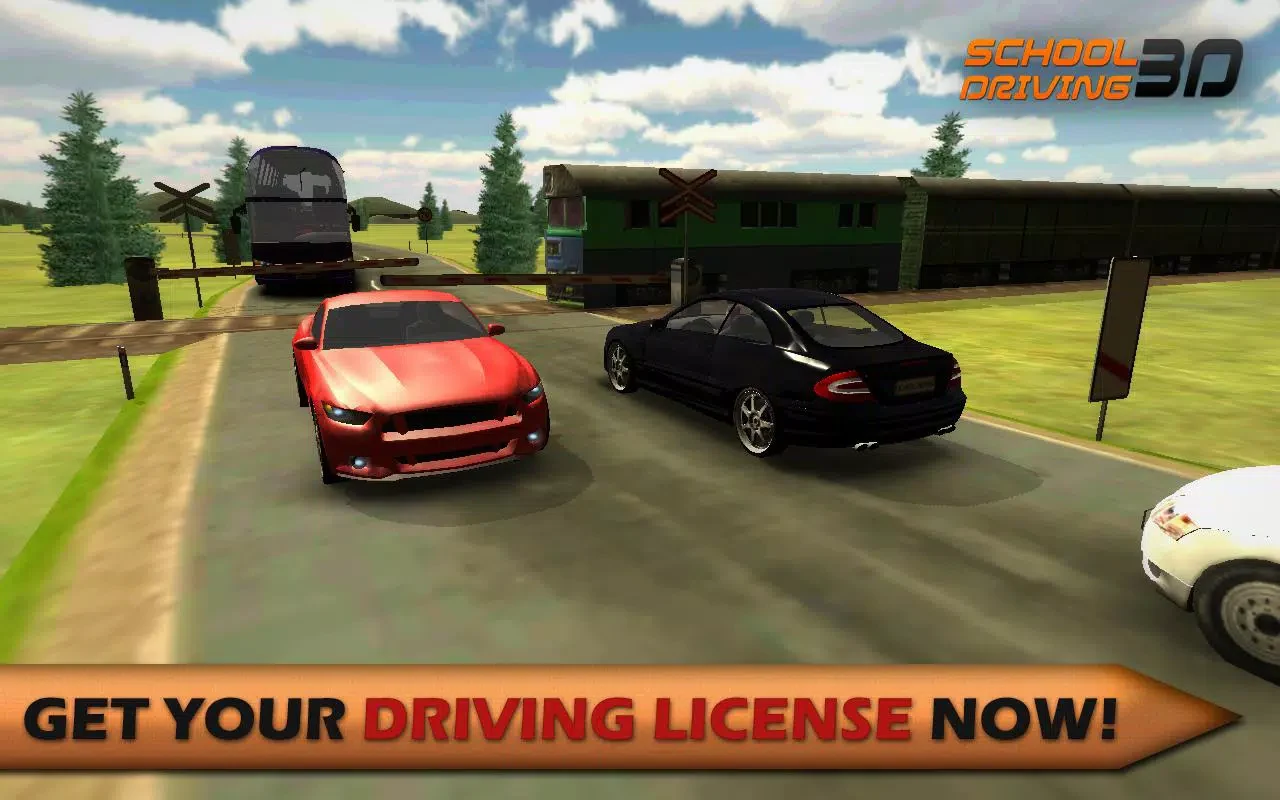
⭐ Take driving tests and earn in-game licenses for cars, buses, or trucks. A sufficiently high score is needed to pass, and progression unlocks access to vehicles.
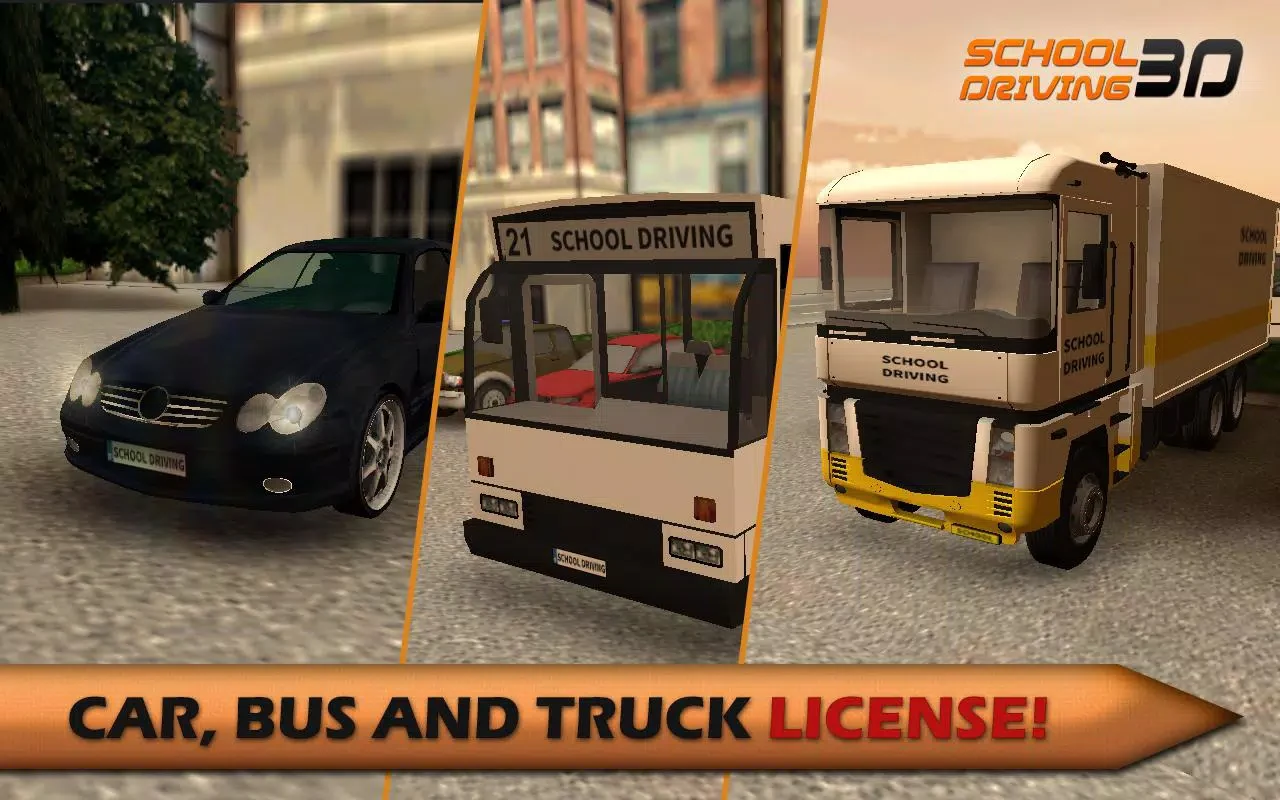
⭐ Choose from buses, cars, and trucks rather than being limited to one vehicle type. The bus interior includes a steering wheel and gauges for checking speed.
⭐ Use Free Ride mode to practise driving without progressing through the level challenges.
⭐ Pick a preferred control scheme: tilt steering, on-screen buttons, or a touch steering wheel. The source also lists an H-shifter transmission mode.
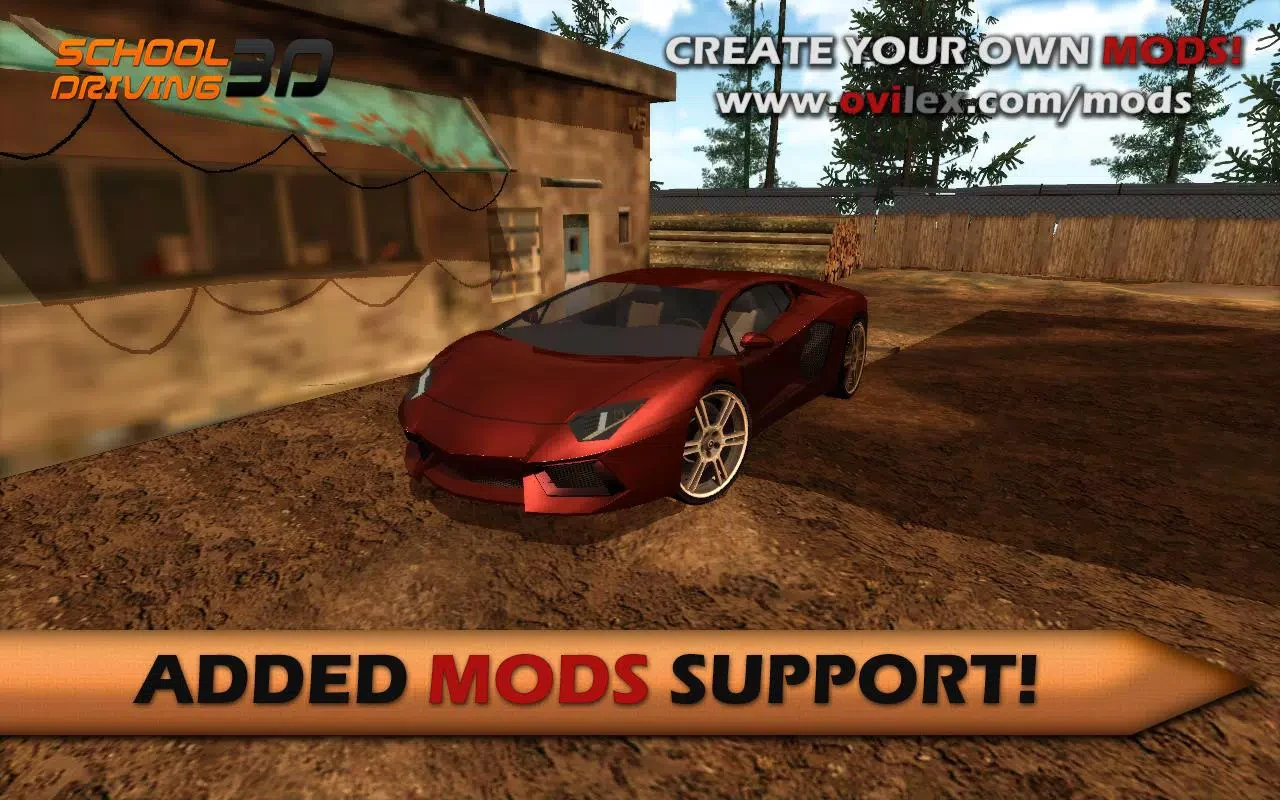
⭐ Create or add mods, and use online leaderboards and achievements to compare or share scores. The game also features engine sounds and a damage system that shows damage after poor driving.
Using the App
Choose a vehicle and control method, then steer through a level or spend time practising in Free Ride mode. Dashboard gauges provide a way to monitor speed, while the driving tests make careful handling important for earning licenses. The source notes that passing and manoeuvring around obstacles can be difficult, and says players need to keep the gas pressed while moving. Vehicle damage is another consequence the game displays when driving goes badly.
Why It May Appeal
✅ The combination of different vehicle classes, license tests, and varied settings gives players several kinds of driving challenges to try.
✅ Multiple steering methods let players choose between tilt, buttons, and a touch wheel, while Free Ride offers a separate way to practise.
✅ Mods, score-sharing features, detailed vehicle interiors, and engine sounds add options beyond completing levels.
Things to Consider
❎ The source describes obstacle avoidance and passing as difficult, so manoeuvring may take practice.
❎ It notes that the game has a fairly dark color palette and that some options require real-money purchases.
Version Notes
The supplied change notes mention added mod support, an H-shifter transmission mode, bug fixes, general improvements, and a 3D graphics improvement. They also direct players to a forum for new mods.
Version history
View all18 Sep 2026 · stable
Frequently asked questions
What vehicles can you drive in School Driving 3D?
The game includes buses, cars, and trucks, with in-game licenses associated with the different vehicle types.
What control options are available?
The listed controls include tilt steering, on-screen buttons, and a touch steering wheel. The source also mentions an H-shifter transmission mode.
Does School Driving 3D have a practice mode?
Yes. The game includes Free Ride mode for practising driving.
Which Android version is listed as the minimum?
The supplied requirements list Android 4.0 or above.