
A1 PDF
A1 PDF is a powerful productivity application for Android that lets users open, create, scan, sign, and edit PDF documents directly on their mobile devices.
Screenshots
About this app
Comprehensive Document Editing and Text Customization
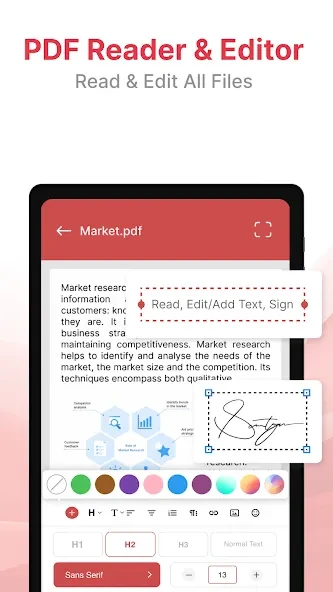
A1 PDF functions as a versatile productivity tool designed to help users quickly open, create, and modify PDF documents directly on their Android devices without needing a computer. The application enables users to update facts, alter text, and substitute images directly within an existing file, which streamlines academic, professional, and personal projects. By handling text and graphic changes without requiring the original source file, the app removes unnecessary conversion steps and helps users make quick document modifications on the go.
Mobile Scanner and Format Conversion Capabilities
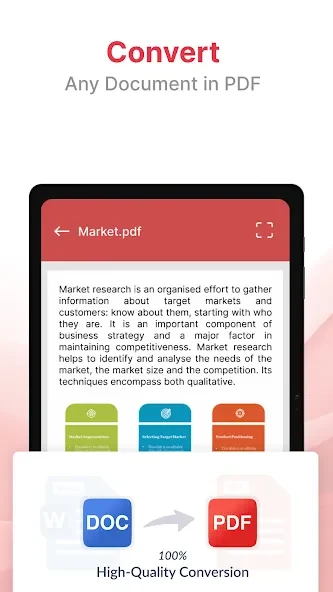
The built-in mobile scanner allows users to capture physical documents, receipts, notes, and identification cards like passports and driver's licenses using their camera. Intelligent edge detection technology automatically crops captured items to generate clean PDF files. Additionally, the rapid file converter transforms images in JPG or PNG format alongside Excel sheets into universal PDF documents that can be easily shared with a single tap.
Digital Signatures and Document Management Tools
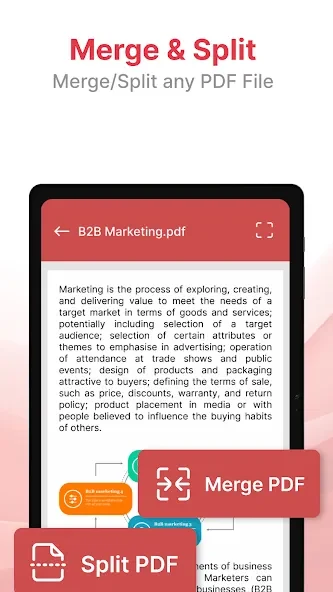
Users can fill out forms and apply digital signatures directly onto contracts or applications without needing physical pens or paper. The integrated file manager helps keep document libraries organized by providing options to merge multiple individual PDF files into a single unified document. These combined organizational features make managing multi-page records straightforward and efficient.
Reading and Annotation Options
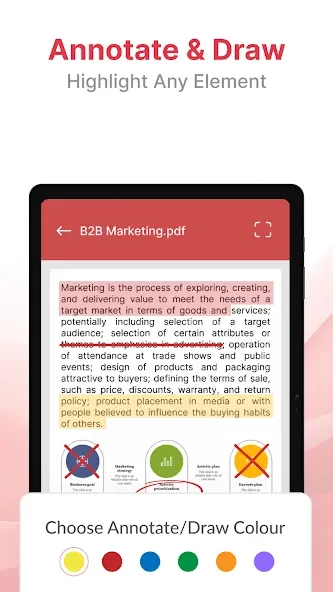
The application supports an intuitive reading experience paired with advanced annotation tools that help improve document comprehension. Users can highlight important passages using customizable colors, underline key information for subsequent review, apply strikethroughs to indicate revisions or outdated content, and insert comments or reminders anywhere within a document.
Privacy and Local Processing
For users concerned about data privacy, the software implements robust file protection and operates without uploading user files to the cloud. This local handling gives users greater peace of mind when working with sensitive personal or professional records.
Version history
View all01 Sep 2026 · stable
Frequently asked questions
Can I convert images to PDF using this app?
Yes, the rapid file converter allows you to create quality PDF documents from JPG or PNG images, as well as Excel files.
Does the app require an internet connection to edit files?
No, users have noted that the application works fast and functions offline.
Are my files uploaded to the cloud?
No, the software does not upload files to the cloud and implements robust file protection for user peace of mind.
Can I sign documents digitally within the app?
Yes, you can easily fill out forms and sign documents with your digital signature without needing a physical pen.