

Add Text On Video - Edit Video
Desa MobiAdd Text On Video - Edit Video lets you layer text onto videos, adjust its appearance, and add music. It also describes a video-to-text transcription option.
Screenshots
About this app
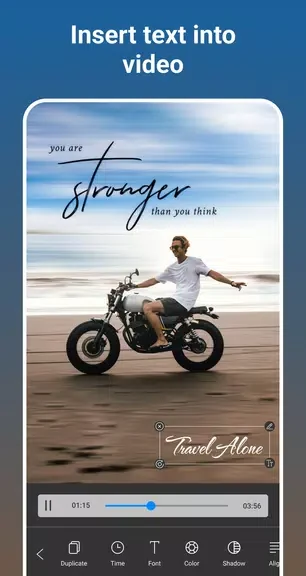
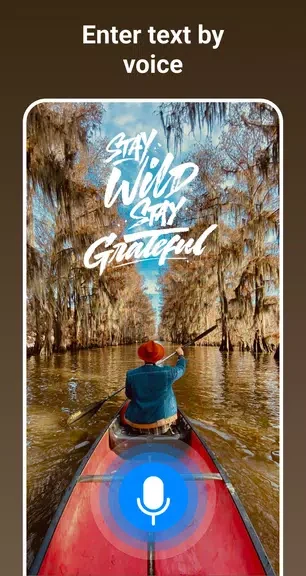
Add Text On Video - Edit Video is an Android video editor for adding text and audio to video clips. It addresses the task of turning ordinary footage into videos with captions or decorative typography, with controls for text size, color, and alignment. You can place text in multiple parts of the same video and preview the result. The app also describes transcribing videos to text as an option for creating more inclusive content, alongside tools for adding music and styling text.
Can you add text at different points in one video?
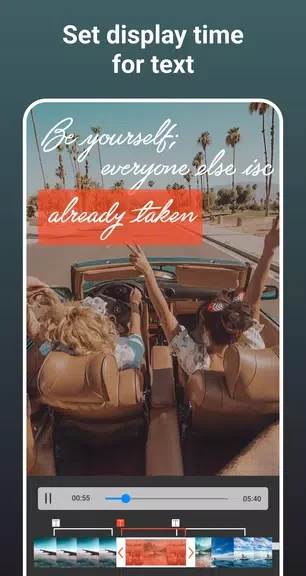
Yes. The app supports adding text to multiple parts of the same video and previewing the edited result. Its text tools include changing size, color, and alignment, while a text art feature lets you layer expressive typography over footage.
What fonts and text styles are available?
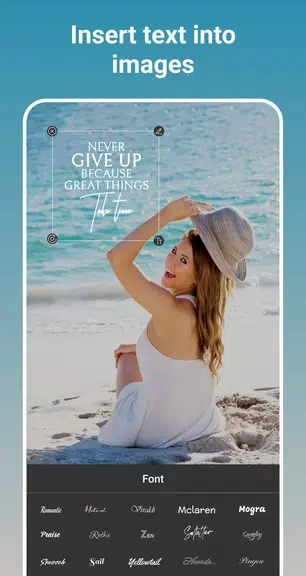
The description lists more than 100 fonts and unlimited text color options. These choices let you vary the appearance of text, whether you want straightforward wording or more decorative lettering.
How does adding music work?
You can insert music into a video and either cut the selected track or choose a favorite section. This gives you a way to pair audio with text and video in the same edit.
What should you expect from the editing process?
The app describes its interface as simple and says processing is fast, with high-quality output. It also states that previewing a video with text at multiple points does not reduce quality. These features may suit people who want to combine text styling and music in a single video-editing task.
Version history
View all25 Nov 2024 · stable