

AT&T Mobile Transfer New
AT&T Mobile Transfer New helps move contacts, photos, videos, music, messages, and other content between an old device and a new one. Install the app on both devices and follow its prompts to set up a wireless transfer.
Screenshots
About this app
AT&T Mobile Transfer New helps move personal content from an old device to a new device using a wireless transfer. It is intended for people changing phones or moving to another Android device, and it brings several types of content into one migration process rather than requiring each item to be moved separately.
Content the transfer can include
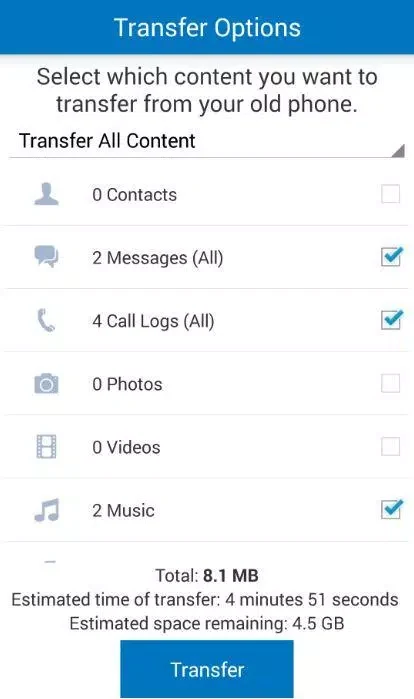
The app supports transferring contacts, pictures, videos, music, and messages. The supplied description also lists call logs and wallpaper among the types of data it can transfer, as well as other content. The exact items available may depend on compatibility: the description notes that some apps may not transfer if they are not compatible with the new device.
This range makes the app relevant to more than just moving an address book. For example, someone setting up a replacement phone can use it to move contacts alongside personal media and messages. Apps that cannot be transferred may need to be installed separately from an app store, according to the supplied guidance.
Setting up a device-to-device transfer
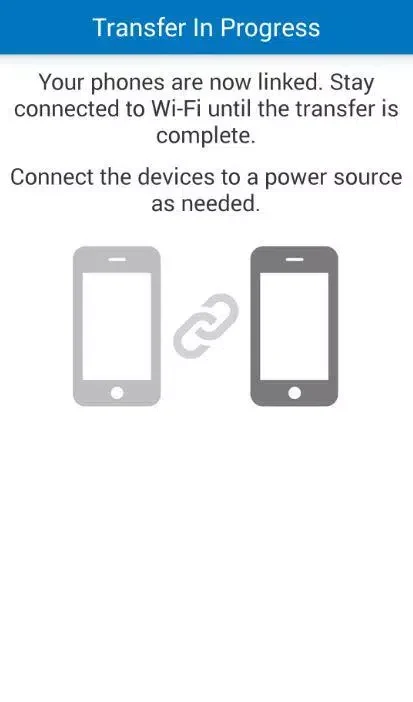
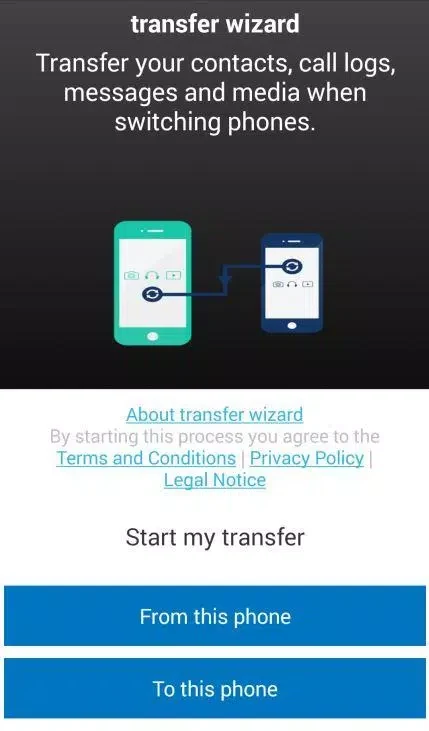
The app is intended to be installed on both the old and new devices. Its step-by-step prompts guide the setup, and the transfer is described as wireless, so the process does not rely on a physical connection between the devices. The source describes the app as usable for transfers involving devices beyond AT&T, though it does not provide a detailed compatibility list.
Before starting, the supplied tips recommend backing up the old device in case something unexpected happens during migration. They also suggest checking that the new device has enough storage for the content being moved. If space is limited, unnecessary files or apps can be removed first.
App compatibility and preparation
Content migration does not necessarily mean that every app from the old device will be available on the new one. Compatibility can affect whether an app transfers, so check which apps are supported before beginning. Make a note of any that are not supported and reinstall them later from an app store if they are available for the new device.
These preparation steps help clarify what the transfer is intended to cover: personal content such as contacts, media, messages, call logs, and wallpaper, with app availability handled separately when compatibility prevents transfer. The app’s prompts provide the setup guidance for connecting the two devices and starting the wireless migration.
Version history
View all18 Feb 2025 · stable