

Blurrr-Capcut pro video editor
Blurrr-Capcut pro video editor combines video, audio, and image layers on a timeline with tools for effects, keyframe animation, speed changes, cutouts, and 3D scenes. It also offers templates and AI-assisted options alongside manual image adjustments.
Screenshots
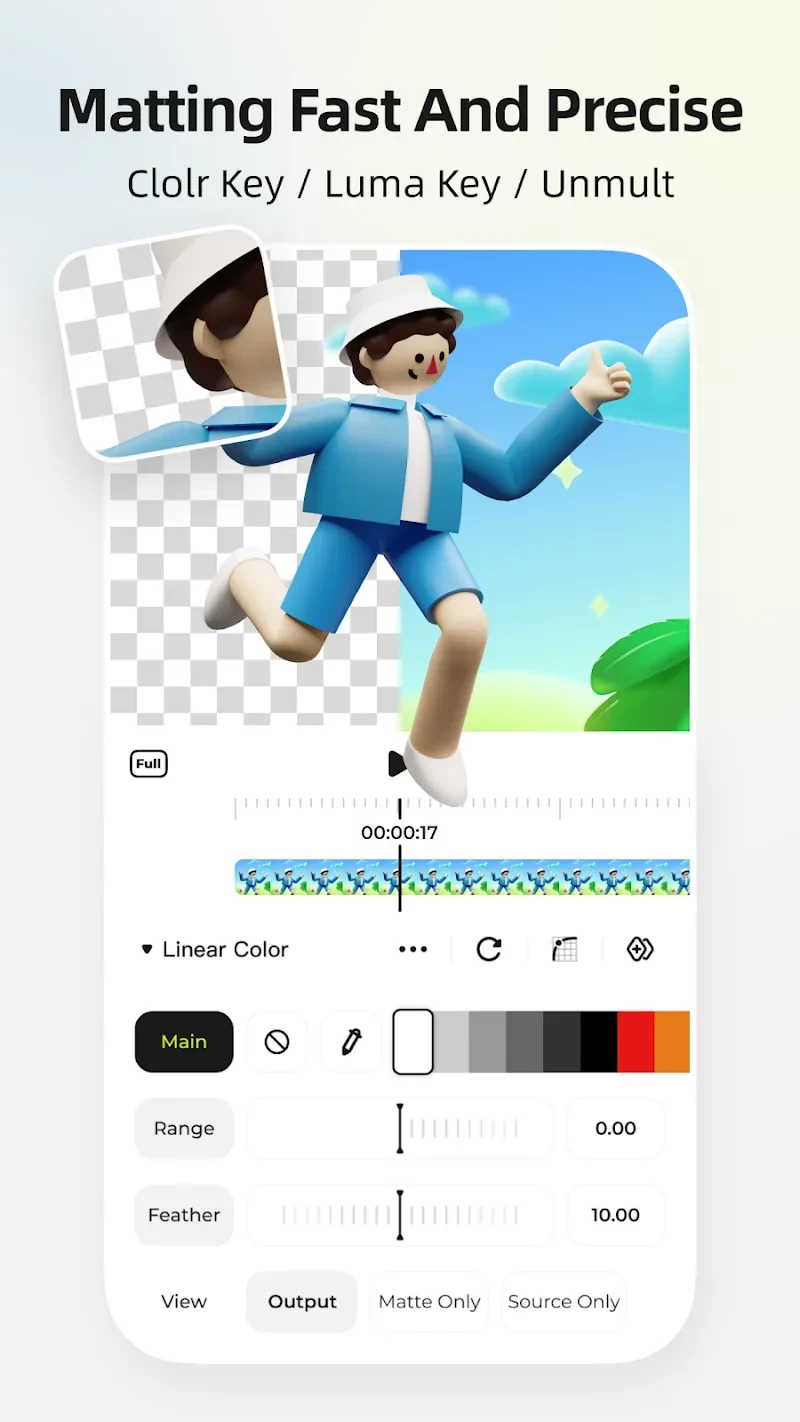
About this app
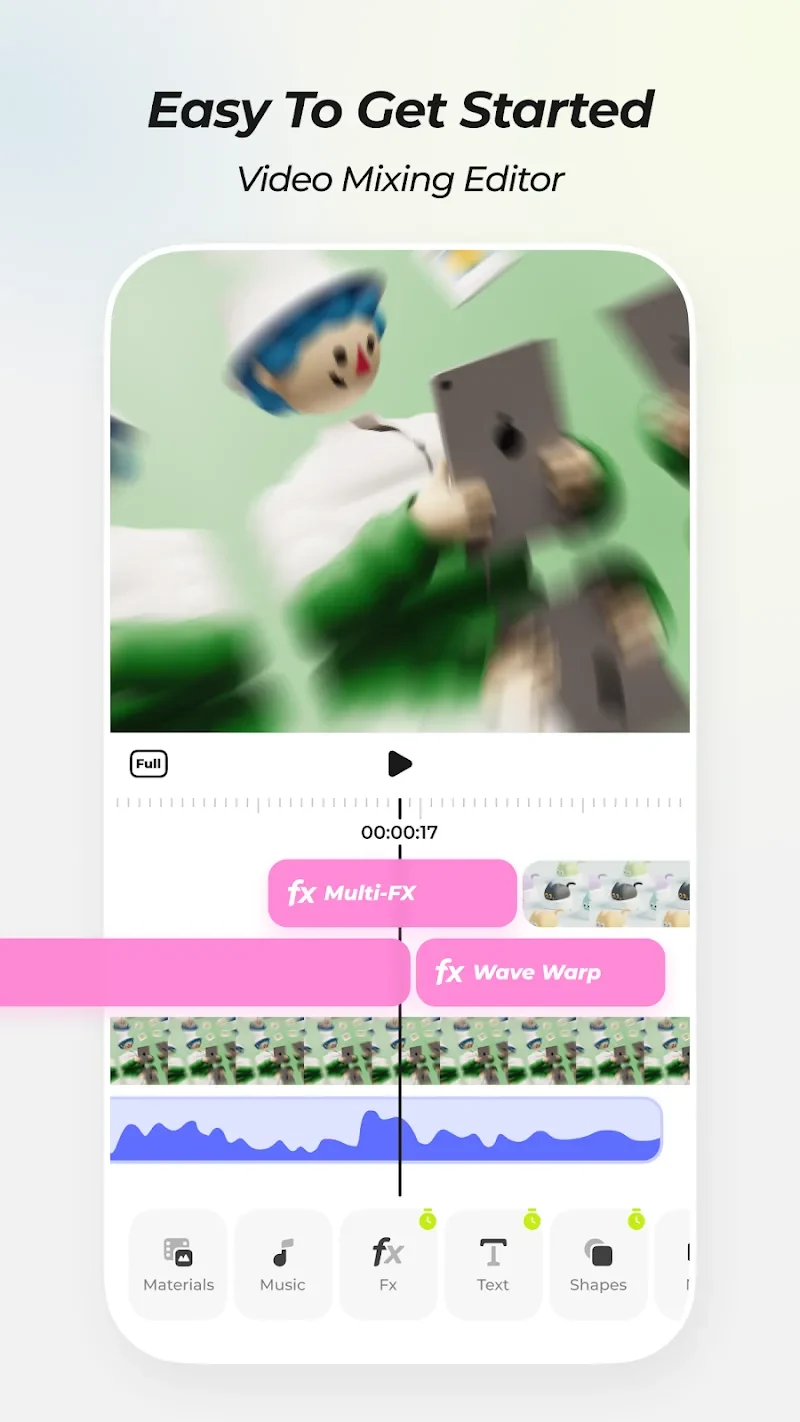
Blurrr-Capcut pro video editor is an Android editing app for combining video, audio, and image clips into layered projects. Its timeline-based tools bring clip arrangement, visual effects, animation controls, and image adjustments into one editing environment. Users can import files, work with their layers, and personalize a project with effects, filters, text, or stickers.
Build projects from layered media
The app supports mixing multiple video, audio, and image layers, so a project can combine different media types rather than relying on a single clip. Imported files are organized as layers on the timeline for editing. Effects can be combined, and layer adjustments allow multiple effects and filters on the same track, with the order of those layers adjustable. This gives editors controls for shaping how a project’s visual elements are arranged and treated.
For further customization, the app includes brightness settings, color curves, and saturation adjustments. It also provides a library of templates and inspiration for project ideas. These options sit alongside the timeline tools: editors can choose preset starting points or adjust image properties themselves, as well as add text, stickers, filters, and special effects.
Animate movement and control timing
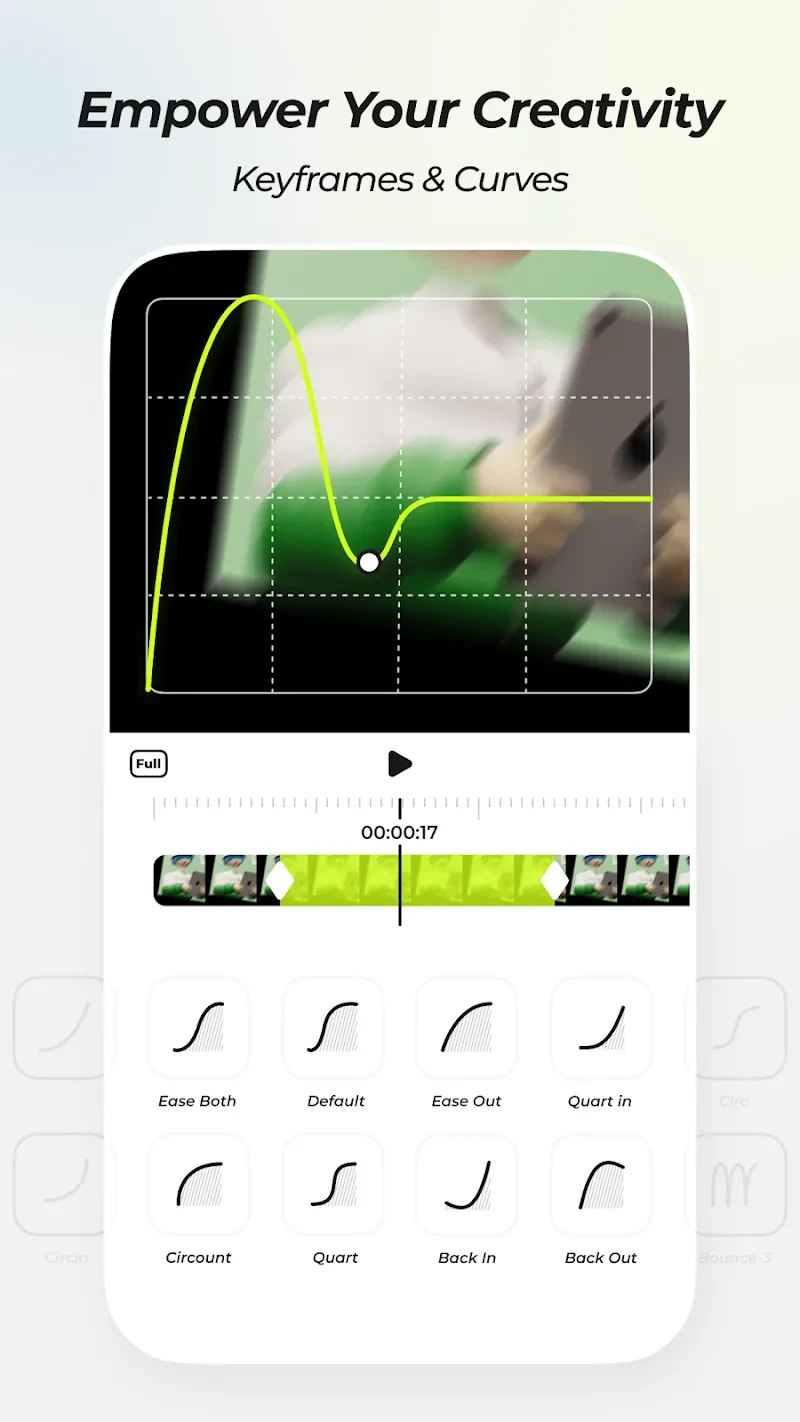
Custom keyframes and curves let users control changes and animations in a video. For timing adjustments, variable-speed keyframes include time remapping and linear speed changes, also described as time stretching. These controls can be used to shape the pace of footage and coordinate its timing with music. The app also includes AI smart interpolation for smoothing video and supporting effects such as slow motion.
Effects, cutouts, and 3D tools
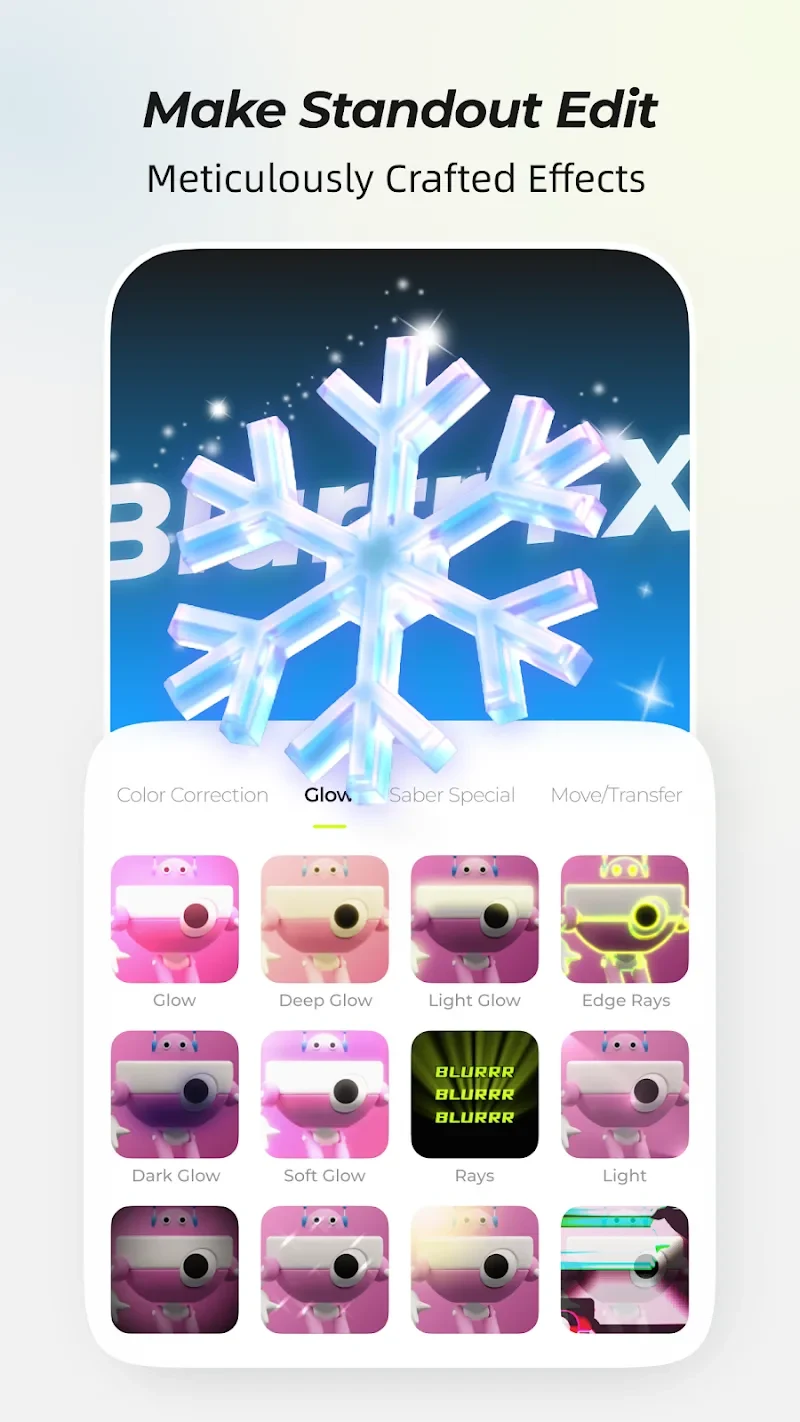
The description lists more than 80 special effects. Editors can apply effects individually or combine them with other treatments, while adjustable layer order provides another way to shape the result. An AI smart cutout tool is available for separating image content from its background.
Blurrr also supports 3D and camera features. Examples given include a 3D tunnel, conveyor belt, and cube, as well as building visual effects with the camera tools. Null Object and Parent-Child Subset features provide additional controls for working with images and creating more involved compositions. Together, these tools extend the app beyond basic clip arrangement into animation and layered visual construction.
AI-assisted and manual adjustments
For image settings, an AI-powered option recommends adjustments based on the content type. Users can instead work with manual controls such as brightness, color curves, and saturation when they want to set the look themselves. This makes the AI recommendation and hands-on adjustment separate ways to approach image customization within the editing process.
Version history
View all15 Oct 2025 · stable