

CC Launcher
CC Launcher is a theme and customization app that brings the Xiaomi MIUI interface style, icon packs, and privacy tools to Android devices.
Screenshots
About this app
CC Launcher is a dedicated theme and personalization application designed for fans of Xiaomi and Redmi devices, allowing users to apply signature Xiaomi-style desktop wallpapers, notification shades, and settings layouts on non-native hardware. The primary task this app addresses is transforming the visual appearance and navigational behavior of an Android phone to mimic the MIUI ecosystem while offering robust organizational and privacy utilities. Its clearest supported benefit is delivering a comprehensive visual overhaul alongside practical home screen management tools, letting individuals tailor nearly every aspect of their device layout without requiring an official Xiaomi phone.
How does CC Launcher replicate the Xiaomi interface experience?
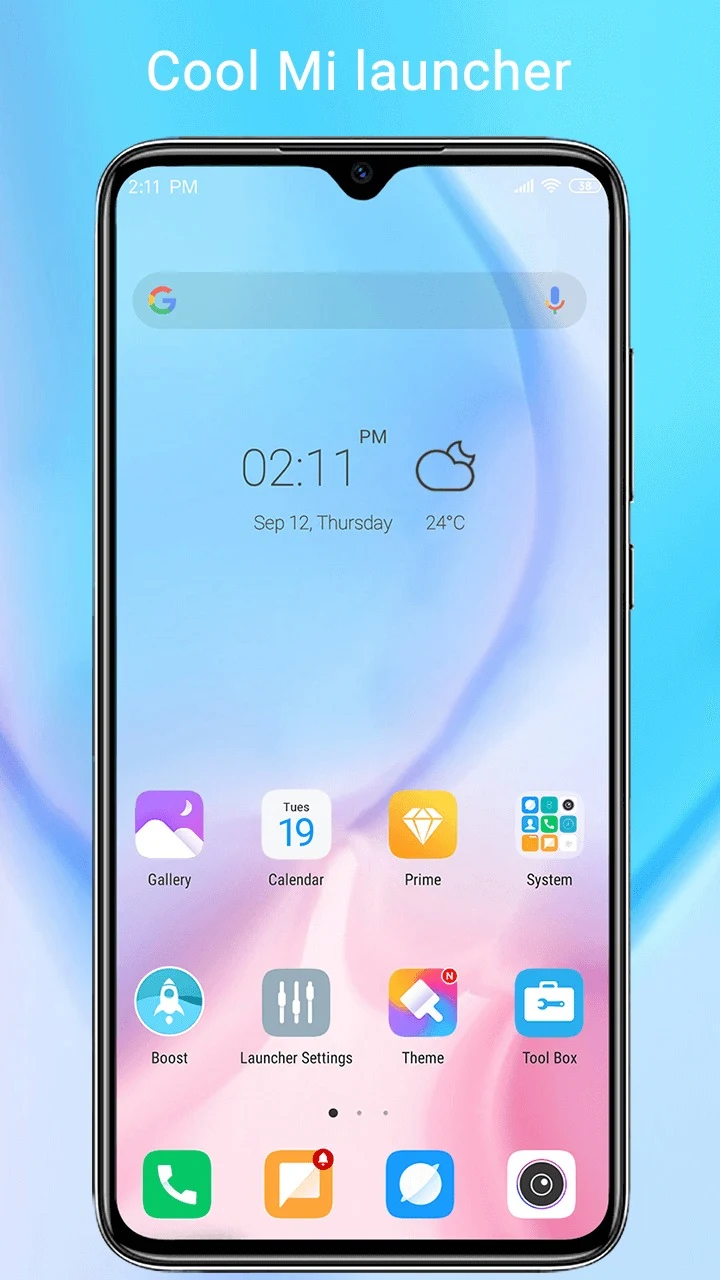
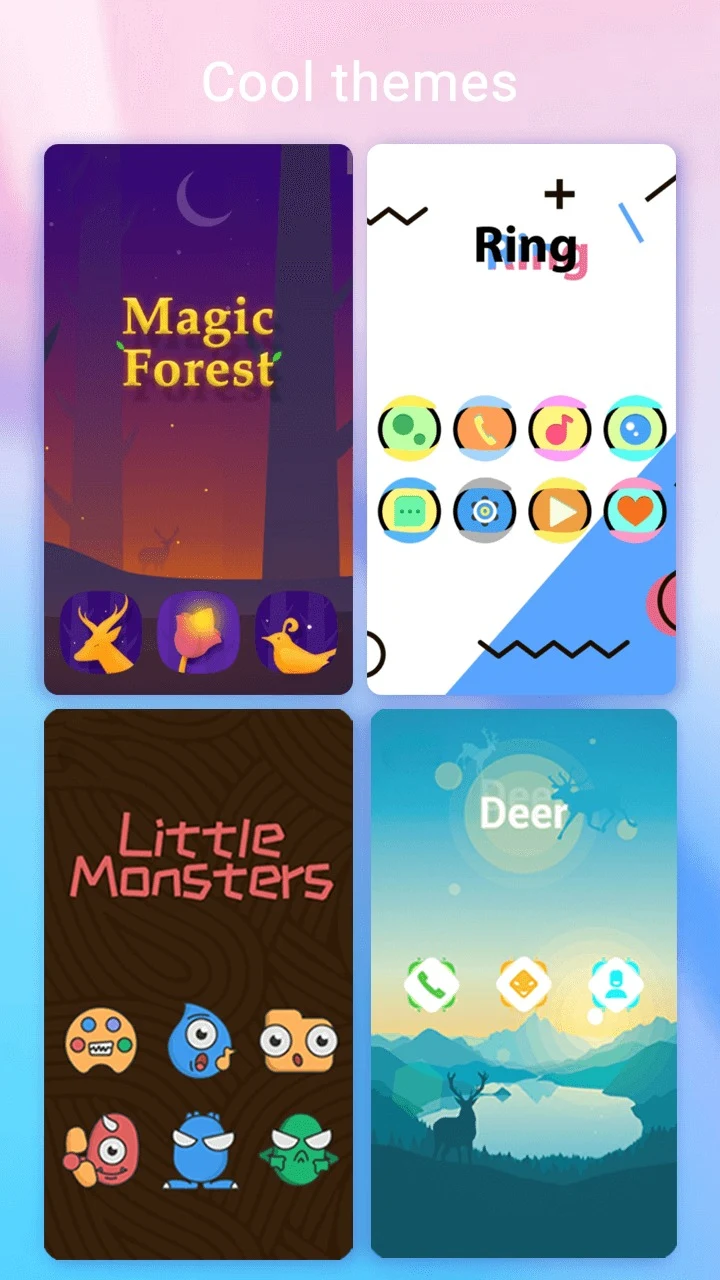
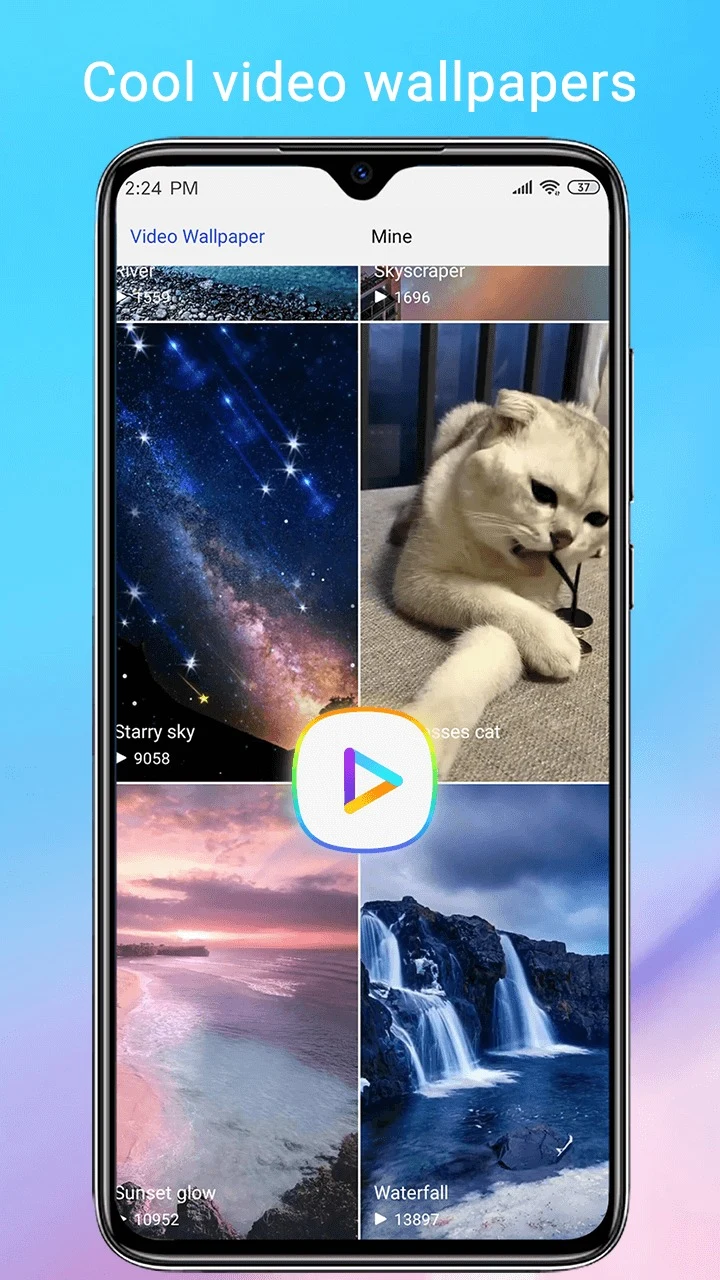
The app achieves an authentic MIUI appearance by incorporating signature design elements from Xiaomi and Redmi devices, including updated icons, notification shades, and settings layouts. Users can choose from thousands of high-quality themes, live wallpapers, and static backgrounds within a massive theme and wallpaper store to match their personal aesthetic. Additionally, the application embraces the MIUI 12 folder style and supports folders directly within the app drawer, ensuring that users can organize and access their software efficiently.
What navigation and customization controls are available?
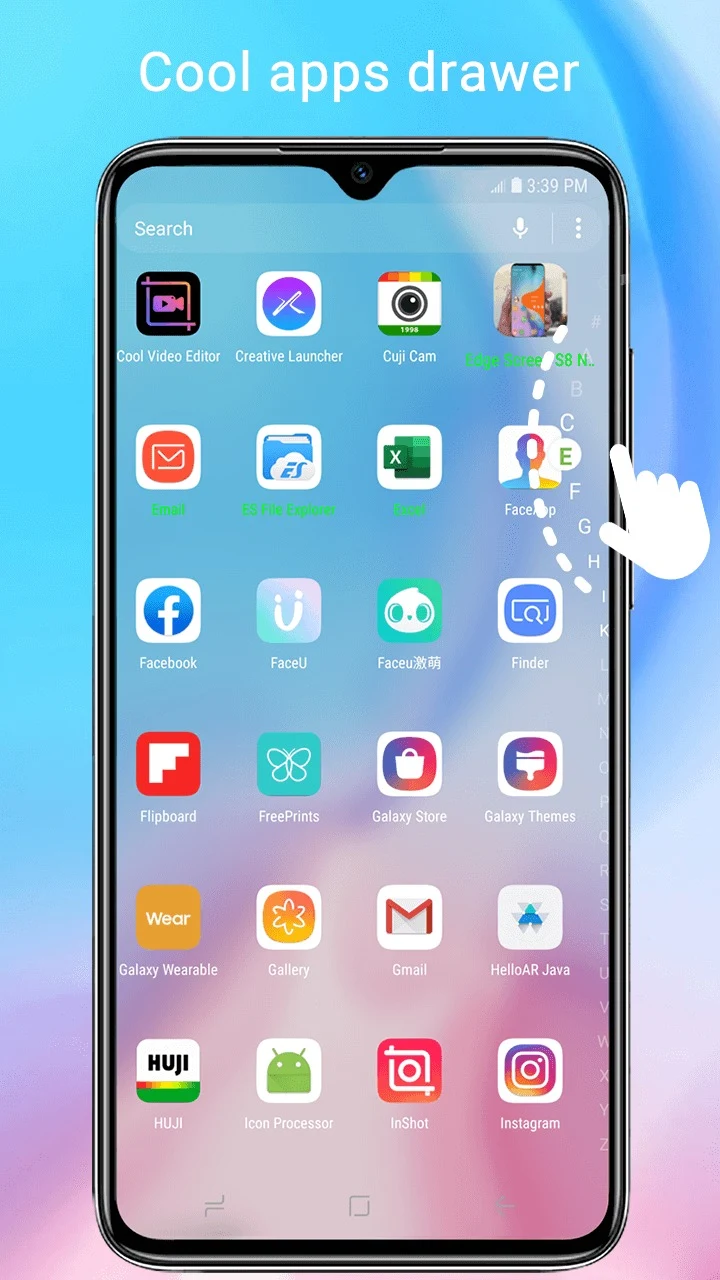
CC Launcher supports universal icon pack compatibility, allowing users to apply almost any icon pack available on the market or customize individual icons using their own images. Navigation is enhanced through gesture mastery, which lets users configure double-taps, swipes, and pinches to trigger specific apps or shortcuts quickly. Furthermore, users can modify the dock background, folder colors, folder styles, icon counts, and launcher grid sizes to maximize home screen efficiency. The application also provides three color modes—light, dark, or automatic—and four distinct drawer styles, including horizontal, vertical, category, and list layouts.
Sorting methods for apps are versatile, featuring A-Z ordering, latest installed first, earliest installed first, mostly used sorting, and fully customized arrangements. Users can also utilize an intelligent T9 search bar and a convenient A-Z sidebar to locate installed software in milliseconds. Useful everyday tools integrated into the launcher include a battery percentage indicator, app management utilities, and storage usage information, accompanied by an unread notifier that displays alert badges directly on desktop icons.
How do the privacy and security features function?
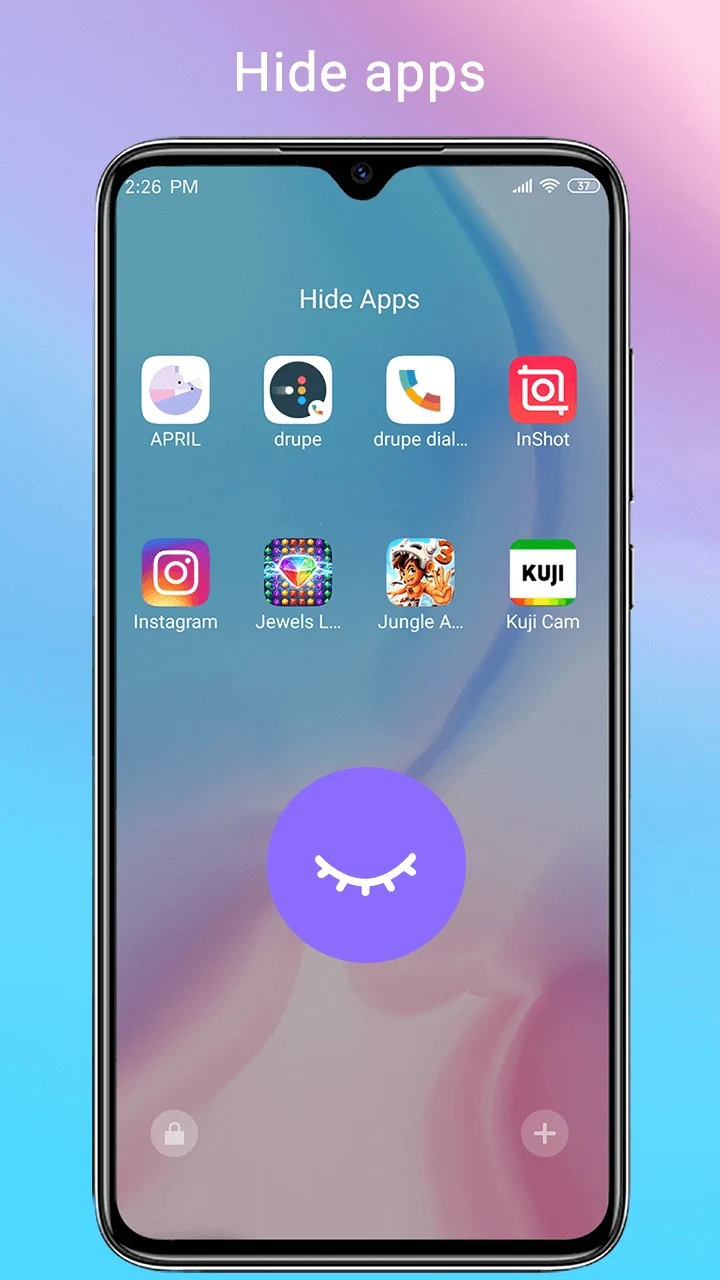
To protect sensitive information, CC Launcher includes integrated privacy tools such as an app hider and an app lock. Users can secure their personal data by hiding specific apps from view or by protecting sensitive items with a secure PIN or pattern lock. By moving files or applications into separate hidden folders or locking them down, users can maintain better control over who can access confidential programs on their shared or personal devices.
Who will find this launcher useful?
This application is particularly useful for Android users who appreciate the visual design and structural layout of Xiaomi and Redmi software but operate devices from other manufacturers. It suits individuals who enjoy deep home screen customization, flexible app drawer sorting, gesture-based shortcuts, and built-in privacy features like app locking and hiding. Because it is an independent third-party theme product and not an official Xiaomi release, it serves as an accessible customization alternative for anyone looking to refresh their device interface.
Version history
View all11 Sep 2026 · stable
Frequently asked questions
Is CC Launcher an official Xiaomi or Redmi application?
No, CC Launcher is an independent theme product inspired by Xiaomi and Redmi devices, and it has no official relationship with Xiaomi.
Can I use custom icon packs with this launcher?
Yes, the app is compatible with almost any icon pack found on the market, and you can also customize individual icons using your own images.
What options are available for sorting apps in the drawer?
App sorting methods include A-Z, latest installed first, earliest installed first, mostly used, and customized arrangements.