
Motion Ninja Pro Mod
Motion Ninja Pro Mod is a mobile video editor for assembling footage with trimming, speed controls, layered media, animated text, motion tracking, visual effects, and audio editing. It also supports keyframe-based motion graphics and export settings for social platforms and further editing.
Screenshots
About this app
Motion Ninja Pro Mod is a mobile video editor for turning clips, images, text, music, and effects into assembled videos when an editing task needs more control than a single filter or cut. The source describes tools for basic timeline work, layered compositions, keyframe animation, motion tracking, visual treatment, sound design, and export.
When a clip needs precise structural edits
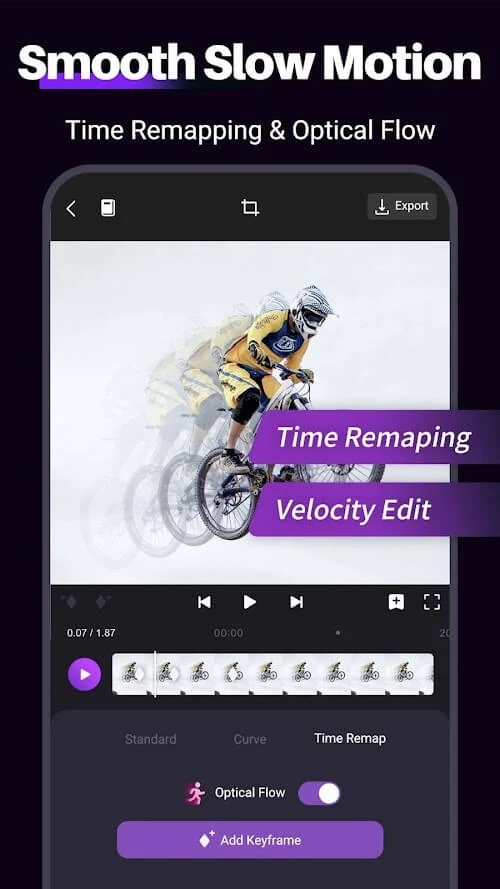
For projects that begin with raw footage, the editor can trim and cut unwanted sections, merge clips, reverse playback, and change speed. Slow-motion and fast-motion treatments are available for changing how an action appears in the finished sequence. These controls address the basic construction of a video before decorative effects or animation are added.
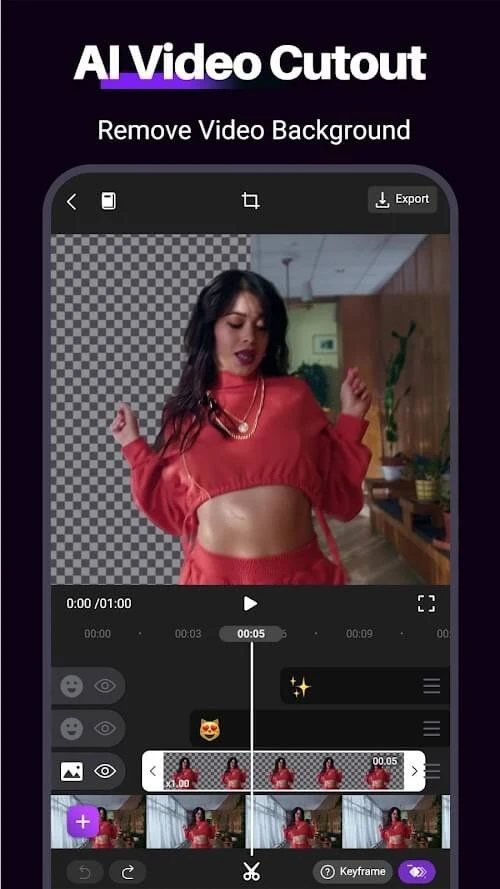
The source also describes multiple layers, so videos, images, and text can be placed over one another in the same composition. This is useful for building an intro, combining visual elements, or arranging a story-driven sequence without limiting the project to one media track. Layered editing is presented as a way to create more involved compositions directly on a smartphone.
When movement needs to be designed rather than merely recorded
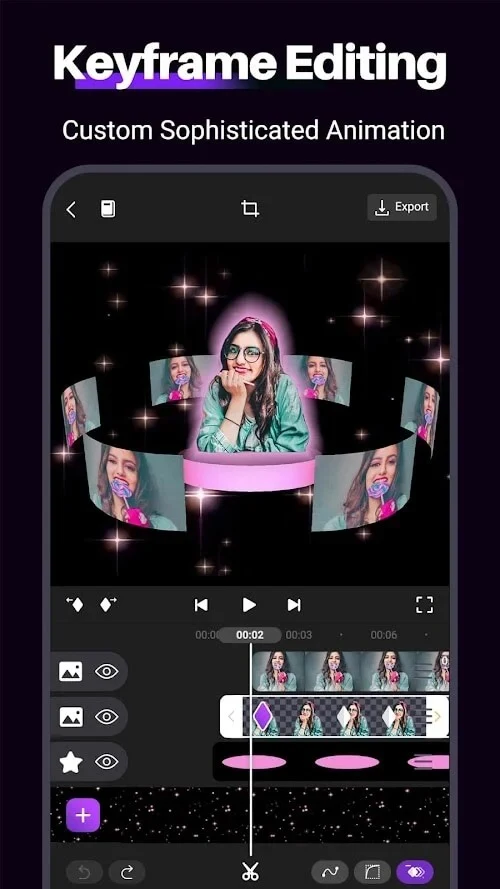
Keyframe animation provides a timeline-based method for changing properties over time. The documented controls include position, opacity, scale, and rotation, allowing an editor to set values at different points and create a controlled transition between them. This can be used for a title that enters and fades, a gradual zoom, a pan, a rotation, or a more involved motion sequence.
Pre-built animation presets and motion effects are also described. They provide prepared starting points for animated elements, while manual keyframes allow more precise adjustments. The source additionally refers to motion graphics and shape-morphing-style sequences, but the central documented capability is the ability to control visual properties along the timeline.
When an effect should follow an object
Motion tracking is intended for edits in which an effect, animation, or text needs to remain associated with a moving subject. The tool tracks an object within the video so that the added element can follow its movement instead of staying fixed in one position. This supports dynamic titles and effects that respond to action in the frame.
Tracking is also mentioned alongside masking. Masking can be used to limit an effect to a selected portion of the image, while tracking can help that selected treatment follow movement. Together, these tools provide a way to apply visual changes selectively rather than treating every part of the frame in the same way.
When footage needs a particular visual style
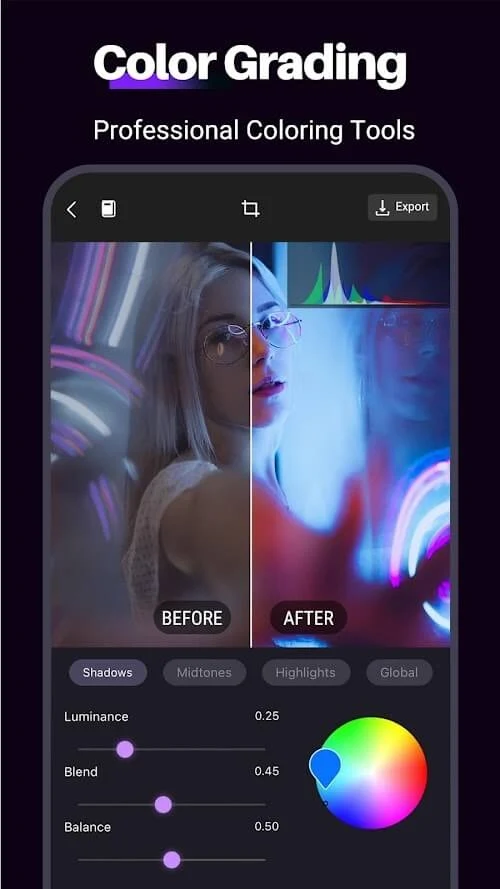
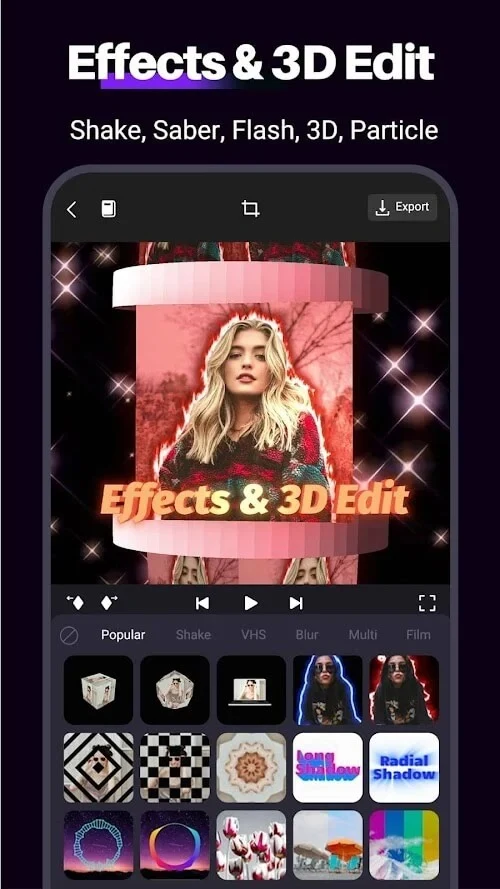
The editor includes filters, color grading, special effects, particles, and overlays. These materials can be used to alter the mood, color treatment, or visual style of footage. The source describes cinematic filters, particle bursts, and creative overlays as part of the available effect library.
Animated text is another option for communicating information within the video. Captions, titles, and other text elements can use customizable fonts and colors, while animation can make them enter, move, or change over time. This gives titles a defined role in intros, captions, or emphasis without requiring them to remain static.
When sound needs to match the edit
Motion Ninja Pro Mod supports music tracks, sound effects, and voiceovers from imported files, and the source also describes a collection of royalty-free music and sound effects. Audio can therefore provide background music, spoken content, or additional sound design within the same project.
The listed audio controls include multi-track editing, audio trimming, volume envelopes, and synchronization with on-screen action. These functions address different parts of the sound workflow: removing unwanted audio sections, shaping changes in loudness, and aligning sound with events in the video. The supplied editing guidance also emphasizes checking that added music or other audio does not overwhelm the main content.
When the finished video is prepared for sharing
Export settings include different aspect ratios and resolutions for platforms such as TikTok, YouTube, and Instagram. The source also states that high-resolution output can include 1080p and 4K options depending on device capabilities and app settings. Choosing the appropriate format and output settings is therefore part of preparing a project for a particular destination.
Completed videos can be saved to the device or shared directly to social media, and the source describes multiple file formats for projects that may need further refinement in other editing software. Reviewing the result on more than one screen is suggested in the supplied guidance, as is saving projects frequently while editing to reduce the risk of losing work if the application closes unexpectedly.
When learning the tools is part of the project
The source identifies documentation, video tutorials, and a support website as learning resources for understanding the editor. It also suggests checking for new features and improvements through app updates and experimenting with effects, animation, and personal visual styles. These are workflow suggestions rather than separate editing controls, but they explain how the documented tools can be explored gradually.
Version history
View all11 Dec 2025 · stable
Frequently asked questions
What support channels are listed for Motion Ninja Pro Mod?
The source lists online FAQs, email support, and user community forums as customer-support resources.