
MSQRD
MSQRD is a real-time face editing application for Android that applies interactive filters, animal masks, and celebrity effects to your photos and videos.
Screenshots
About this app
MSQRD is a real-time editing tool designed to let users point their camera at their face and instantly apply various filters and special effects. By utilizing proprietary facial technology, the application recognizes specific facial features such as the nose and ears to overlay animations that react dynamically to your movements. Whether you want to add humor to your daily routine or create unique content for social media networks like Facebook, Twitter, and Instagram, this utility provides a straightforward way to transform your selfies and video recordings.
Interactive Mask Library and Effects
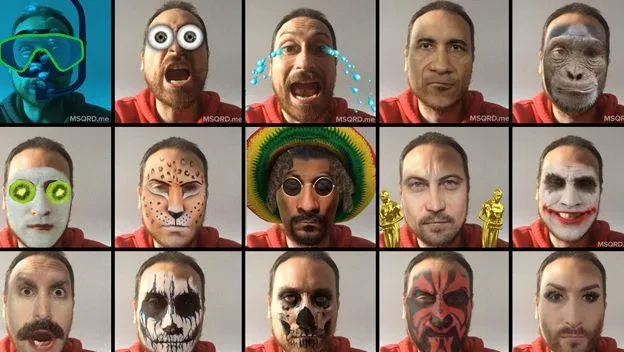
The application includes a large collection of special effects, ranging from animals like tigers, pandas, monkeys, and polar bears to celebrity masks such as Leonardo DiCaprio and Donald Trump. Users can display different facial expressions and even talk or nod while the effects are active, as the dynamic picture accurately matches facial mimicry. A built-in library of masks means the tool can operate without requiring constant network access.
Capture and Editing Workflow
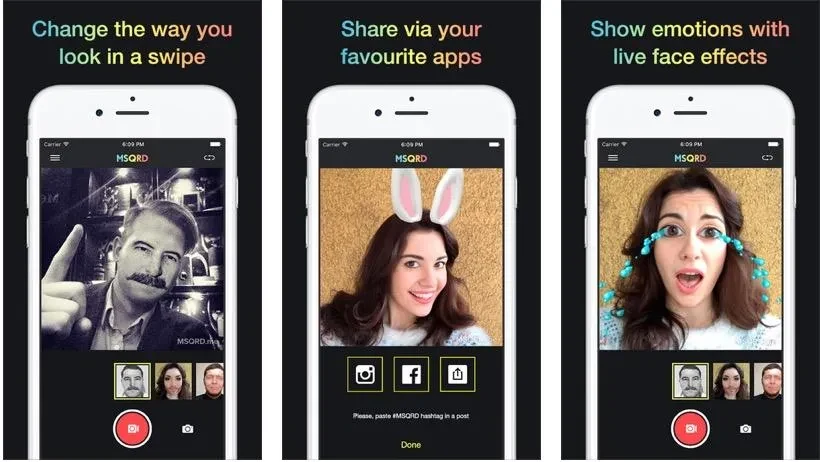
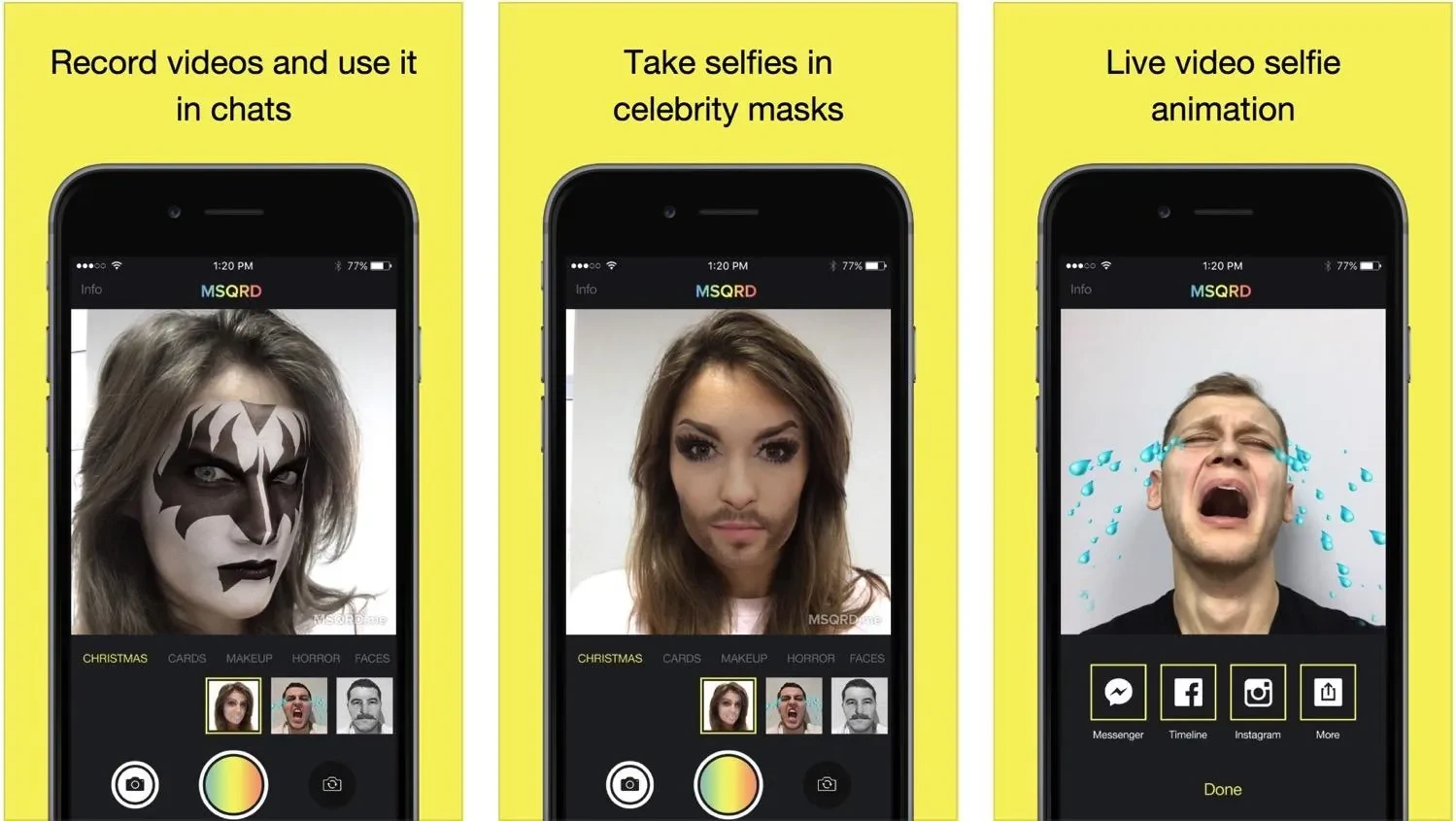
Navigating the app is straightforward: simply point either the front or back camera at your face, view the available filters at the bottom of the screen, and swipe left or right to switch between them. Tapping the camera icon captures a screenshot, while tapping the video icon starts recording a video with the chosen filter applied. Additionally, the built-in editor allows users to apply effects directly to photos that have already been taken.
Sharing and Interface Experience
Once you are satisfied with your photo or video, the screen displays several sharing options for popular social platforms or through standard device menus. The interface is designed to be user-friendly and operates without advertisements. Furthermore, you can shoot and save videos in a format convenient for your device before publishing them online.
Version history
View all10 Sep 2026 · stable
Frequently asked questions
How do I apply filters in MSQRD?
Open the application, point your camera at your face, and scroll through the filters displayed at the bottom of the screen. Swipe left or right to pick a look, and the app will automatically recognize your facial features and overlay the effect.
Can I record videos using the filters?
Yes, you can tap the video icon on the camera screen to record a video while the dynamic filter reacts to your movements and facial expressions.
Does the app require an internet connection to use its masks?
No, the application features a built-in library of masks and does not require constant access to the network.