
NFC Tools
NFC Tools uses NFC tags to share contact information and trigger actions such as changing sound settings, connecting to Wi-Fi, or opening an app. It requires an NFC-enabled device and is listed for Android 4.0 and later.
Screenshots
About this app
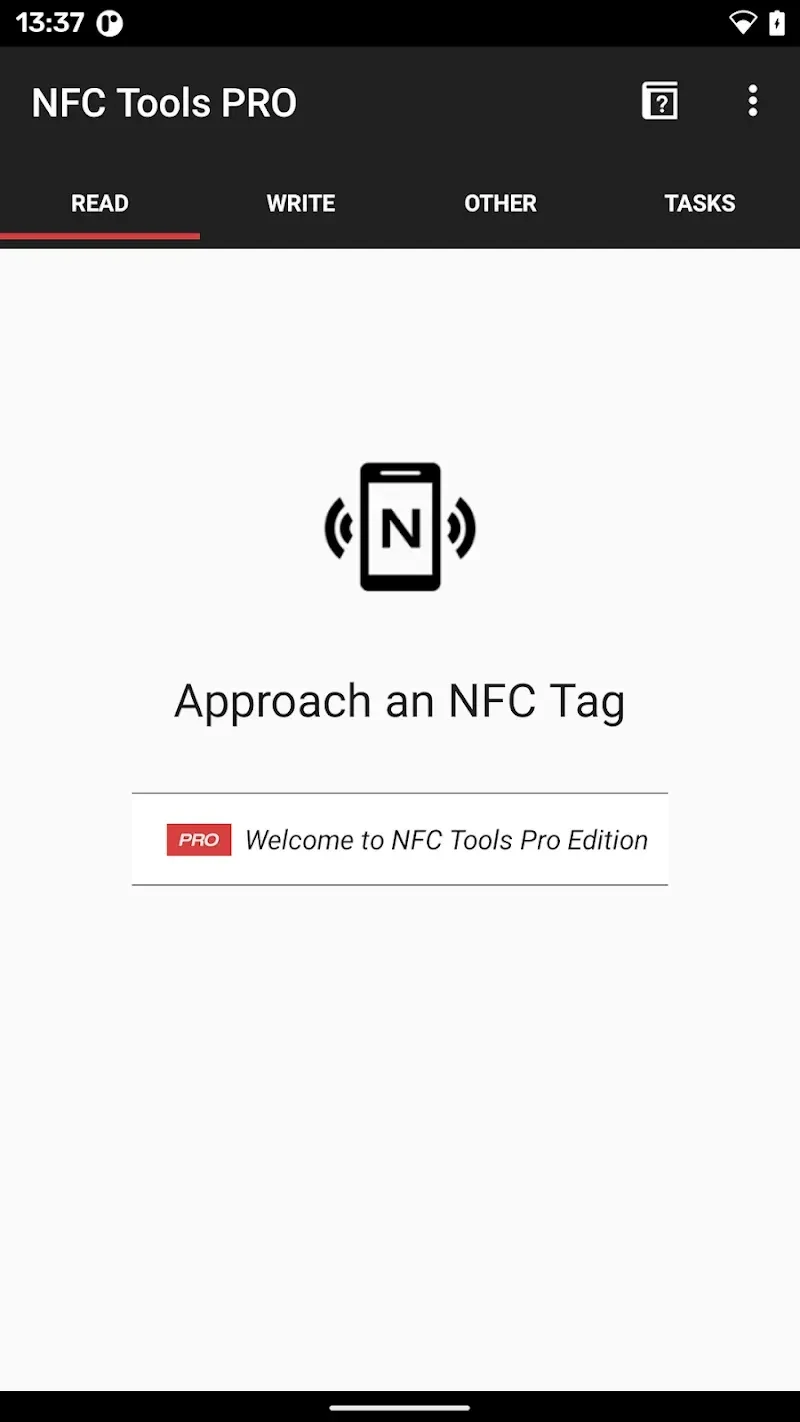
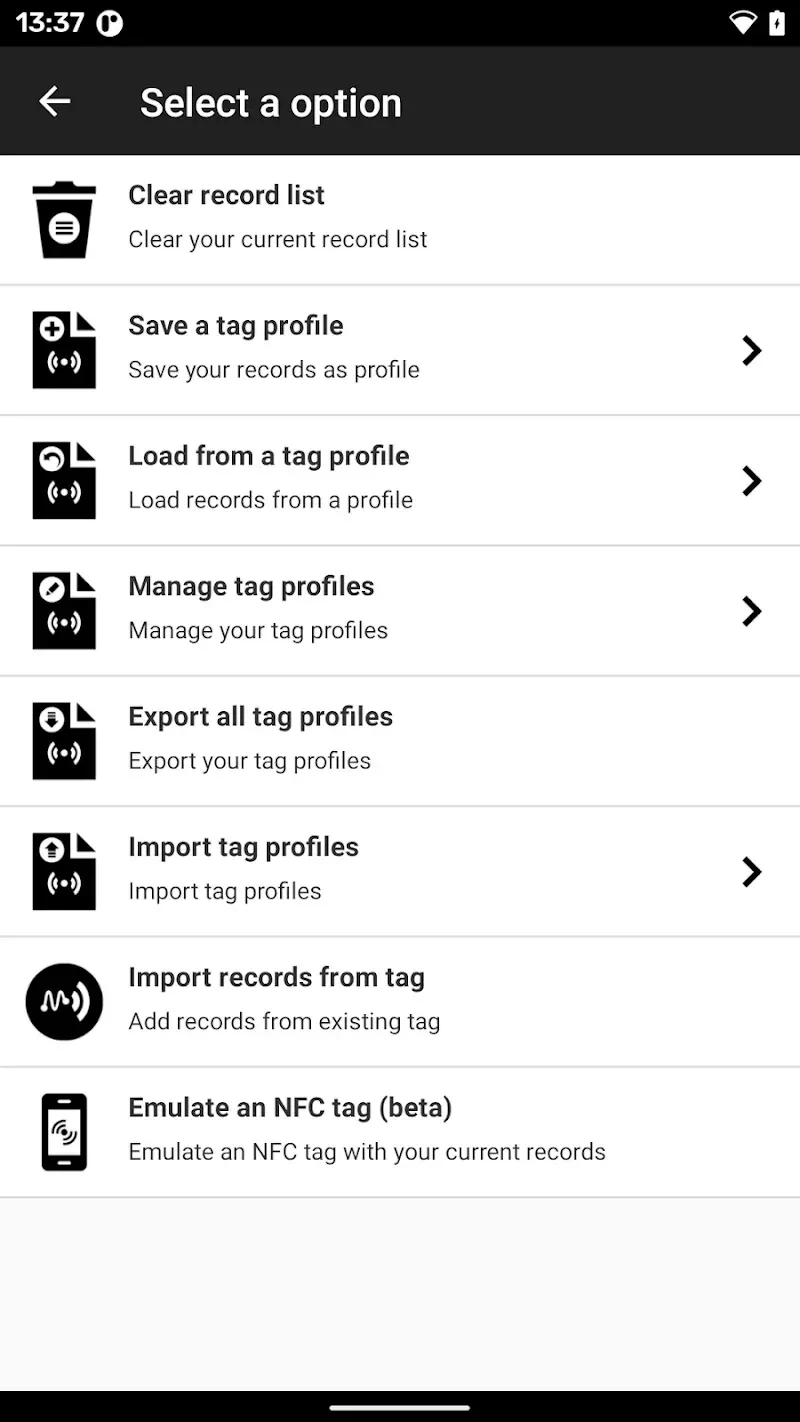
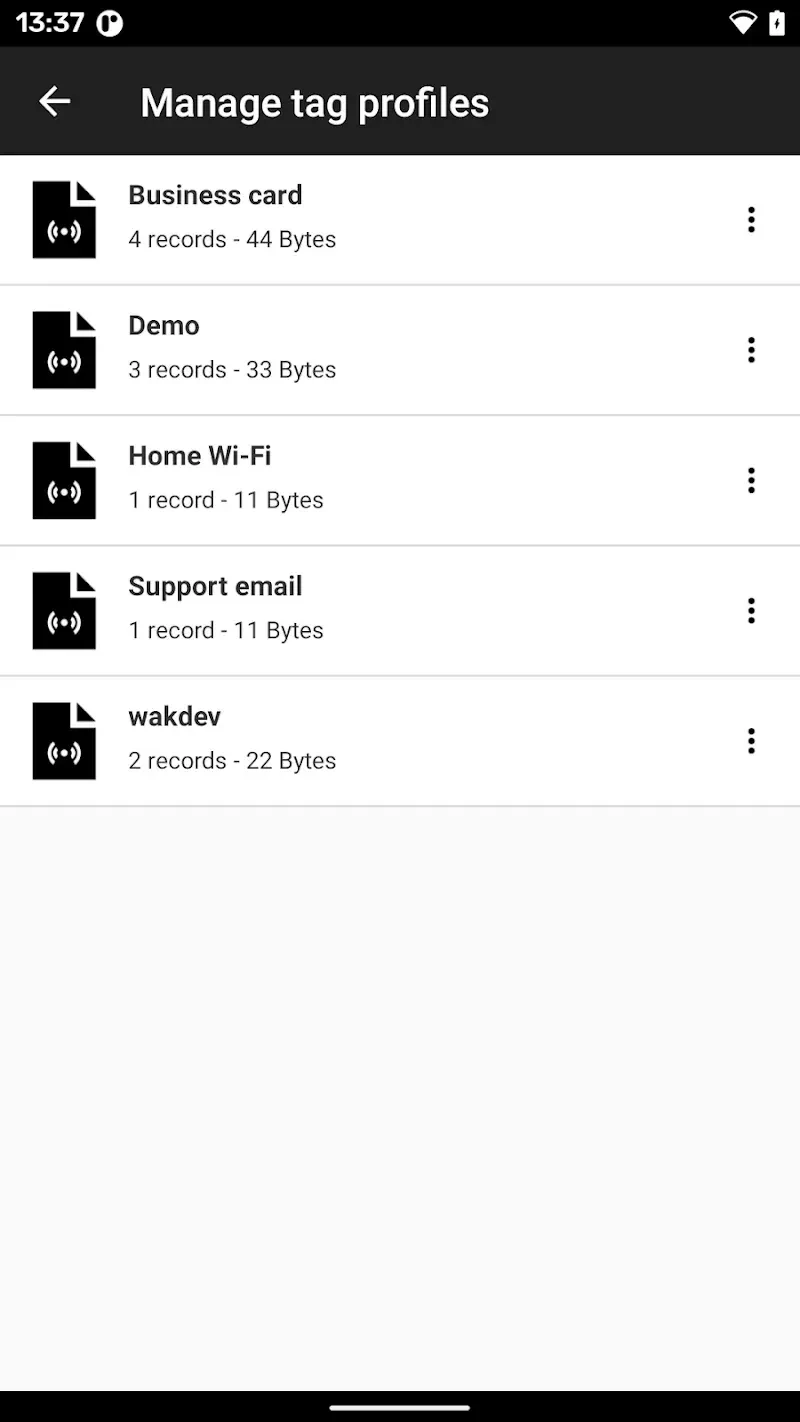
NFC Tools helps you use NFC tags to share information or start selected actions on an NFC-enabled Android device. A tag can hold contact details for sharing, while other setups let a tap trigger tasks such as changing Bluetooth or sound settings. The app also describes linking a task or profile to a tag’s unique identifier without writing data to the tag. These options make NFC useful for repeating simple phone tasks or sharing contact information with a tap, without requiring advanced technical knowledge to enter personal details.
Getting started and setting up tags
When opened for the first time, the app presents an installation wizard that explains its main uses and helps users consider which actions they want to automate. For contact sharing, you can enter personal details in the configuration tab to create a tag for a virtual business card, social profiles, or a phone number. The information can be edited later if those details change. The app also describes using a tag’s unique identifier to associate it with a task or profile without writing data onto the tag itself.
Actions a tag can trigger
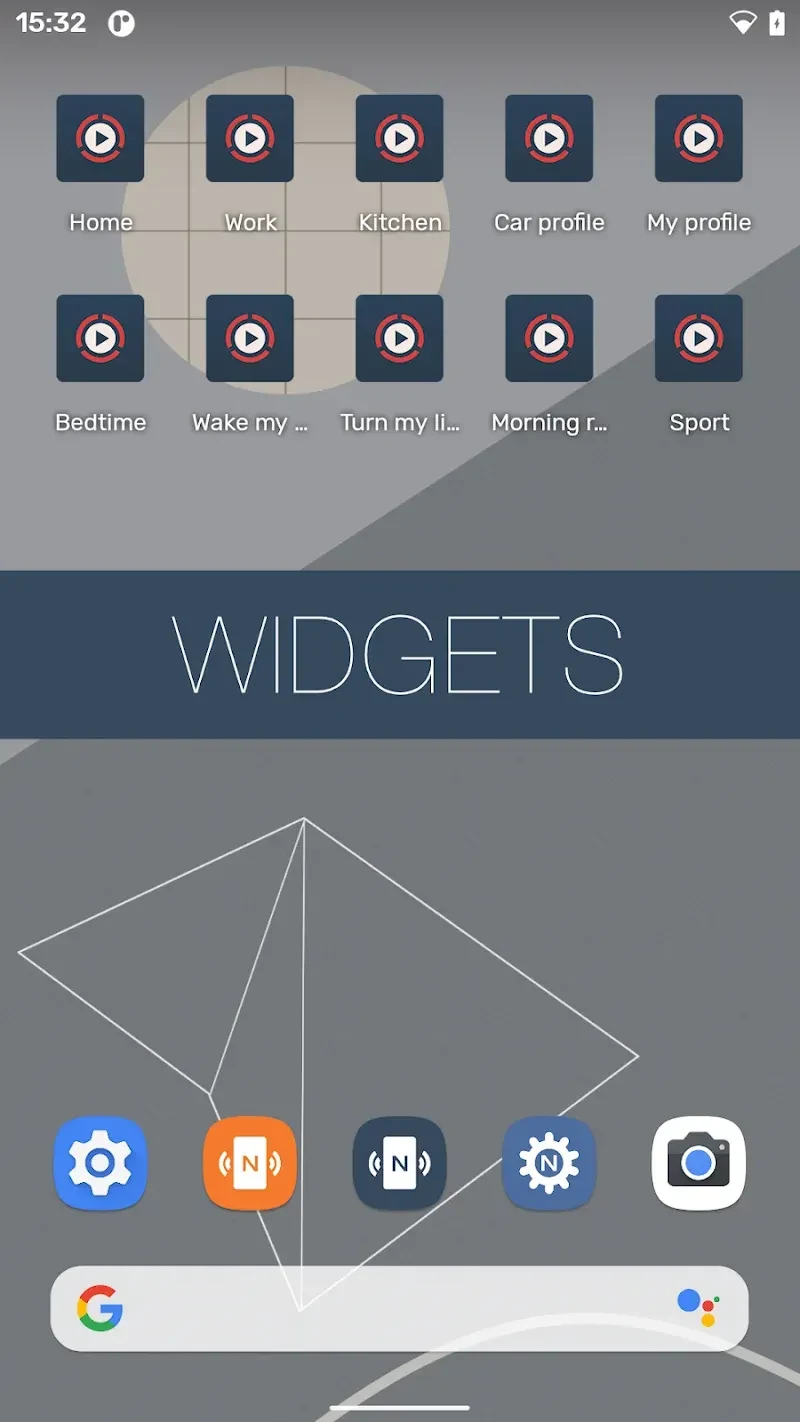
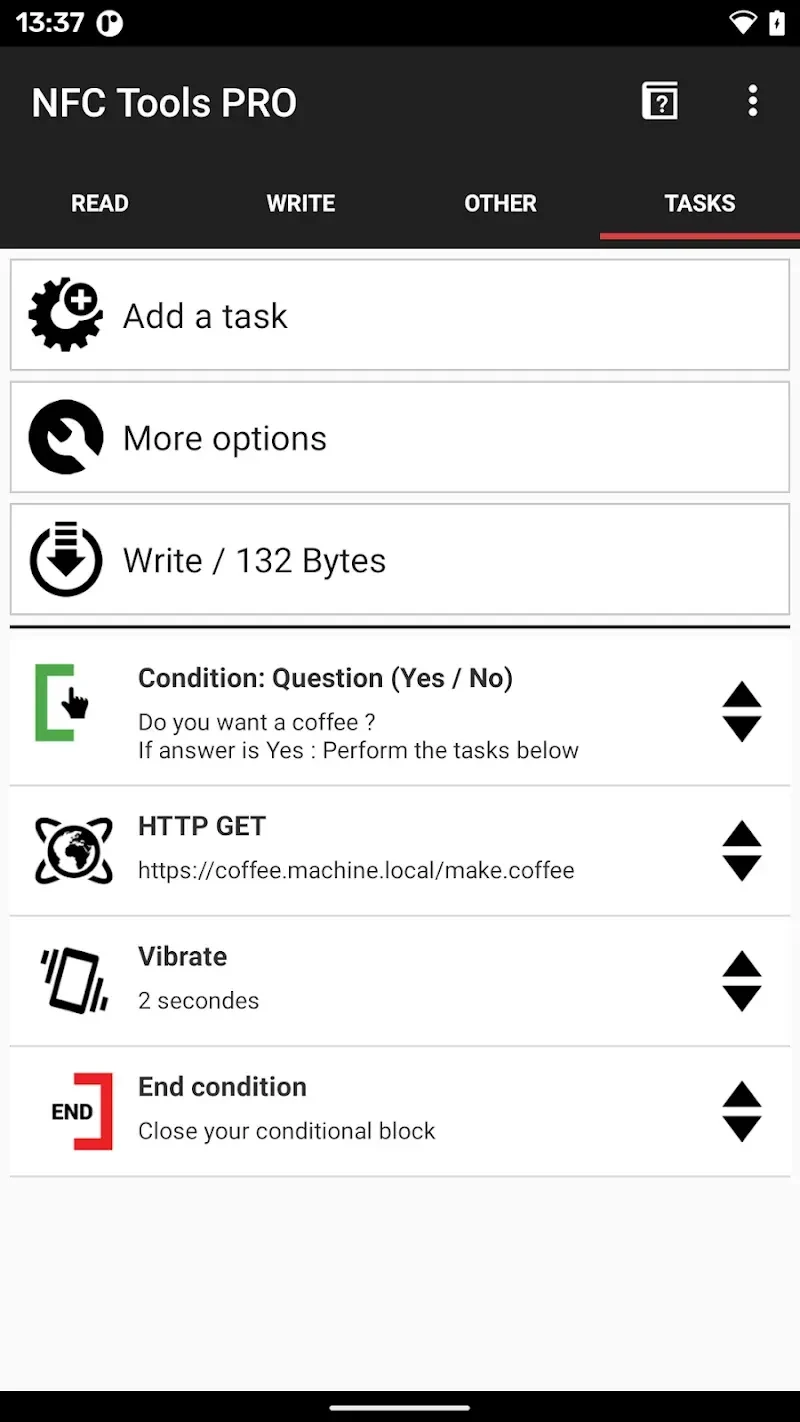
Depending on the setup, tapping a configured tag can control Bluetooth, set a sound profile to silent, vibrate, or normal, adjust screen brightness, or change alarm, notification, and ring volumes. Other listed actions include setting a timer or alarm, adding a calendar event, connecting to a Wi-Fi network, launching an app or URL/URI, sending a text message, dialing a number, and reading text aloud with text-to-speech. NFC Tasks integration is also listed for task automation.
Reading and managing NFC tags
NFC Tools supports NDEF-compliant tags and provides detailed technical reads. The supplied feature information also lists tag locking and password protection. These capabilities are for NFC-related operations; the app is not described as a general-purpose utility. Its functions depend on the device having NFC hardware and on platform capabilities, and it cannot read or clone encrypted cards or high-security badges.
Device requirements
An NFC-enabled device is required, and the listed minimum operating system is Android 4.0. Without NFC hardware, the app cannot carry out its described tag-based functions.
Version history
View all10 Sep 2026 · stable
Frequently asked questions
Does NFC Tools require an NFC-enabled phone?
Yes. The app requires NFC hardware and is designed for NFC-related operations.
What Android version does NFC Tools require?
The listed minimum operating system is Android 4.0.
Can NFC Tools trigger phone actions with a tag?
Yes. Listed actions include changing Bluetooth or sound settings, connecting to Wi-Fi, setting an alarm, and launching an app or URL.
Can NFC Tools read or clone encrypted cards?
No. The supplied information says it cannot read or clone encrypted cards or high-security badges.