

Rotation | Orientation Manager
Rotation | Orientation Manager is an Android utility for controlling screen orientation through automatic, sensor-based, fixed, and reversed modes. It also supports orientation rules for calls, headphones, charging, docks, and applications, along with widgets and customizable quick controls.
Screenshots
About this app
Rotation | Orientation Manager is an Android utility for managing screen orientation and controlling how the display responds to device movement or specific events. Its main purpose is to let users switch between automatic rotation, sensor-based behavior, fixed portrait or landscape views, and reversed orientations instead of relying on one global rotation setting.
Choose how the screen rotates
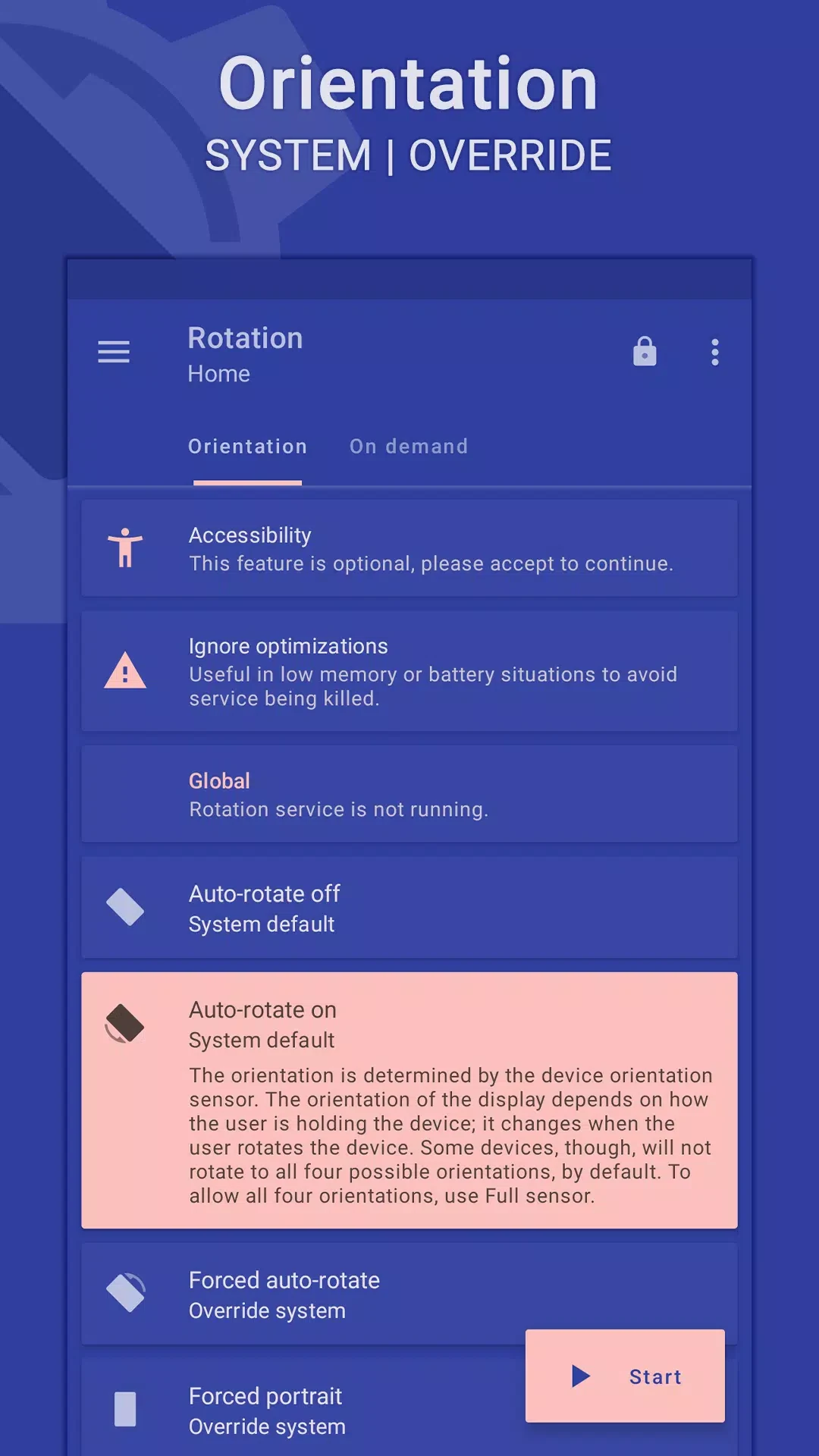
The app provides separate orientation choices for different needs. Automatic Rotation On allows the screen to respond to the phone's position, while Automatic Rotation Off keeps automatic rotation disabled. Users can also select Forced Automatic Rotation or Sensor Automatic Rotation when they want orientation behavior based on the device's sensors.
For a fixed view, the available choices include Forced Portrait and Forced Landscape. Reversed options are also provided through Reverse Portrait and Reverse Landscape. Sensor Portrait and Sensor Landscape combine a selected screen direction with sensor-based behavior. Additional sensor modes include Full Sensor, Left Sensor, Right Sensor, and Reverse Sensor. The Lock Current option preserves the orientation currently in use.
Apply orientation rules to events
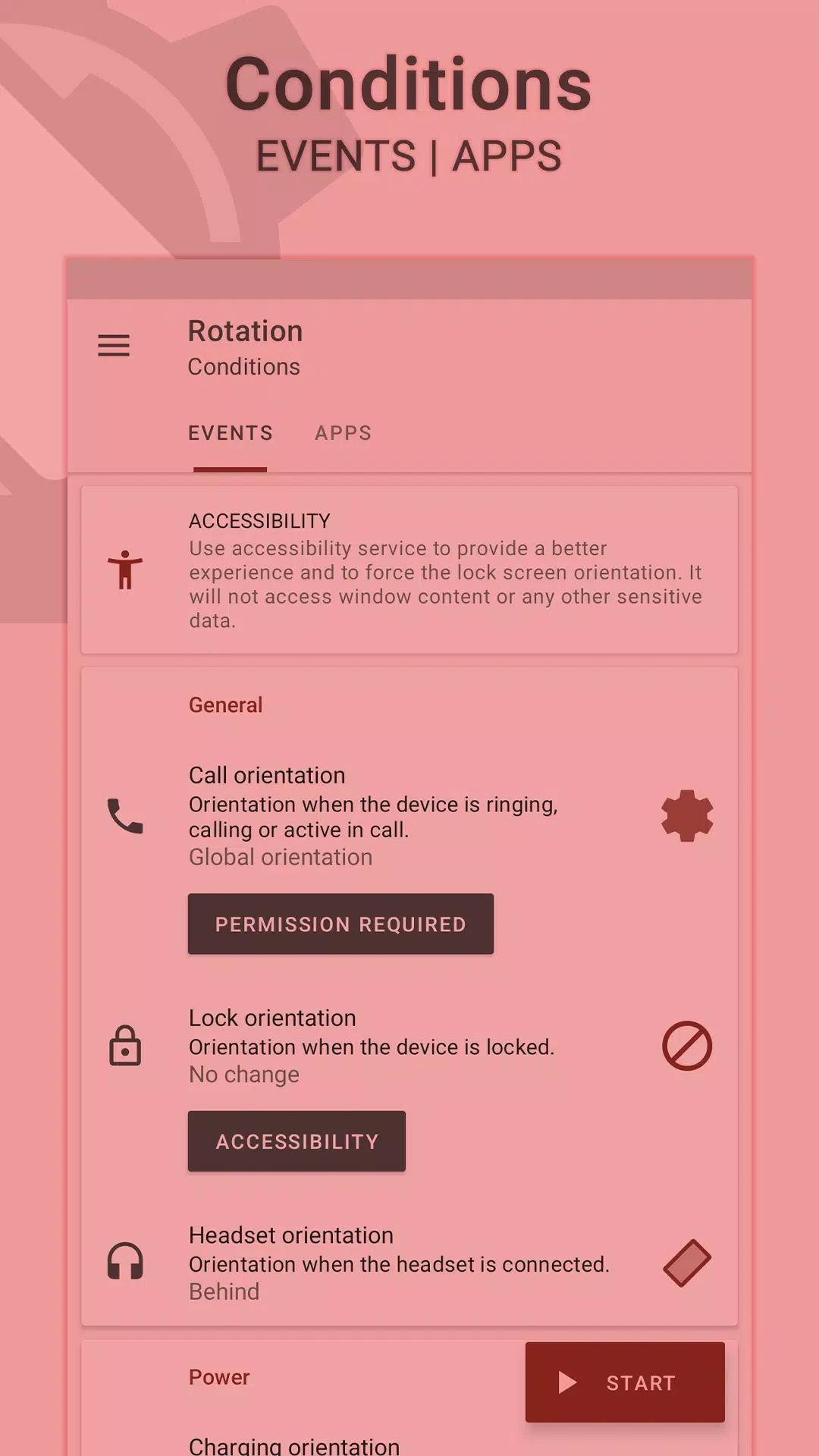
Rotation | Orientation Manager can apply orientation settings in response to several documented situations. These include calls, screen locking, headphone use, charging, docking, and individual applications. The related controls are called Call Orientation, Lock Orientation, Headphone Orientation, Charging Orientation, Dock Orientation, and Application Orientation.
These event settings provide separate places to define how the display should behave when one of those situations occurs. When two or more events happen at the same time, Event Priority lets users customize which event takes precedence. This is useful for managing overlapping orientation rules without treating every trigger as equally important.
Change orientation on request
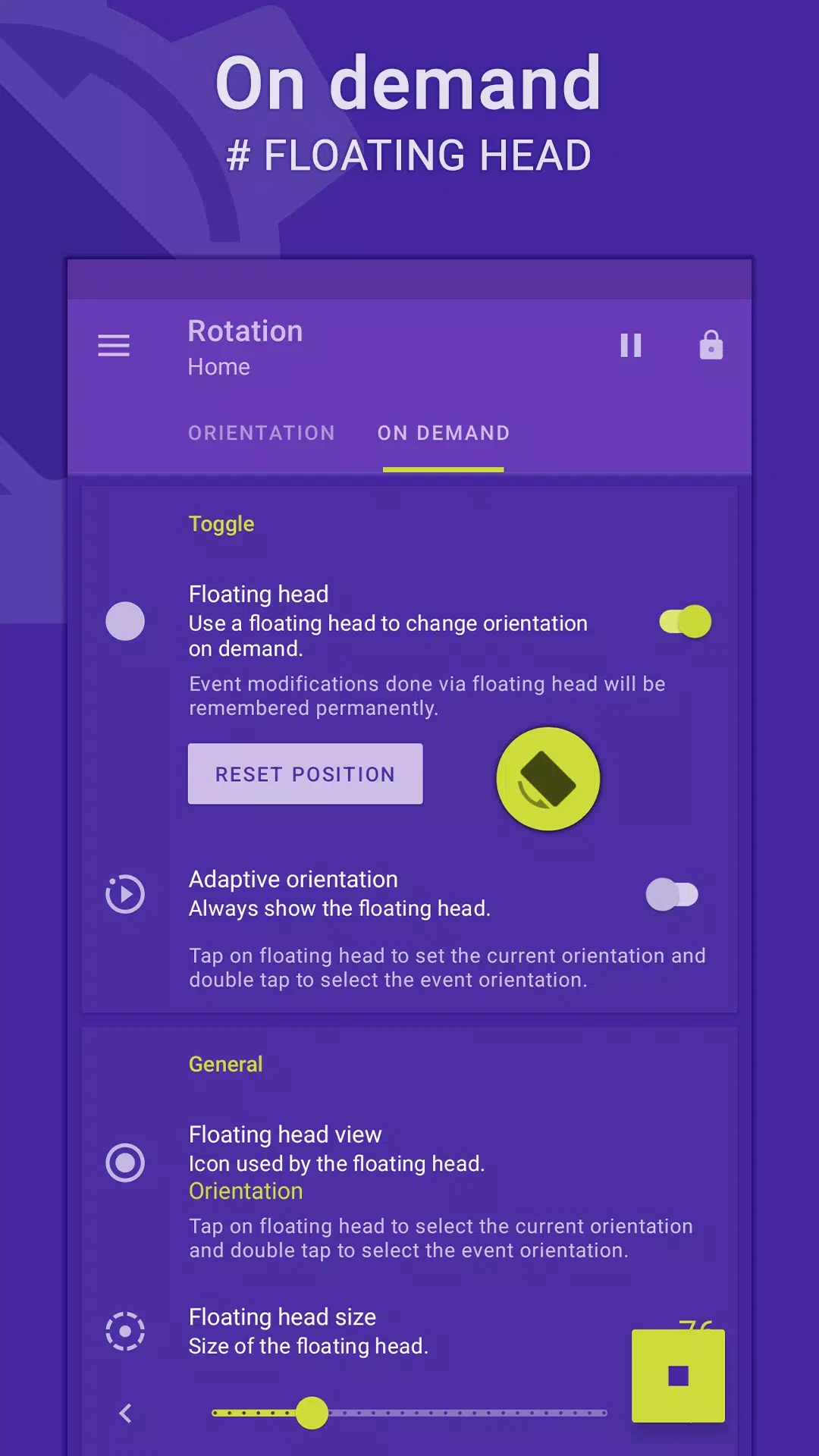
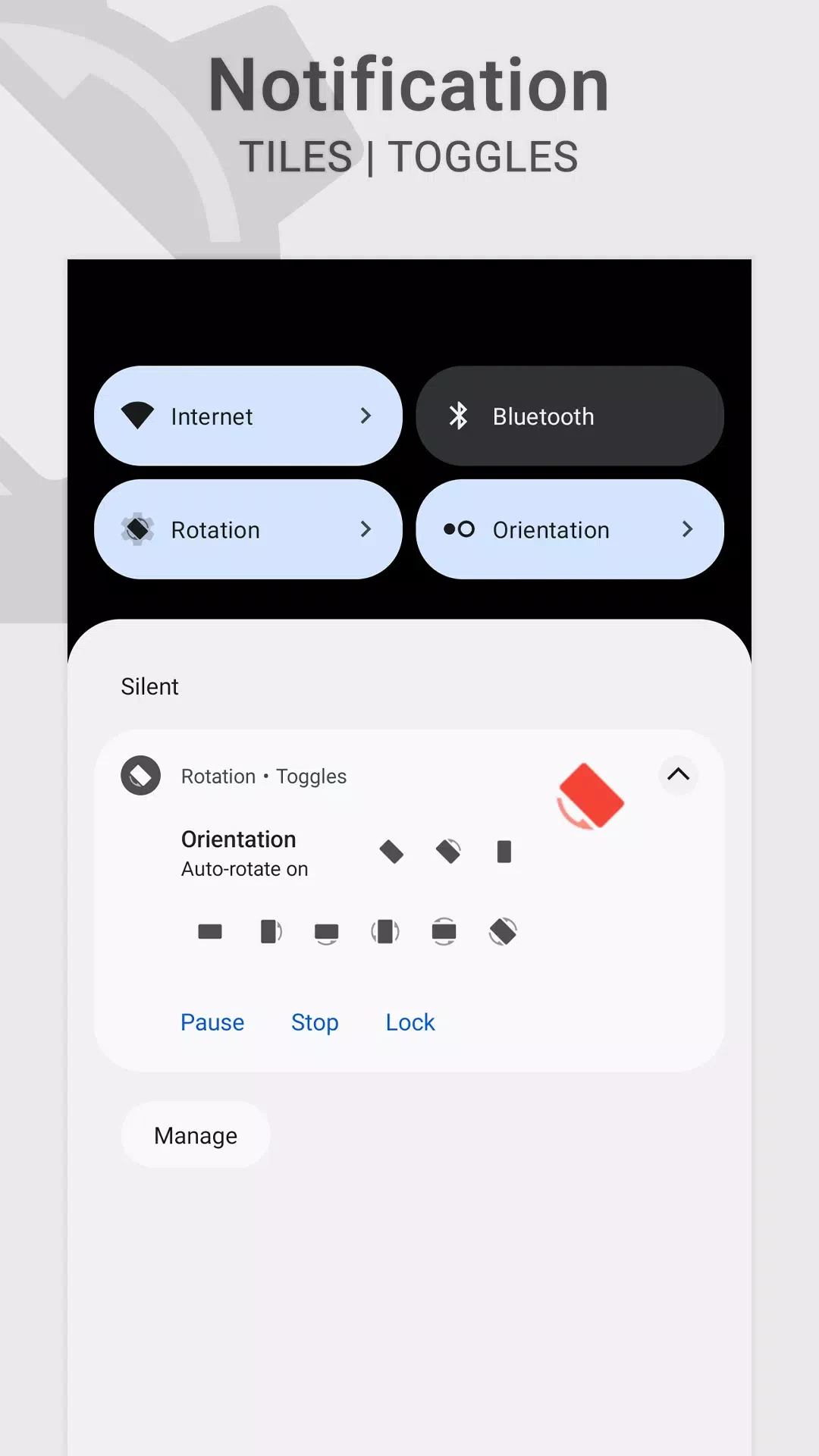
The On Request function provides a customizable floating avatar for changing the orientation of the foreground application or event. The same control can also be presented through a notification or a tile. These options place the orientation command in a quick-access location at the top of supported tasks, allowing the user to request a different display direction when needed.
Use widgets and theme controls
Widgets extend the orientation controls to the home screen. They can provide an overview of the phone's screen orientation without requiring the main application to be opened. This gives users a way to view orientation information from the home screen while managing their device.
The app also includes a dynamic theme engine with background awareness. Its documented purpose is to help avoid visibility issues as the background changes. Together with the orientation controls, widgets and themes support a more accessible way to view and use the app's settings.
Configuration scope
The range of fixed, reversed, sensor-based, event-based, and on-request choices makes the app suitable for users who need more control than a simple automatic-rotation switch provides. The supplied information describes orientation management and related access tools; it does not establish additional device compatibility or behavior beyond these documented controls.
Version history
View all29 Dec 2025 · stable