

Tasker
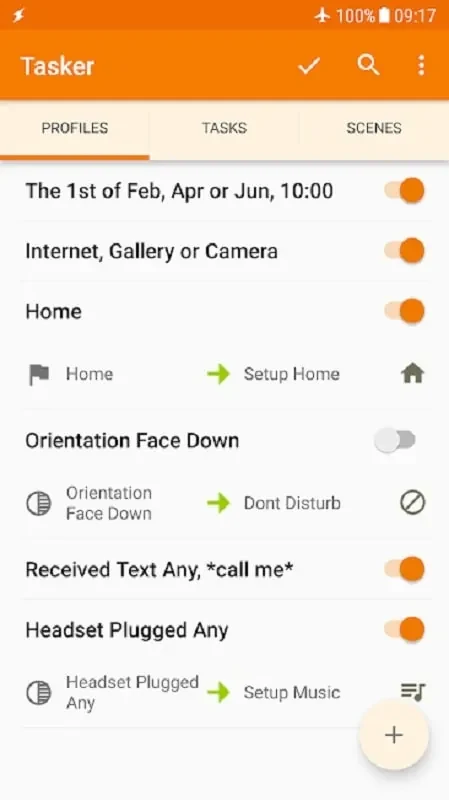
joaomgcdTasker is an Android app from developer joaomgcd, listed under Tools, for automating routine phone operations. Its listing describes controls for mobile data, call sound, notifications, sleep mode, and music that starts when headphones are connected.
Screenshots
About this app
Tasker is an Android app designed to help users run several phone operations with less manual effort and automate everyday tasks. Its listing presents it as a way to customize how a device behaves, with examples covering phone settings, incoming calls, and music playback. The sections below explain the documented features by how they relate to daily phone use.
Automating routine phone operations
The central idea in the listing is simplification. Tasker is described as a versatile app that lets people perform multiple operations on their phones more easily, combining several features so the device can be adjusted to individual needs. Two examples are given: sending instant messages and turning off mobile data automatically when it is not needed. Both show the same purpose, which is reducing the number of manual steps in routine tasks.
Sleep mode and alarm settings
Tasker includes a sleep mode intended to keep the phone from interrupting rest. According to the listing, enabling it helps users avoid being woken by sounds or messages. The app also provides alarm settings for waking up on time, so the sleep and wake-up parts of the day can be handled within the same app.
Call sound and notification controls
For incoming calls, the listing says users can customize volume and tone so calls are heard at a suitable level without repeated manual adjustment. The app also offers an option to reject incoming calls automatically. The FAQ in the listing adds that it can silence notifications and sounds automatically during important meetings or events, which extends the same kind of control to notifications.
Music playback when headphones connect
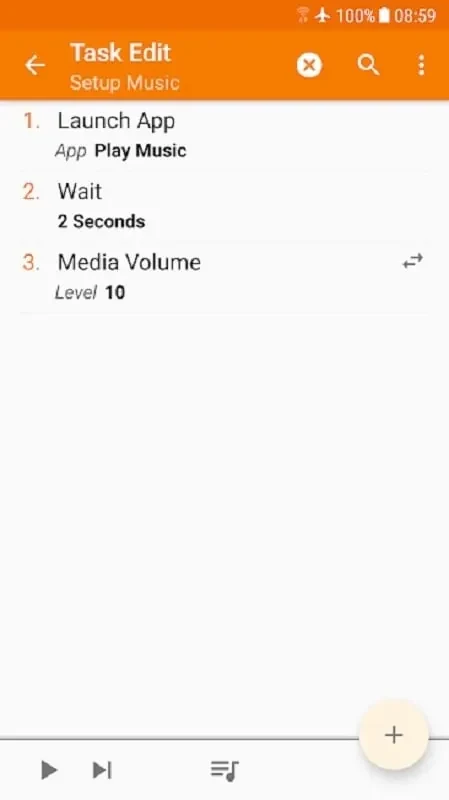
One documented automation starts music when headphones are plugged in, so users do not need to search for songs manually. The listing describes this as a hassle-free way to listen to music on the go. The supplied information does not say which songs or playlists are chosen for playback.
Launch modes and customization tools
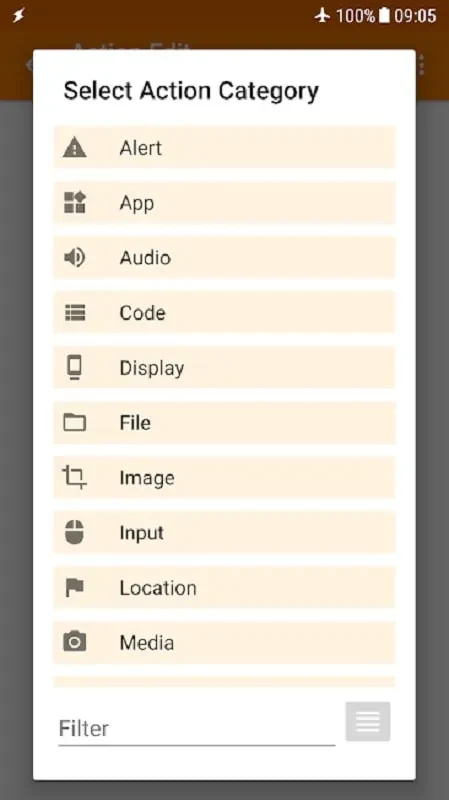
Beyond the named examples, the listing mentions a range of customization tools and launch modes intended to help optimize and automate tasks. These are described only in general terms, so this article does not explain how individual modes are configured or exactly what each one controls.
Compatibility and documented limits
The FAQ in the listing states that Tasker works with most mobile devices running the Android operating system. The supplied information does not give a specific minimum Android version or a device list, and it does not describe setup steps for each automation. Readers who need to confirm requirements for a particular function should verify them before relying on it.
Version history
View all09 Sep 2024 · stable
Frequently asked questions
Who is the developer of Tasker?
The supplied information lists joaomgcd as the developer of Tasker.
Which category is Tasker listed under?
Tasker is listed under the Tools category in the supplied information.