

WAMR Premium
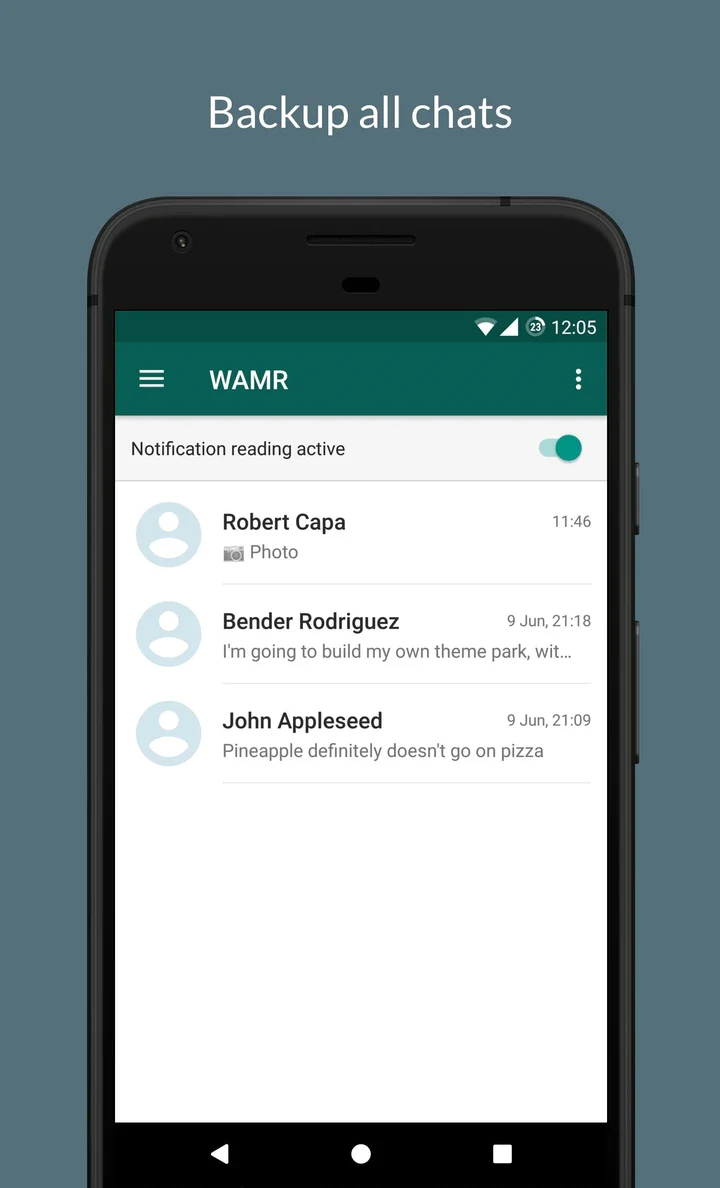
WAMR Premium is an Android tool for retrieving messages and media that senders have deleted in supported chat and social apps, using the notification alerts it receives. The listing also describes saving statuses posted by contacts and automatically backing up photos, documents and videos.
Screenshots
About this app
WAMR Premium is an Android tool for retrieving messages and media that have been deleted in supported chat and social apps. According to the listing, it works by monitoring notification alerts, so its usefulness depends on which apps are selected and on whether the device keeps delivering those notifications. The sections below explain what the supplied material describes and where its limits lie.
Which types of content can it recover?
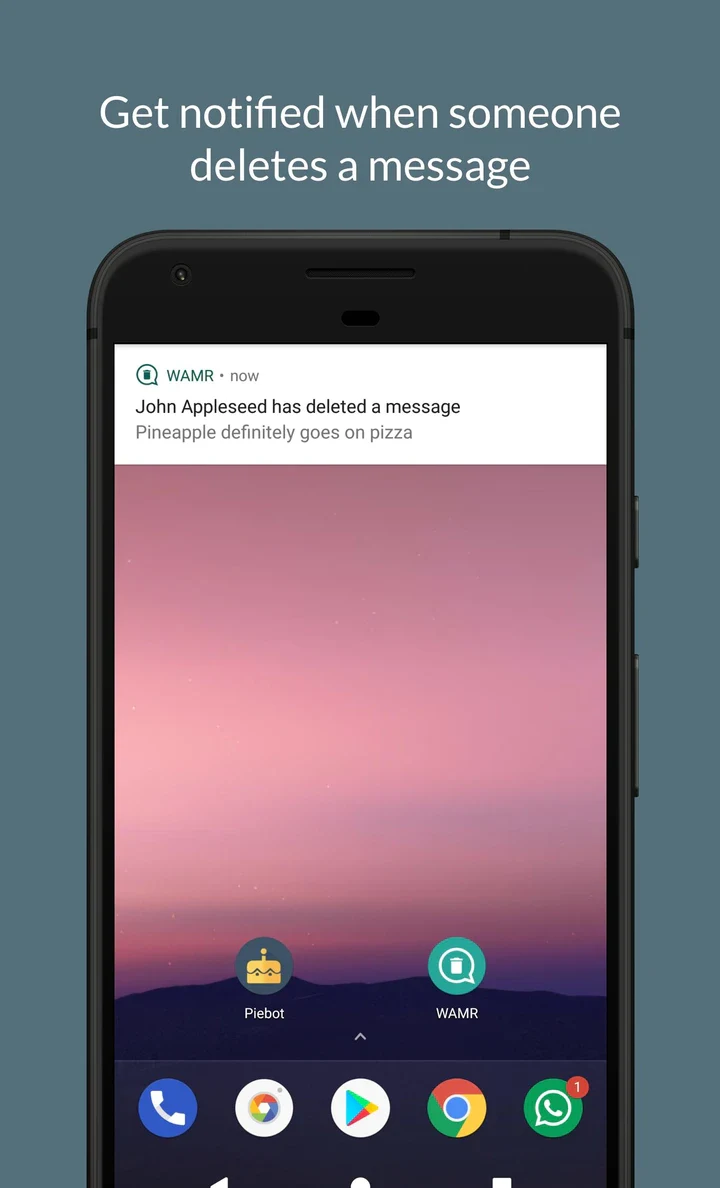
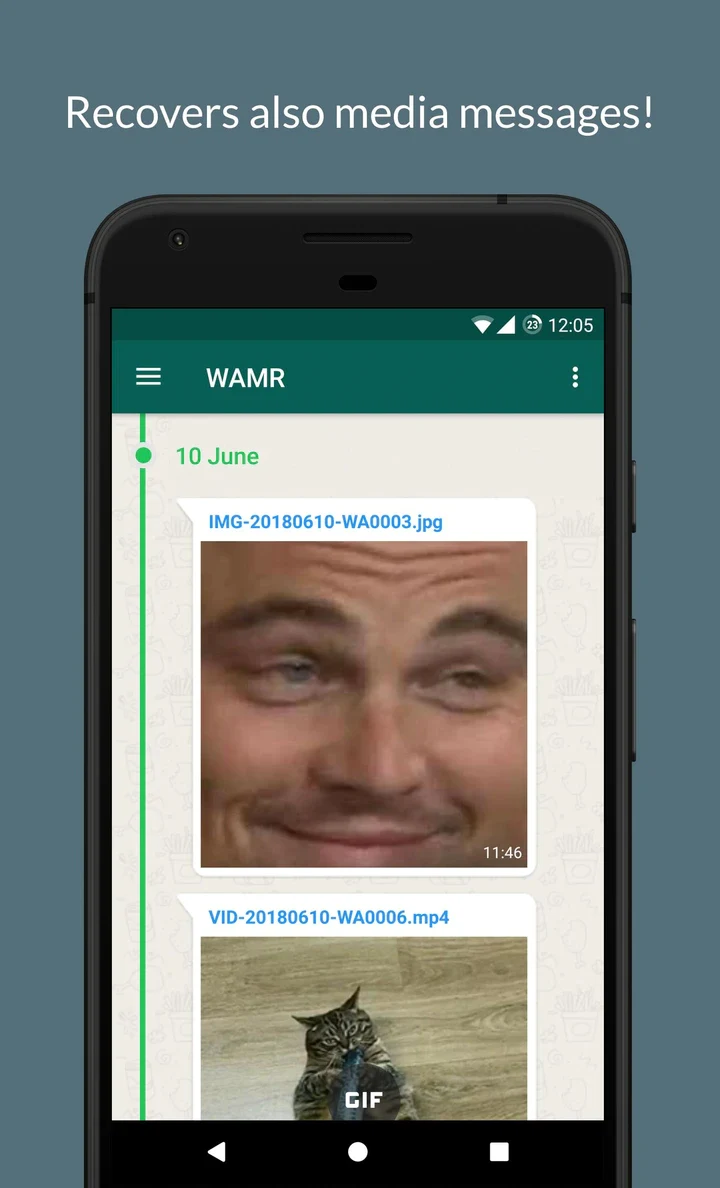
The listing says the app is designed to recover messages and media that a sender has deleted, and it names text, images, videos, voice notes, GIFs and stickers among the supported content types. The functions list repeats this scope, describing the retrieval of text messages and multimedia files such as pictures, videos and voice notes. The listing also states that the app is designed to alert users immediately when a message or media item is deleted, so recovered content can be viewed shortly after it was erased.
How does notification-based recovery work?
Rather than reading message databases inside other apps, which the listing says is not possible because of security restrictions, WAMR Premium monitors notification alerts from supported messaging and social media apps. When a message or media item is deleted, the app captures and saves the notification, which allows users to access the content after it has been removed from the original chat. Because of this approach, recovery is limited to content that generates a notification. The listing also advises that the app is best used on devices where notifications are consistently received and not suppressed by battery-saving or privacy settings.
What are the recovery limits?
The most specific limitation in the supplied material concerns timing. Recovery is described as covering messages deleted after the app has been installed and set up, and content deleted before installation is not presented as recoverable. Since the process depends on notifications, content that never produced an alert on the device falls outside what the app can capture. Readers who use several messaging platforms should also note that monitoring is selective, so only the apps chosen during setup are covered.
Can it save statuses from contacts?
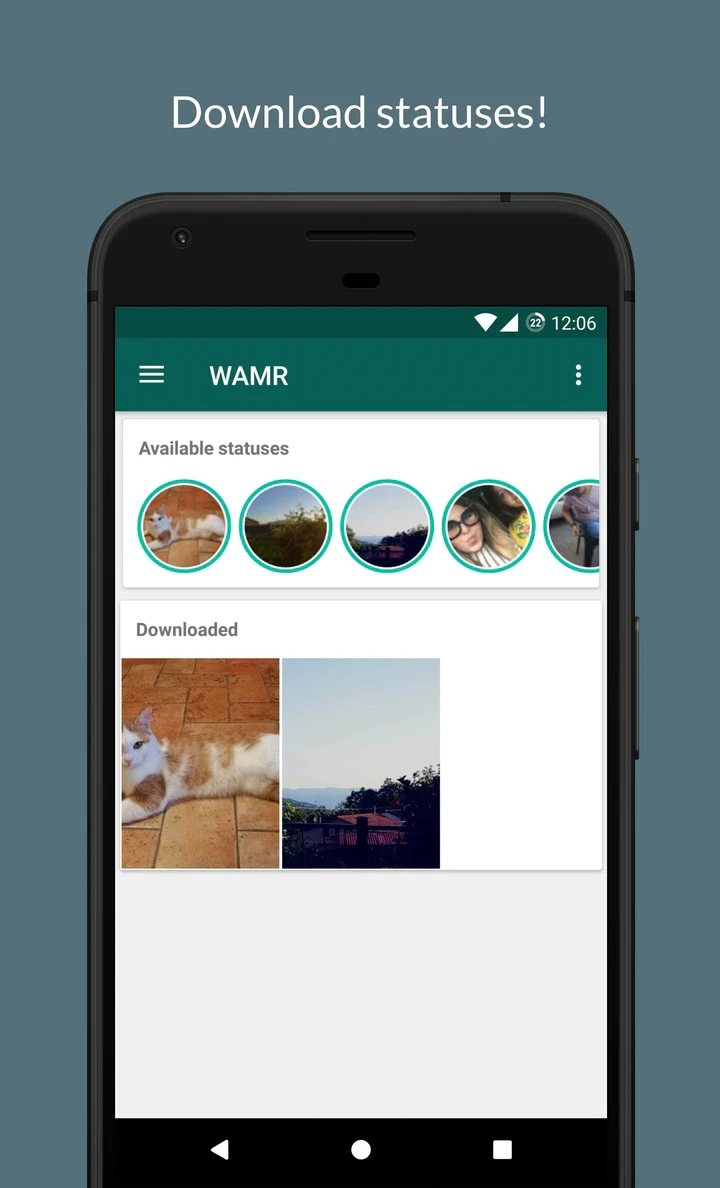
Beyond deleted messages, the listing says WAMR Premium can download and save statuses, described as short-lived photos and videos posted by contacts in several popular apps. The source does not provide a complete list of compatible apps, so readers should confirm which apps they use are supported before relying on this function. The listing also describes automatic backup of photos, documents and videos, which it says allows those files to be recovered at any time.
What setup does the listing describe?
The listing describes a short setup in which users choose which apps WAMR Premium should monitor and grant it access to notifications. It presents notification access as essential for logging message notifications. The listing further mentions excluding the app from battery optimization so that it can keep running in the background, and adjusting a messaging app's media download settings to support better media recovery. These points are summaries of the listing rather than a complete configuration guide, and they have not been independently verified.
Does it require root access, and how are recovered files managed?
The functions list states that the app works without root access on the device. Its interface is described as clean and straightforward, and recovered media can be viewed in an organized gallery, where users can manage or delete stored files as needed. The listing also says that recovered messages and media are kept private, though it does not explain how that protection is implemented, so this should be read as a stated intention rather than a technical guarantee.
Version history
View all22 Aug 2025 · stable
Frequently asked questions
Which version does this listing describe?
The supplied listing identifies version 0.12.7 and places the app in the Tools category.
How can users report problems or send feedback?
The listing says users can contact the support team directly through the app or visit the developer website for more information. No specific contact details are included in the supplied text.