
ADDISON OneClick Scan
Wolters Kluwer Tax & Accounting Deutschland GmbHADDISON OneClick Scan lets users photograph receipts, organize them by category, and send them to their tax advisor. It also provides document recognition and a way to review digitized documents and track what has been submitted.
Screenshots
About this app
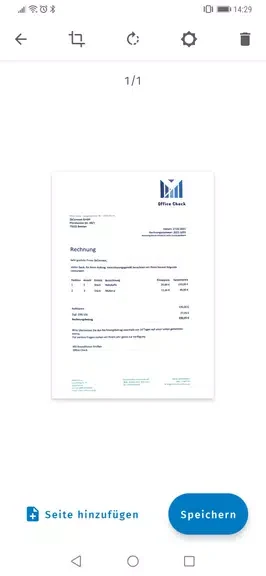
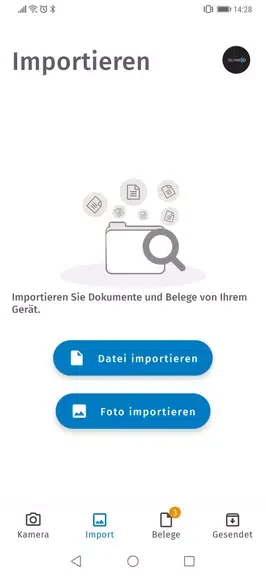
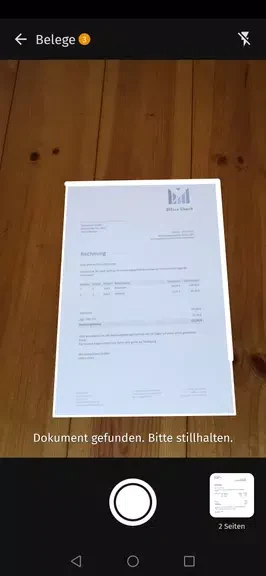
ADDISON OneClick Scan helps users digitize receipts and send them to their tax advisor for tax documentation. Users can take a photo of a receipt, categorize it, and submit it through the app. Document recognition and automatic edge recognition are listed among its scanning features.
Scanning and organizing receipts
The app is designed to capture receipts with a mobile device rather than requiring manual data entry. For automatic edge recognition, the guidance recommends framing the entire receipt in the image. The source also refers to document recognition as supporting readability, but does not describe what information it identifies or how recognition works.
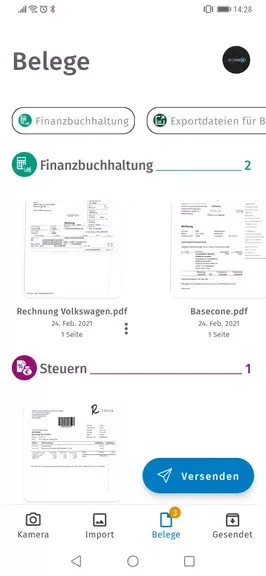
After capture, users can categorize receipts to organize them and make them easier to access. Digitized documents can be viewed in the app, and the app provides a way to keep track of which documents have already been submitted.
Sending documents to a tax advisor
Receipts can be sent directly to a tax advisor using the app’s data-transfer feature. The source describes this transfer as secure, without giving technical details about how the transfer is protected. This submission function connects receipt capture and categorization with sharing tax documents; the app’s stated purpose is receipt management rather than preparing or filing a tax return.
Version history
View all18 Oct 2024 · stable