
AI Photo Generator - Umagic AI Mod
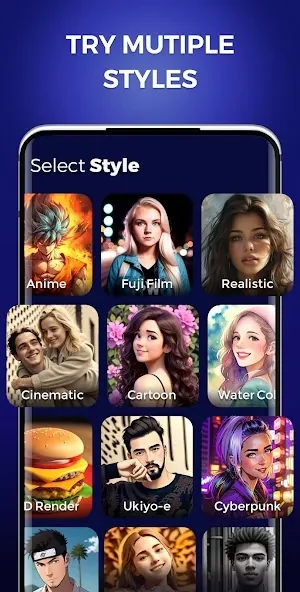
Daily Joy StudioAI Photo Generator - Umagic AI Mod turns written ideas or uploaded images into AI-generated art. It offers more than 30 styles, including anime, impressionism, and a realistic option.
Screenshots
About this app
Overview
AI Photo Generator - Umagic AI Mod helps turn an idea into an image without requiring drawing or design experience. You can enter a text description in any language or upload an image, then choose a style for the AI-generated result. The app offers more than 30 styles, giving you room to try different interpretations of the same concept. Its suggested uses range from posters and banners to lock screens and NFT designs. Whether you have a detailed scene in mind or want to explore a simple prompt, the app provides a way to create and revise artwork on an Android device.
What You Can Do
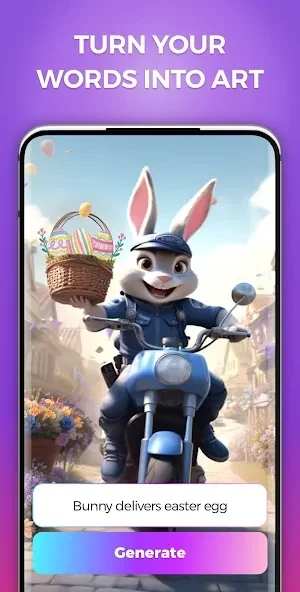
⭐ Enter a written idea, such as a fantasy character or an unusual landscape, to generate artwork from a text prompt. The app accepts prompts in any language.
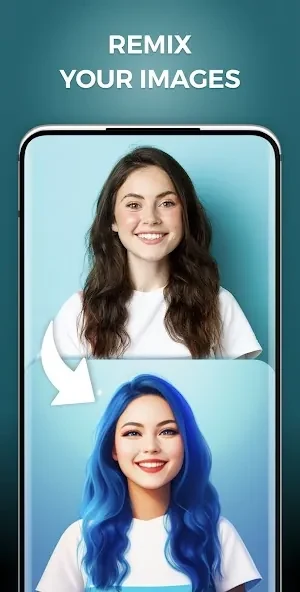
⭐ Upload an image as the starting point instead of using text alone. This gives you another way to begin a creation when you already have a visual reference.
⭐ Choose from more than 30 art styles. The options described include impressionism and anime, so you can explore different looks for an idea.
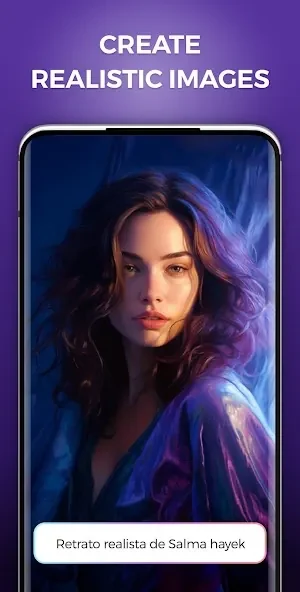
⭐ Select the realistic style when you want an image with a more lifelike appearance, whether the subject is an everyday scene or an imagined setting.
⭐ Change styles and regenerate artwork to see another interpretation rather than starting over with an entirely new idea.
⭐ Create images for uses such as posters, banners, lock screens, or NFT designs, and share finished artwork on social media.
Using the App
The basic workflow is to provide text or upload an image, pick a style, and let the app generate artwork. If the first result does not match what you pictured, you can switch styles and generate another version. This makes style selection part of the creative process rather than a one-time choice.
Why It May Appeal
✅ The prompt-and-style workflow is accessible to people who want to make images without prior art experience.
✅ Support for prompts in any language gives users flexibility in how they describe an idea.
Developer
Daily Joy Studio is listed as the developer.
Version history
View all23 Oct 2024 · stable
Frequently asked questions
Can I start with an existing image?
Yes. You can upload an image or enter a text prompt before choosing a style.
Can I try a different look for the same idea?
Yes. The app lets you change styles and regenerate artwork.
Can I use the artwork for commercial projects?
The supplied description mentions uses such as marketing posters and merchandise designs, but it does not provide licensing terms. Check the applicable terms before using generated artwork commercially.