

Block This
Block This is a utility application designed for Android devices to filter out advertisements, tracking cookies, and malicious content at the DNS level. Operating without requiring root access, the app utilizes a local dummy VPN method to redirect DNS requests, aiming to reduce mobile data usage and block unwanted network traffic across both apps and web browsers.
Screenshots
About this app
Block This is an Android utility application centered around DNS filtering to manage unwanted network requests. Rather than modifying individual webpage layouts or operating solely inside a single web browser, the software addresses advertising and tracking attempts at the DNS level across supported applications and browsers.
How does Block This handle ad-blocking and filtering?
The application aims to stop various types of advertising and tracking elements, including video ads, audio ads, banners, popups, and tracking cookies. By targeting unnecessary requests before content fully loads, the utility functions to decrease overall network traffic caused by ads and related external material. The system relies on a dummy VPN method to implement DNS changes without needing root privileges on the device.
What security functions are included?
In addition to removing advertisements, the software incorporates malware protection features designed to intercept malicious elements commonly associated with certain websites. It references an internal list of common malware to help safeguard the device against potential threats. Because it employs a dummy VPN configuration rather than routing all browsing traffic through an external remote server, device requests are handled locally via DNS configuration.
How do data consumption and battery considerations factor into usage?
By eliminating unintelligible and recurring ads from online information and entertainment platforms, the utility helps users reduce mobile data consumption. Additionally, preventing certain background activities and requests from loading can contribute to overall battery efficiency while the device is in use or on standby.
What controls and usage options are available?
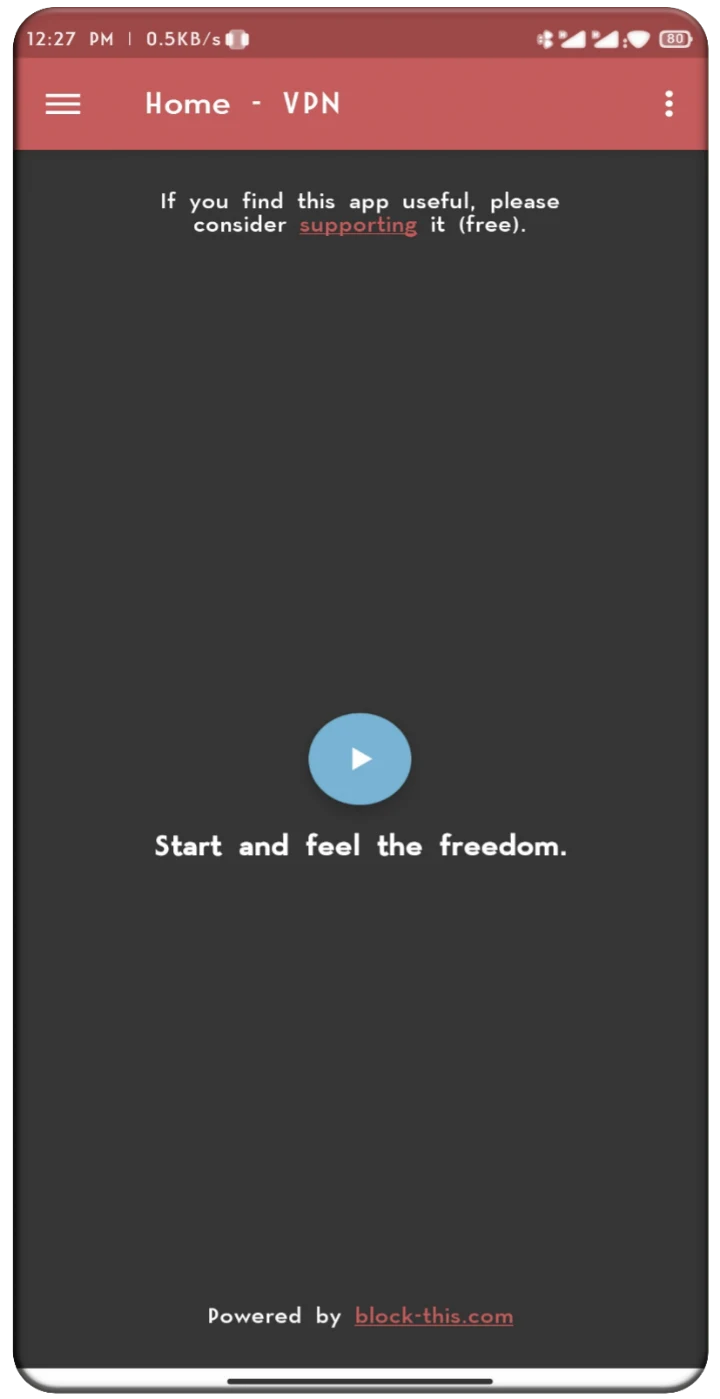
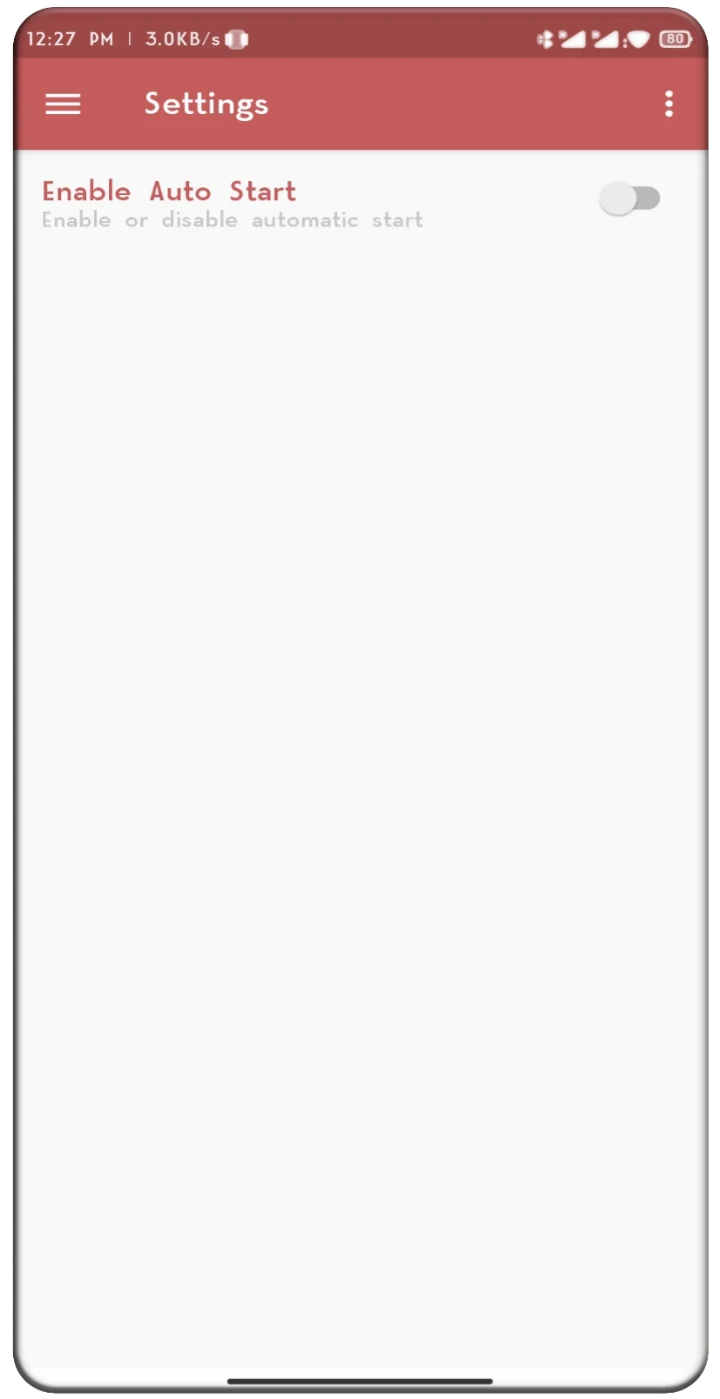
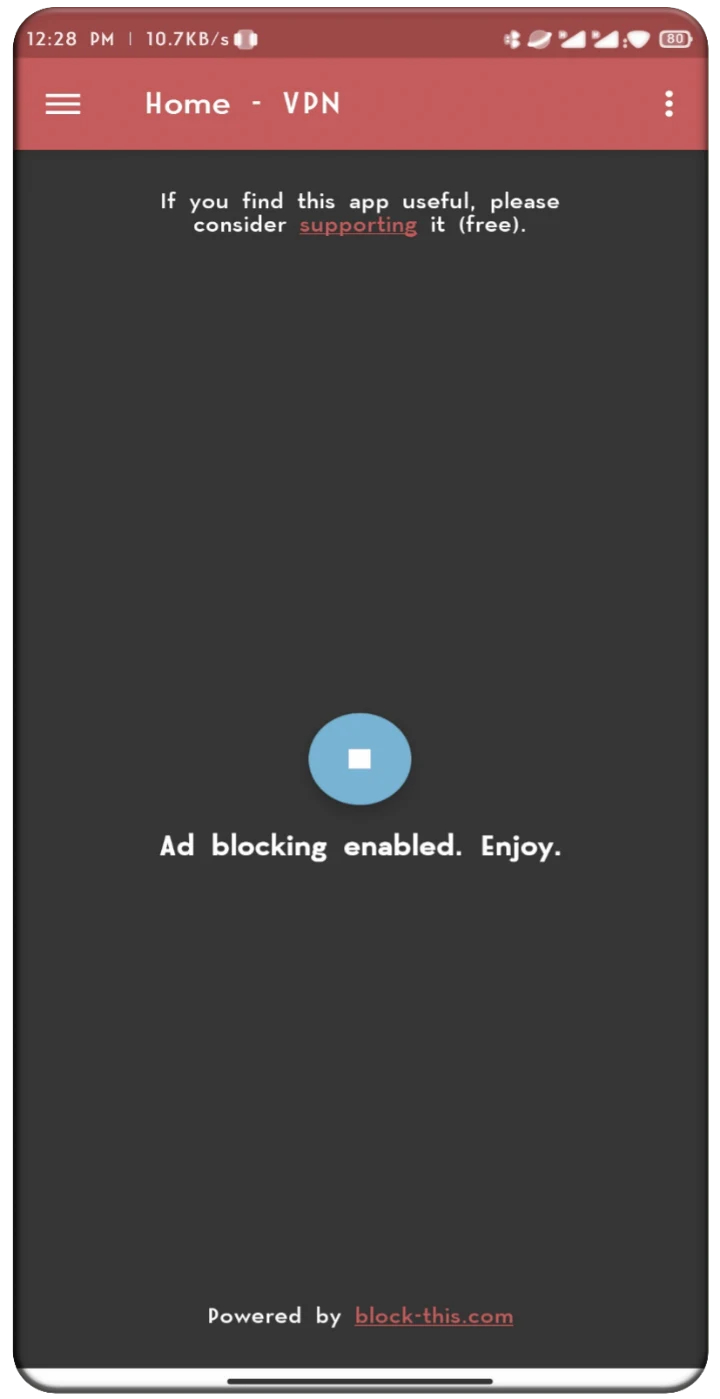
Operation is structured around a simplified interface where users can activate the filtering function through a single button. An additional configuration setting allows the app to start automatically when the phone powers on, bypassing the need to manually press the activation button during subsequent sessions.
What operational factors should users keep in mind?
The codebase is open source, and the developer approach avoids rooting requirements. However, prospective users should note that the project is marked as abandoned, meaning active updates and ongoing developer support are not current. Furthermore, because filtering relies entirely on DNS-based methods, its effectiveness may vary across different apps and types of web traffic.
Version history
View all26 May 2026 · stable
Frequently asked questions
Can users support the development of the application?
Yes, users can choose to support the project through voluntary donations, which can be processed by downloading selected third-party apps, supporting via Patreon, or making a direct payment through PayPal.
Does the app tunnel all web traffic through a remote server?
No, it is not a traditional VPN. Traffic is not tunneled through a remote server; instead, the app informs the phone how to handle requests related to ads, malware, and spam using DNS settings.