

CCleaner
CCleaner helps Android users find unnecessary files, review storage-heavy apps, and organize photo libraries. It also provides app usage analysis, scheduled cleaning, and monitoring tools for CPU, RAM, storage, and battery status.
Screenshots
About this app
Overview
CCleaner brings several Android maintenance tasks together, from finding leftover files to reviewing the apps and photos taking up storage. Its cleaning tools cover temporary data, download folders, browser history, and clipboard content, while its app analysis helps identify unused software and resource-heavy applications. Photo management adds another way to recover space through image review and compression. For users who want a clearer picture of their device, the app also displays CPU usage, RAM, internal storage, battery levels, and temperature. Scheduled cleaning provides an alternative to starting every routine cleanup manually.
What You Can Do
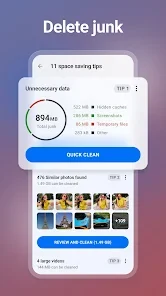
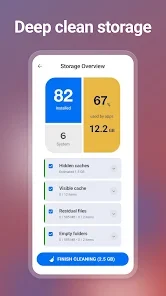
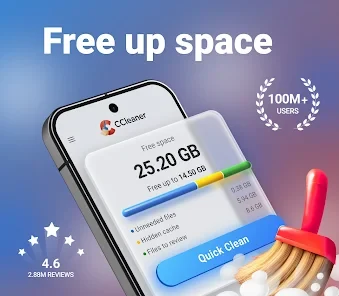
⭐ Find unnecessary files and reclaim storage. CCleaner analyzes storage for junk, obsolete files, residual data, and long-forgotten items. Its cleanup tools also cover app cache, temporary files, download folders, browser history, and clipboard content, giving users several categories to address rather than focusing only on large files.
⭐ Review installed apps and remove unwanted software. App Manager helps locate unused applications, while storage analysis shows which apps occupy substantial space. The app can suggest unnecessary applications for removal and supports uninstalling multiple unwanted apps, making it useful when a device has accumulated software that is rarely opened.
⭐ Examine how individual apps use resources. CCleaner identifies applications that consume mobile data or drain the battery, helping users decide which ones deserve attention. The supplied description also includes controls for stopping app activity or removing applications, although it does not establish that these actions will produce a particular performance or battery-life improvement.
⭐ Sort through a crowded photo library. The photo tools identify duplicate or similar images, older pictures, and poor-quality shots, including images that are too bright, too dark, or out of focus. Users review the suggested images and decide what to keep or delete. The listed tools also include deleting photos from private chats.
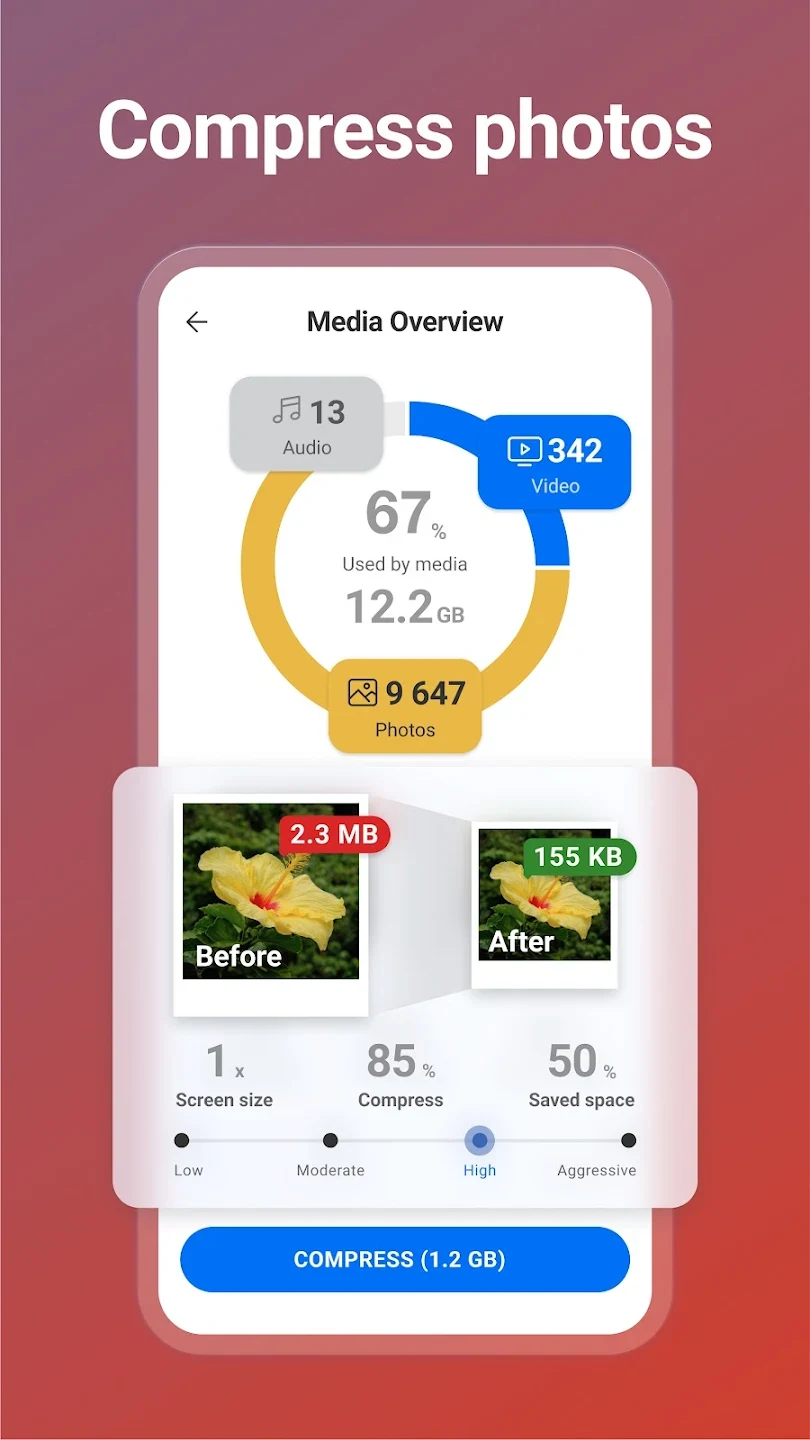
⭐ Reduce image file sizes. Compression options are labeled Low, Moderate, High, and Aggressive, allowing users to select a level when reducing photo storage requirements. The description also lists moving original images into cloud storage, alongside the option to permanently delete unwanted pictures.
⭐ Check device status and schedule routine cleaning. System monitoring displays CPU usage, RAM and internal storage information, battery levels, and temperature. Scheduled tasks let users set a time for automatic junk cleaning, reducing the need to initiate each cleanup themselves.
Using the App
Everyday use combines analysis with decisions about what should remain on the device. Storage and app information help identify candidates for removal, while photo suggestions give users a starting point for reviewing their libraries. The interface is described as straightforward to navigate, with cleaning available in a few taps and selectable color themes for personalizing its appearance.
Automation does not mean every task proceeds without review. Although scheduled junk cleaning is listed, photo cleanup involves deciding whether highlighted images should be kept or deleted. The source also describes checking background activity and stopping processes, but these controls should not be read as a guarantee that the phone will become faster or cooler.
Why It May Appeal
✅ Storage cleanup, app management, photo tools, and system information are available within the same utility. This combination may suit users who prefer to review several maintenance tasks together rather than treating file cleanup as an isolated job.
✅ The app provides several ways to address limited storage: removing residual files, uninstalling unused applications, deleting unwanted photos, and compressing images. These options serve different storage needs rather than relying on a single cleanup method.
Things to Consider
❎ Photo management can require hands-on review. One supplied reviewer found the confirmation process more involved than expected, particularly when deciding which pictures and documents to delete. Users seeking fully automatic photo removal should account for that workflow.
❎ The supplied reviews describe advertising and payment prompts. One reviewer reported ads that interrupted navigation, while another mentioned a subscription offer. These individual accounts do not establish current pricing or which tools require payment, but they indicate potential interruptions during use.
User Feedback
The supplied comments present mixed experiences. Some reviewers praised earlier cleaning results, while others criticized the current experience or the amount of manual confirmation required. One reviewer reported a device failure during a cleaning session; that account alone does not establish that CCleaner caused it. These comments are individual reports, not verified testing or evidence of overall user satisfaction.
Version Information
The supplied listing identifies version 26.08.0 in the Tools category. It does not provide a usable minimum Android version or a changelog, so no specific compatibility requirement or version changes can be confirmed from this information.
Version history
View all24 Jun 2026 · stable
Frequently asked questions
What types of files can CCleaner clean?
The listed cleanup categories include app cache, temporary files, obsolete and residual data, download folders, browser history, and clipboard content.
Can CCleaner find duplicate or poor-quality photos?
Yes. Its photo tools identify duplicate or similar images and poor-quality shots, including overly bright, dark, or unfocused pictures. Users review the suggestions and choose what to keep or delete.
Does CCleaner support scheduled cleaning?
The supplied description lists scheduled tasks that automatically clean junk files at a selected time. It does not specify which settings or access conditions apply.
What system information does CCleaner display?
The listed monitoring tools cover CPU usage, RAM, internal storage, battery levels, and temperature. App analysis also helps identify applications that consume data or drain the battery.