

Flixtor
Flixtor is a comprehensive movie and TV show recommendation and streaming app that helps film enthusiasts explore expansive catalogs, view trailers, and manage torrent-based video playback.
Screenshots
About this app
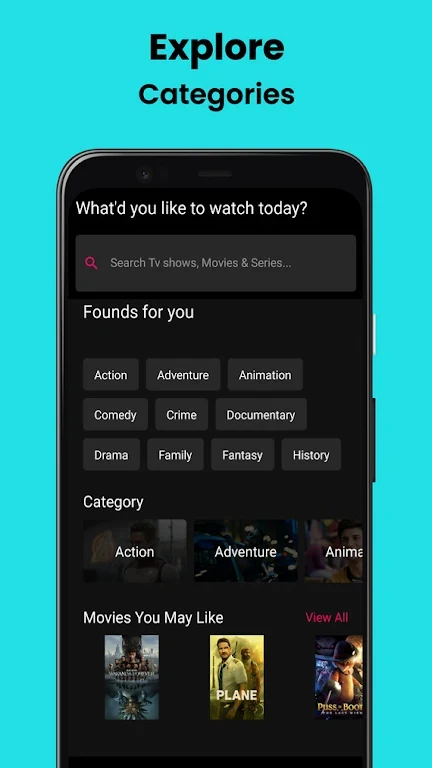
Flixtor is a dedicated movie and TV show recommendation application crafted specifically for film and television enthusiasts who want a centralized hub for cinematic exploration. The app helps users stay informed about the latest releases while offering extensive user reviews, ratings, and detailed metadata to help them pick high-quality entertainment. By combining news, trailers, and personalized recommendations that evolve based on viewing habits, the app creates a fresh and engaging discovery environment. Viewers can easily search by keywords or filter through diverse categories to track down specific titles and begin their cinematic journey without hassle.
Interface and Content Organization
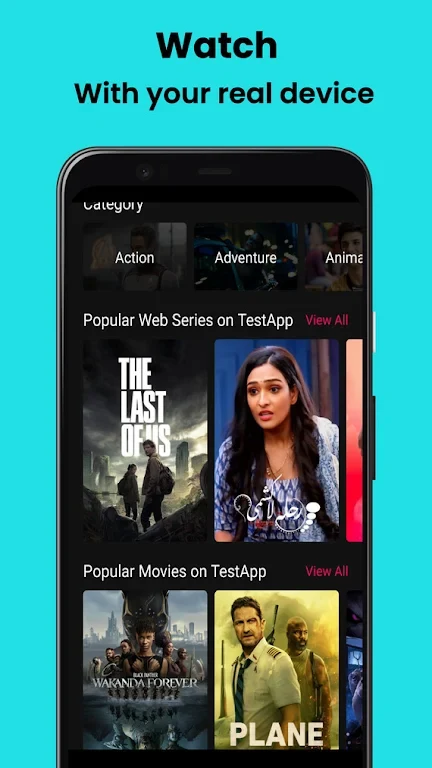
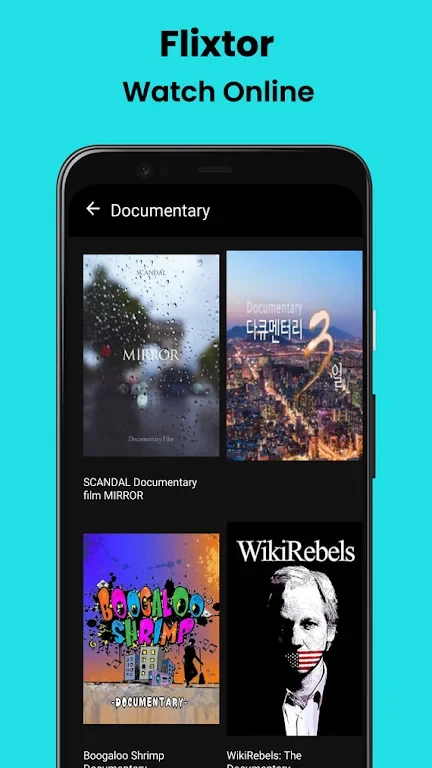
The application greets users with a clean home screen split into two primary tabs: Movies and Series. Navigation is supported by large cover art, intuitive icons, and a top-bar filter that lets viewers quickly locate titles. Sorting options allow content to be organized by date, popularity, or current download count, meaning trending releases can be spotted immediately. The extensive library spans from recent blockbusters and cult classics to major television hits like Game of Thrones and The Walking Dead, with genres ranging from science fiction and suspense to action, comedy, and drama.
Discovery Tools and Regional Catalogs
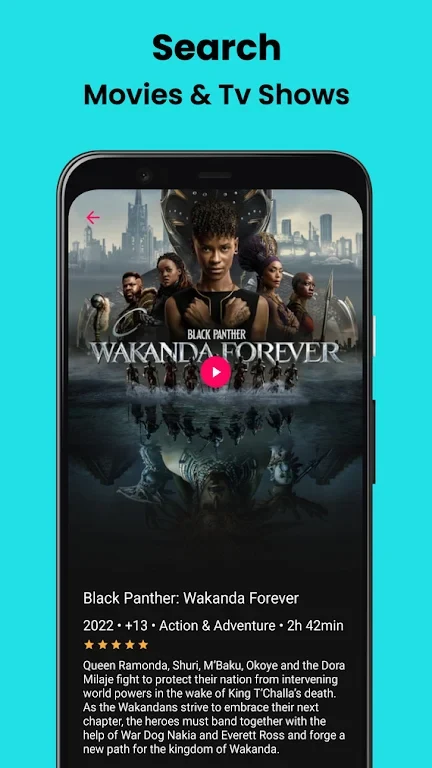
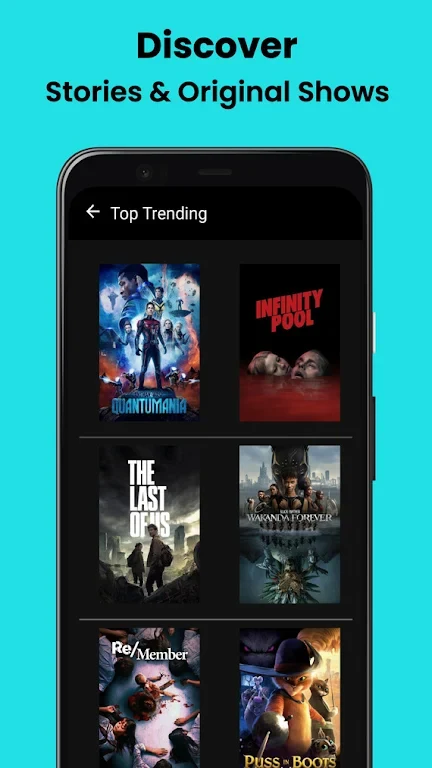
Navigating the vast catalog is simplified through straightforward lists such as Top Rated, Popular, and Upcoming. Users can explore various categories or check out regional picks spanning Hollywood, Bollywood, Korean, and British titles, with movie information and images provided via TMDb. Tapping any poster opens a comprehensive detail page complete with plot info, resolution options, and user ratings. Additionally, film fans can check main cast and actor details to follow favorite performers and watch official high-definition trailers and previews before committing to a full watch.
Torrent-Based Playback and Offline Downloads
Flixtor utilizes torrent technology to offer two distinct paths for every listed title: direct streaming or full offline downloading. Selecting the stream option automatically initiates a search for peers, leading to playback inside the built-in player after a brief wait. Alternatively, the download function stores the entire torrent file directly onto the Android device, providing a practical solution for viewing favorite movies and series when network coverage is unreliable or unavailable.
Troubleshooting and Platform Limitations
While the app provides robust tools for media enthusiasts, users may occasionally encounter technical hurdles inherent to peer-based systems. Videos that fail to load or experience buffering can often be fixed by reloading or refreshing the page, and single-video issues can be flagged via the report link. Subtitle availability and synchronization may vary because files are not hosted locally, and older media or pre-releases might lack high-definition versions depending on source availability.
Version history
View all23 Jun 2026 · stable
Frequently asked questions
Why is a video stuck on buffering or not loading?
Try reloading the page. If it happens on all videos, it is likely a temporary glitch. If it affects only one video, use the 'Report Issue' link under the video player.
Why is there no HD version available for a video?
Older movies or episodes may only be available in lower resolutions if better copies cannot be found. Pre-releases use the best available version until a higher-quality file is found.
Why is there no sound during playback?
Some browsers mute sound by default and require manual unmuting. You can also adjust browser settings to always allow the site to play videos with sound enabled.
Why is a video not starting at the beginning?
The app remembers where you left off, so a video will continue from the position where you stopped watching it previously.
Why are subtitles wrong, out of sync, or missing?
Because videos are not hosted locally, finding matching subtitles is challenging. The system constantly searches for, adds, and replaces subtitles, so subtitle issue reports are generally not accepted.