

Jasi Patcher
Jasi Patcher is an automated tool designed for Android that provides application patching, in-app purchase emulation, ad blocking, and various system optimization utilities.
Screenshots

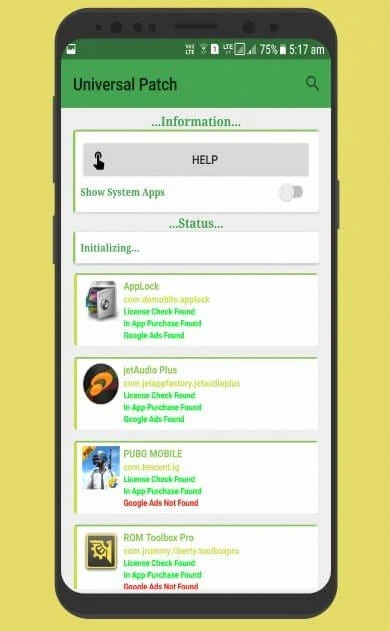
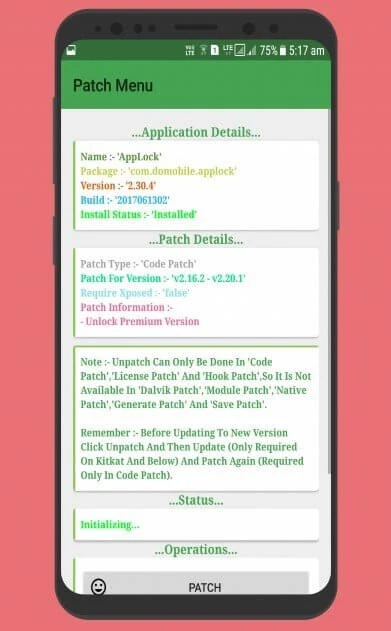
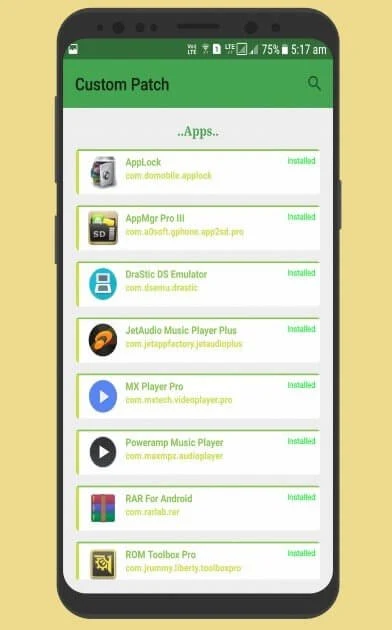
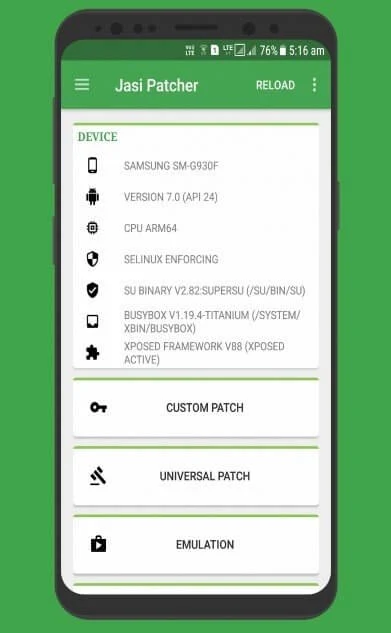
About this app
Jasi Patcher is an automated patching utility designed for Android devices that enables users to manage applications, handle custom patches, and bypass standard software restrictions. The primary task it addresses is the modification of installed apps and games, allowing individuals to unlock premium features, bypass license verifications, and simulate offline environments for in-app purchases. Its clearest supported benefit is giving advanced users and developers a comprehensive suite of auxiliary tools—ranging from ad blocking and information spoofing to system cleaning and log dumping—all accessible from a single interface.
How can you use Jasi Patcher on a non-rooted device?
While the utility normally interacts deeply with the operating system, you can run Jasi Patcher on a non-rooted device by using VirtualXposed as a virtual environment. First, you need to download and install VirtualXposed, then navigate to its advanced settings to install Google Play Services. Next, install Jasi Patcher inside this virtual environment alongside any apps or games you intend to modify. Finally, you must reboot and activate Jasi Patcher within the Xposed Installer, followed by another reboot, allowing you to handle license and billing modifications within the virtual space.
What core functions and patching tools are included?
The app offers robust patching capabilities, including all-inclusive license checks that imitate Google servers and custom patches tailored for hard or popular apps protected by various obfuscators. It includes an offline server emulation feature for in-app purchases and an advertisement blocker that can block and unblock ads across Android applications. Additionally, the tool features an app debugger, application manager, and log dumping capabilities that can capture logs from all apps to assist with troubleshooting.
What system optimization and spoofing features are available?
Beyond app modification, Jasi Patcher incorporates an Android cleaner and optimizer that lets users wipe the cache partition, clear caches for all apps, wipe Dalvik cache, and clear unused Dalvik ODEX files with a single click. It features a rebooter utility capable of performing soft reboots, powering off, restarting SystemUI, and booting into recovery, download, or safe modes. Furthermore, its information spoofing module allows users to mask hardware and device identifiers such as IMEI, Wi-Fi and Bluetooth MAC addresses, serial numbers, brand, manufacturer, model, and board details.
Who will find this application useful?
Advanced Android users, developers, and individuals looking for granular control over their device's application environment will find Jasi Patcher useful. It caters to those who need to manage application data backups, remove persistent advertisements, simulate restricted environments, or perform complex debugging tasks. Because it involves deep system adjustments and patching routines, it is best suited for users familiar with Android file structures, virtual environments, or debugging workflows.
Version history
View all15 Jun 2026 · stable
Frequently asked questions
Does Jasi Patcher require root access?
Yes, the application normally requires root access to operate and patch apps directly, though non-rooted devices can use it by running a virtual environment like VirtualXposed.
Is Jasi Patcher free to use?
Yes, the app is free and does not require paid subscriptions.
What application management features are built into the tool?
The built-in application manager allows users to clear data, kill applications, uninstall packages, and back up or restore APKs and app data.