

Keye
Keye lets you view compatible IP cameras, play back recordings, capture screenshots, and receive motion-detection alerts. It also provides voice intercom and tools for managing connected devices.
Screenshots
About this app
Overview
Keye brings remote camera monitoring and recording tools together for people who want to check on a home, office, or other important area. The app supports a live video preview, playback of recorded footage, and audio features that help you understand what is happening at a connected camera. You can capture screenshots, receive motion-detection notifications, and manage devices from the same interface. With support for a variety of IP cameras and Wi-Fi connections, it offers a way to keep an eye on a location while you are away, provided your camera is connected and set up.
What You Can Do
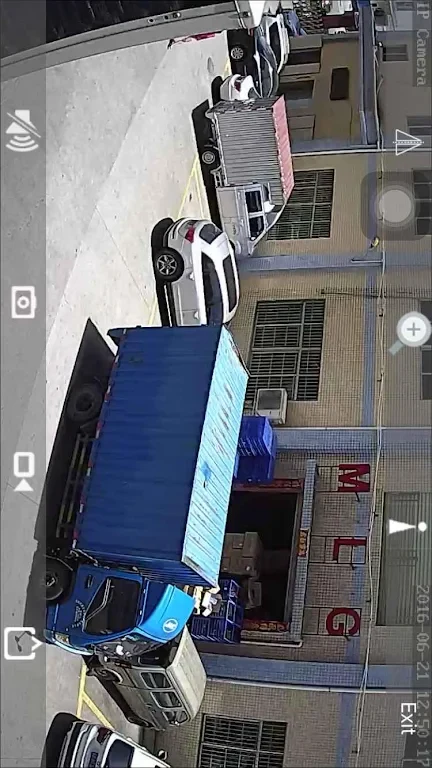
⭐ Open a real-time preview to see the current view from a connected camera without waiting for a recording.
⭐ Review footage through remote recording playback or use the app’s local recording and playback options. Audio playback is also listed among its tools.
⭐ Use voice intercom to speak through a supported camera connection while checking its video feed.
⭐ Take video screenshots and view the saved images when you need a still from a camera view.
⭐ Receive push notifications when motion is detected. The source also describes alarm linkage that alerts you to detection activity.
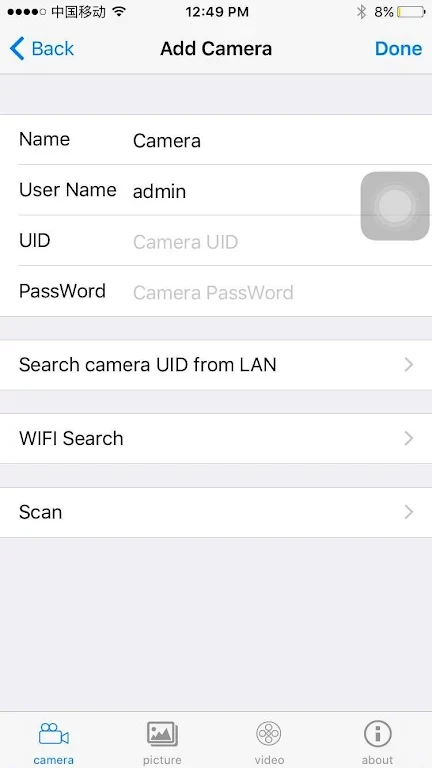
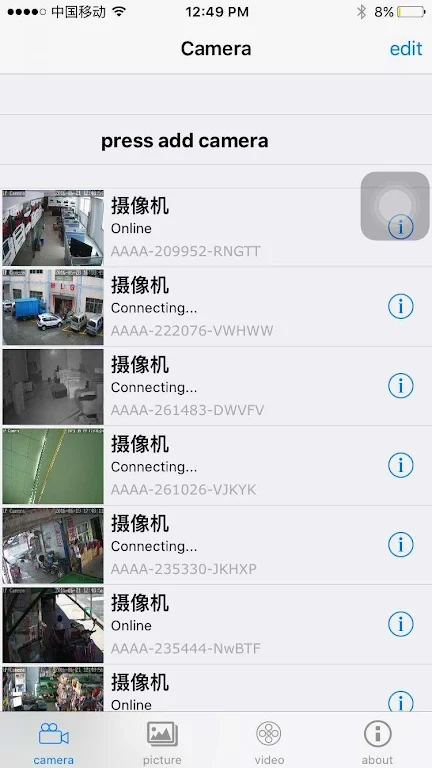
⭐ Add, edit, or delete remote and local devices. Devices can also be added by address, giving you another connection option.
Using the App
Keye is described as having a simple interface and an easy setup process. Once a camera is connected, you can move between its live view, playback, screenshots, and audio tools according to what you need to check. Its device-management options are useful if you monitor more than one camera or need to change a connection. The supplied information says the app works with a variety of IP cameras, but does not identify specific models.
Why It May Appeal
✅ Live viewing and recorded playback serve different needs: you can check a situation as it happens or look back at footage later.
✅ Screenshots, intercom, and detection alerts put several monitoring tasks within one app rather than limiting it to a video feed.
Things to Consider
❎ Camera connection may take troubleshooting. The source includes a user account of repeated failed attempts before a reset and the correct code and password resolved the issue.
❎ Some users reported wanting longer recording time and described six hours of standby recording. This is a user-reported limitation, not a confirmed limit for every setup.
Version history
View all09 Jun 2026 · stable
Frequently asked questions
Can Keye play back recordings?
Yes. The supplied information lists remote recording playback as well as local recording and playback.
Does Keye send motion alerts?
The supplied information lists motion-detection push notifications and alarm alerts.
Can I manage cameras in Keye?
Keye lists options to add, edit, and delete remote and local devices, including an option to add a device by address.