

KuGamer
KuGamer lets Android players assign keyboard, mouse, and controller inputs to on-screen game controls. It also offers game-specific layouts, sensitivity settings, input testing, and tools for supported adapters.
Screenshots
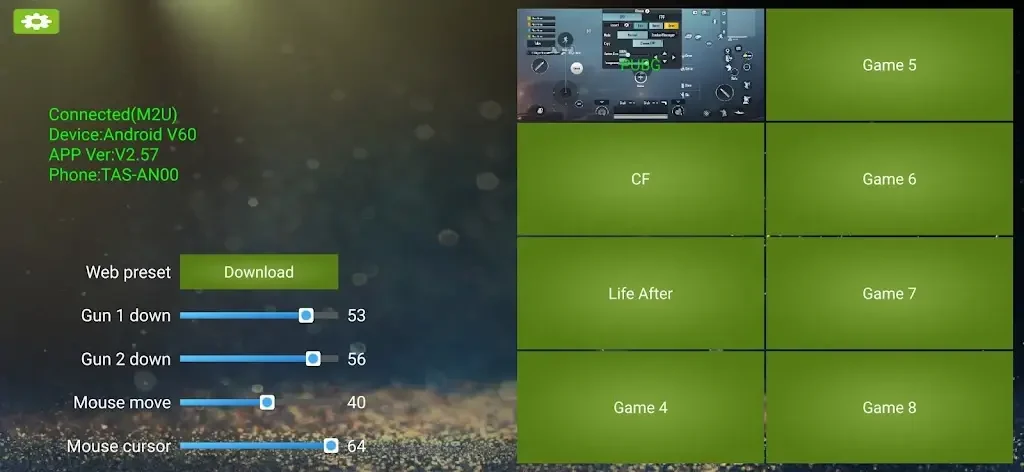
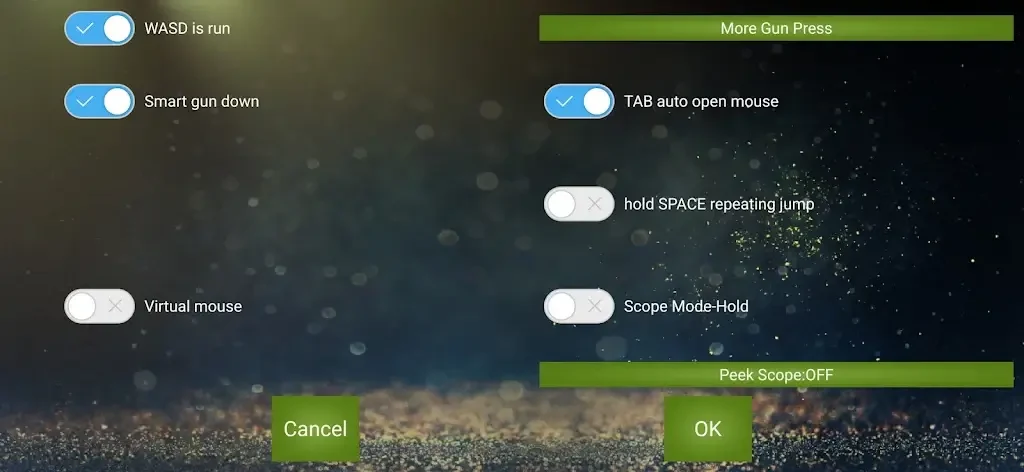
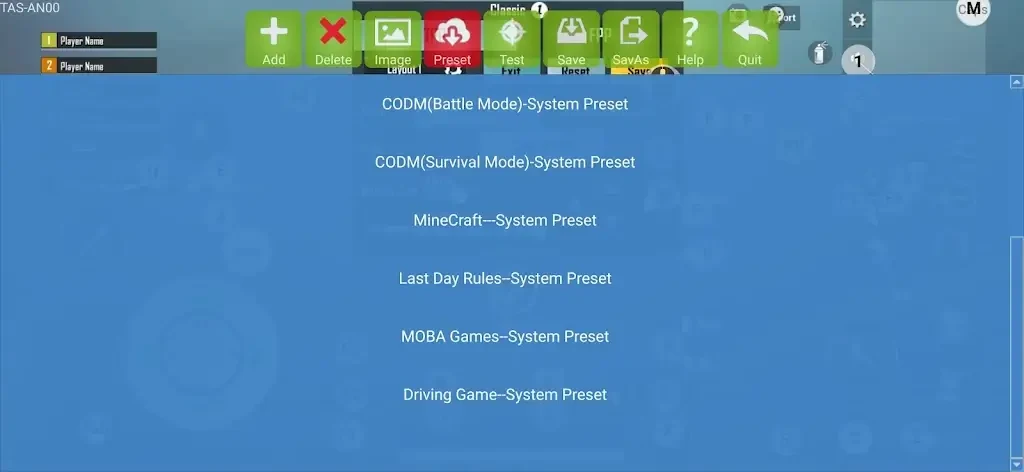
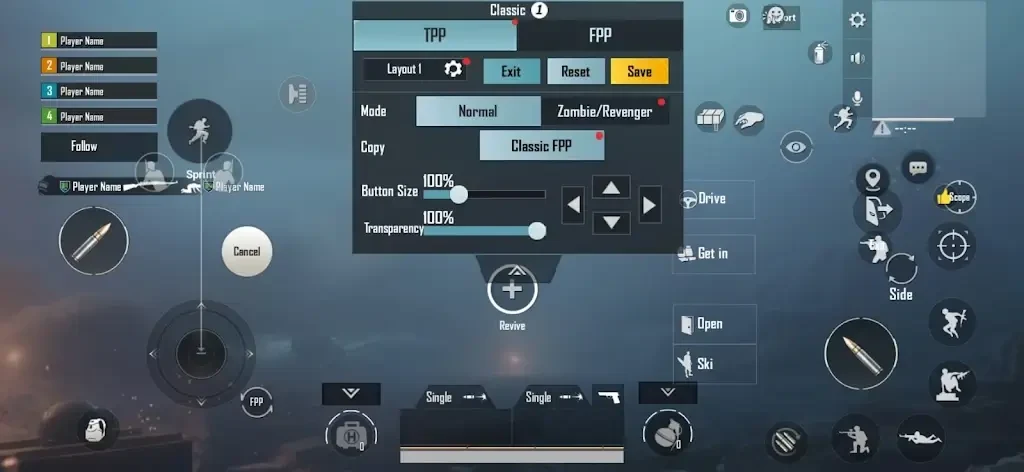
About this app
KuGamer helps Android players use physical controls in games that rely on touchscreen input. Instead of reaching for an on-screen button, a player can assign that action to a key, mouse movement, or controller input. This can be useful for someone who already owns external gaming gear or prefers a keyboard-and-mouse layout for movement and aiming. The app combines an on-screen mapping editor with settings saved for individual games, so a control scheme can be adjusted to suit the title rather than applied unchanged everywhere.
Build layouts over the game screen
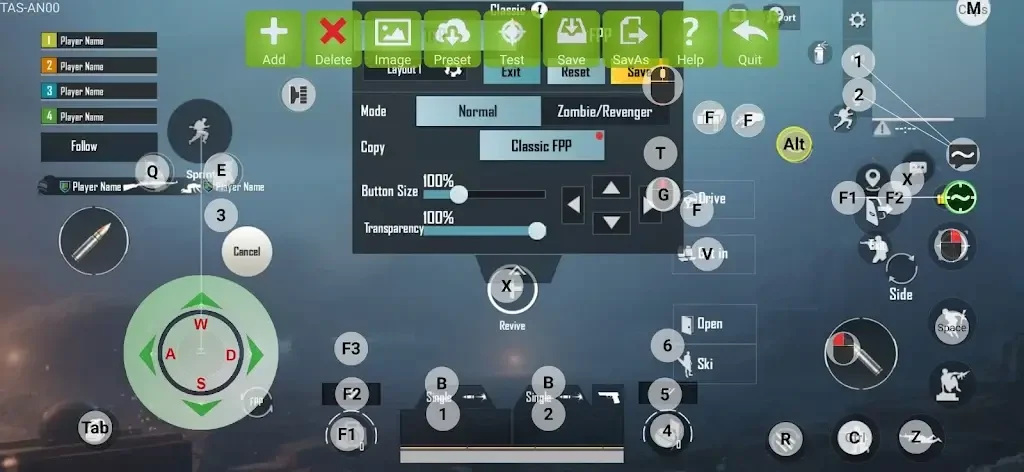
The visual editor places tap, swipe, and aim points over a game’s on-screen controls. Players can then bind keys or mouse actions to those points and inspect changes while the game is open. This makes the relationship between a physical input and its touchscreen action easier to see during setup. KuGamer can save multiple layouts for one title, allowing someone to keep different control arrangements without rebuilding each one. It also lets players add games and keep their settings in separate profiles.
Adjust aiming for each title
Mapping a button is only part of setting up a control scheme. KuGamer also provides sensitivity settings for look and movement, including pitch, yaw, and roll adjustments. These controls are intended to help match mouse input to the way a particular game’s camera responds. Because the adjustments are stored in game profiles, settings chosen for one title need not replace those used for another. The source also describes cloud import for existing settings, offering another way to bring a configuration into the app.
Connect and check external devices
KuGamer supports standard keyboards and mice, PlayStation and Xbox controllers, and supported input converters connected by cable or Bluetooth. Its test view displays detected input events in real time, so players can check keys, mouse movement, and triggers before starting a game. That check may help reveal a missing input, conflicting assignment, or duplicate binding while there is still time to revise the layout. The app also includes firmware-update tools for supported converters, alongside its mapping and device-testing controls.
Who the setup is for
The combination of mapped touchscreen actions and per-game settings is most relevant to players who want to spend time tailoring external controls, particularly for games where movement and aiming matter. The source names PUBG, Life After, and Free Fire as examples of the kinds of titles players may configure. Someone comfortable with touch controls may not need the additional setup. KuGamer’s value lies in letting players choose and refine a physical-control layout, not in removing the need to configure one.
Version history
View all15 Jun 2026 · stable
Frequently asked questions
Does KuGamer require root access?
No. The supplied information says root access is not required.
Can I save different layouts for the same game?
Yes. KuGamer can save multiple layouts for one title, as well as separate settings for different games.
Can I check my controls before playing?
Yes. The test view shows detected key, mouse, and trigger inputs in real time.