

LOL Ping Test
Epic GamerLOL Ping Test is a specialized utility designed for League of Legends players to evaluate their internet connection quality before entering a match. By testing directly against actual game servers, the app provides critical networking metrics and a color-coded status indicator to help players determine whether their current network is suitable for casual or ranked games.
Screenshots
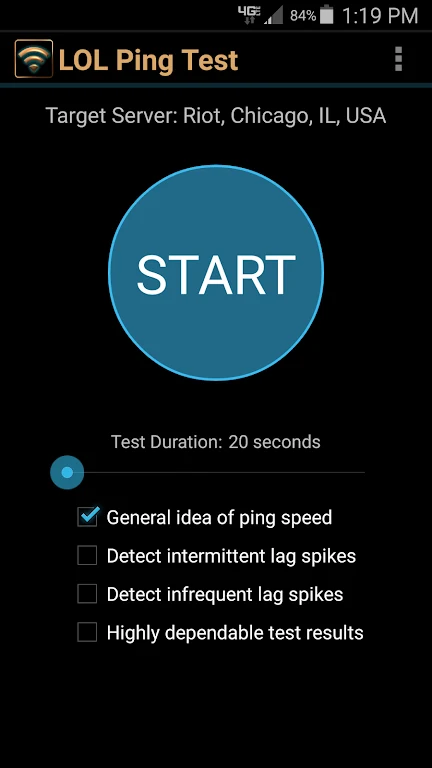
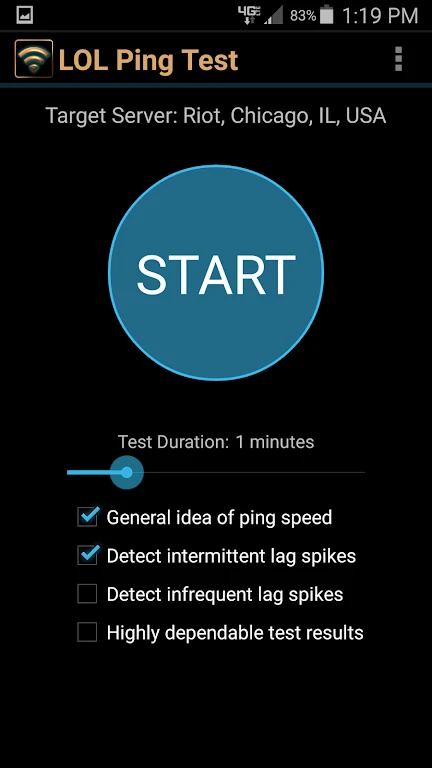
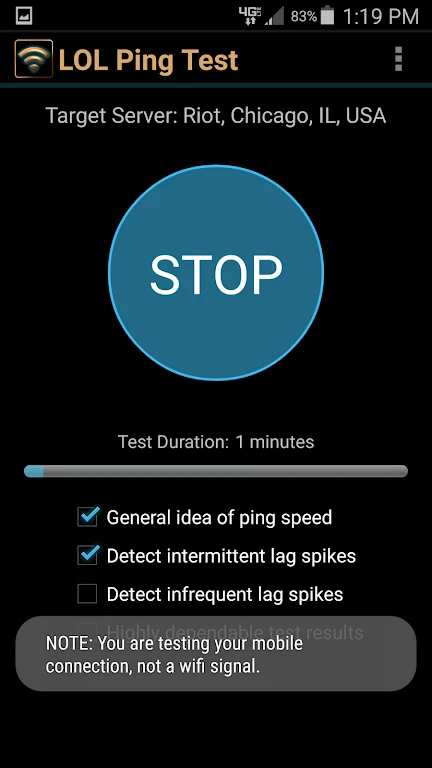
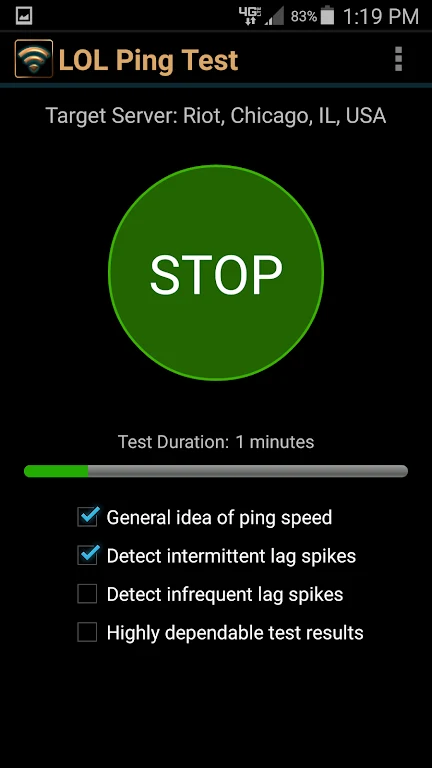
About this app
Direct Server Testing and Connection Assessment
LOL Ping Test evaluates internet connectivity by testing directly against actual League of Legends servers rather than relying on generic speed tests. This direct approach provides targeted results tailored to the demands of the game. The app examines comprehensive networking metrics to help users understand their connection quality before starting a match, assisting players in avoiding unexpected lag during competitive play.
Color-Coded Status Feedback
To help users interpret their connection status quickly, the app provides a clear indication using three distinct light outcomes. A green light signals a stable connection suitable for ranked games. A yellow light indicates that the connection can handle casual matches, though ranked games might still involve some risk. A red light warns that even casual games are likely to experience frustrating lag on the current network.
Detailed Network Metrics
Alongside the primary connection status, LOL Ping Test supplies specific numerical data regarding the connection performance. Users receive information detailing their average ping, the fastest ping recorded during the test, the slowest ping, and the percentage of data loss. For the most reliable and accurate results, the app emphasizes running the testing process for at least one full minute.
Versatile Usage Environments
The app can be utilized across a wide variety of locations and network setups. Whether testing a home network, a work connection, a network at a friend's house, or a connection at a coffee shop, users can check the quality of their internet environment prior to launching a gaming session. This portability makes it straightforward to compare different access points or times of day.
Version history
View all17 Oct 2024 · stable
Frequently asked questions
How long should I run the test for accurate results?
The app recommends running the test for at least one minute to ensure more reliable and accurate measurements.
What specific metrics does the app provide in addition to the status light?
It provides information on average ping, fastest ping, slowest ping, and the percentage of data loss.
Where can I use LOL Ping Test?
You can use the app at home, work networks, coffee shops, a friend's house, or any other location where you need to check connection quality.