
Panda Beta Pro Mouse
Panda Beta Pro Mouse lets players use a keyboard and mouse with Android games and customize how those controls are mapped. It supports Bluetooth peripherals on compatible devices and wired connections through OTG or a USB hub.
Screenshots
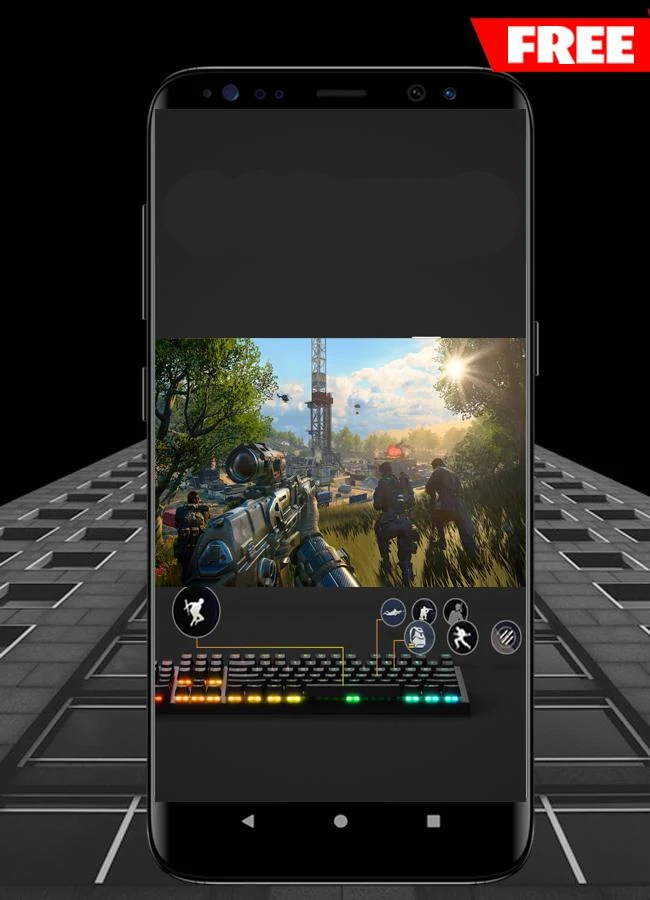
About this app
Panda Beta Pro Mouse is an Android key-mapping tool for using a keyboard and mouse in games. It brings peripheral input and control customization together, so players can position mapped keys and adjust how they interact with a game's controls. The supplied information describes its use across several game genres, including shooters, MOBAs, sports games, and battle royale games.
Mapping controls for a game
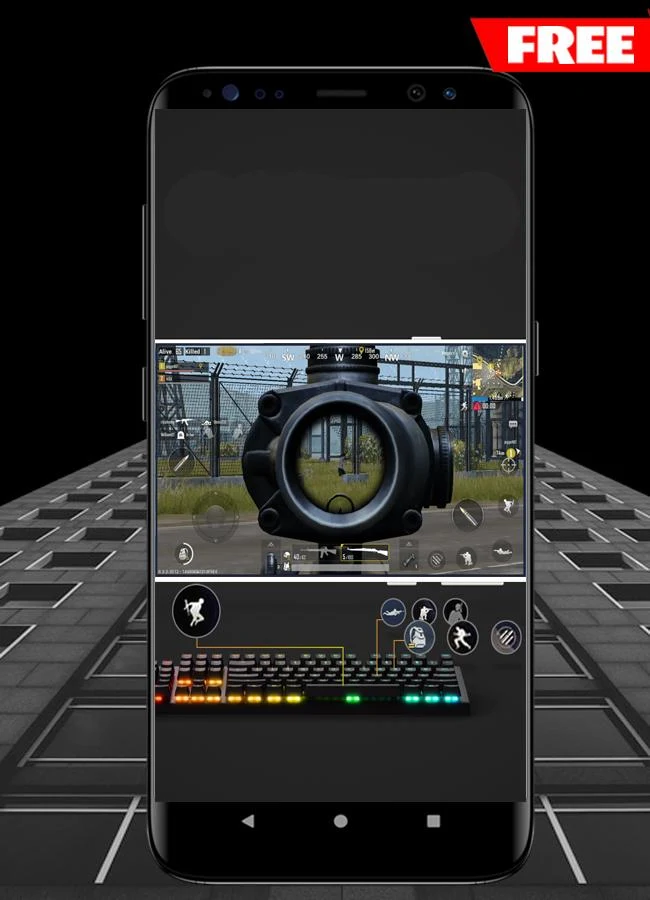
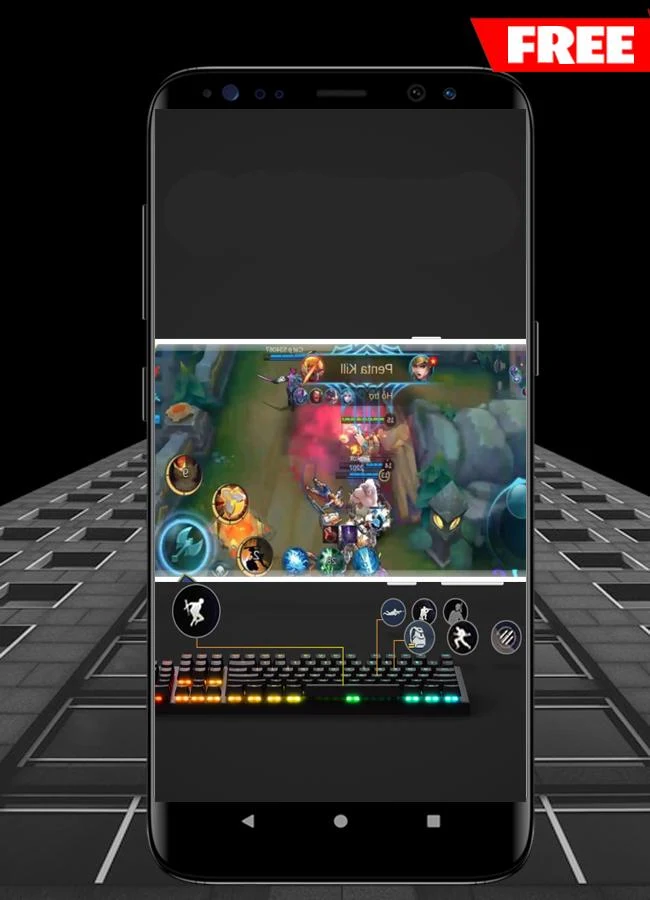
The main purpose of the app is to make keyboard and mouse input usable during Android gameplay. Its settings let players customize key mappings and change key positions rather than rely on a single fixed arrangement. The app also provides mouse simulation. These functions are most relevant when a game calls for both pointer movement and keyboard input, but the available information does not specify support for every individual game.
Other listed control options include joystick fine-tuning and a randomized joystick-center setting. A configurable status information bar is also mentioned. These are separate adjustments alongside the core key mapping, giving players more than one area of the control setup to configure. The source does not provide a step-by-step setup procedure or explain how the status bar's information is displayed.
Connecting a keyboard and mouse
Bluetooth is an option when the Android device supports it, allowing a wireless keyboard and mouse connection. For a wired setup, the supplied material names OTG and USB hubs as ways to connect external devices. It describes support for keyboards and mice from many brands, without identifying particular models or guaranteeing that every peripheral will work. The connection method and the mapping settings serve different purposes: one links the hardware to the device, while the other determines the controls used in a game.
Activation and account options
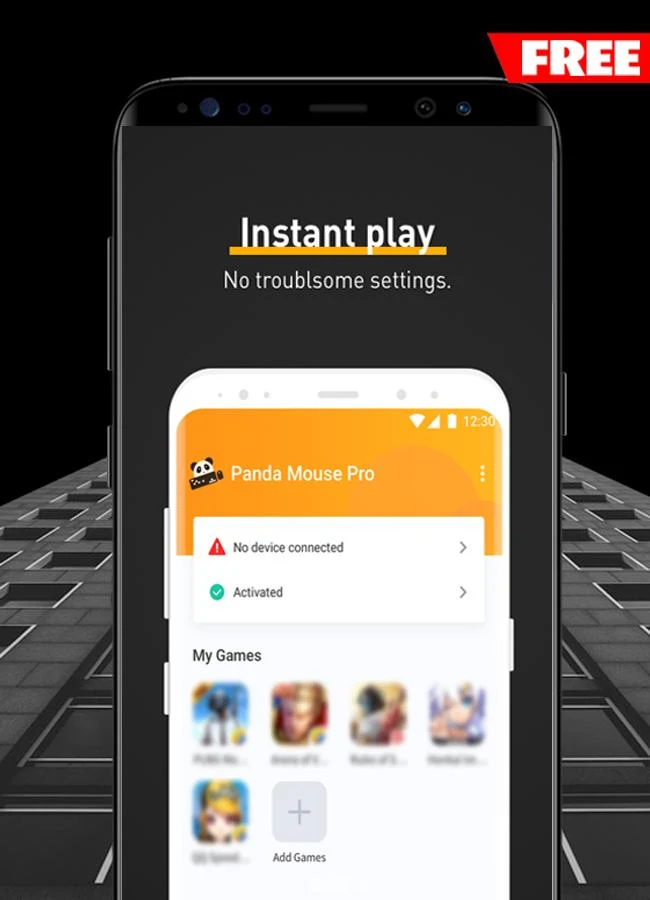
The activation guidance distinguishes between Android versions. It says activation can be completed within the app on Android 11 and higher, while Android 10 and lower require a connection to a PC or Mac. It also says activation is automatic on rooted devices. These are activation details, not a stated minimum Android version or a complete compatibility list.
The app is described as working without cloning the game application. That describes its approach to running games; it should not be taken as a guarantee against account restrictions or anti-cheat action. The supplied material also says users can link and log in with Google, Facebook, or other accounts, though it does not specify which other account providers are available.
Version history
View all26 May 2026 · stable