

Share Karo
Share Karo is an Android file sharing and management app that its listing describes as moving files between nearby devices without a Wi-Fi network or mobile data, using peer-to-peer transfer over Wi-Fi Direct and Bluetooth. It also includes file management, QR code connection, and media playback features, and the listing describes it as a Productivity app at version 5.0.39.1.
Screenshots
About this app
Share Karo is an Android app for sending files between nearby devices and managing the files stored on your phone. This profile covers the functions described in its listing and the limitations the listing states, so readers can judge whether those functions match what they need.
What does Share Karo do?
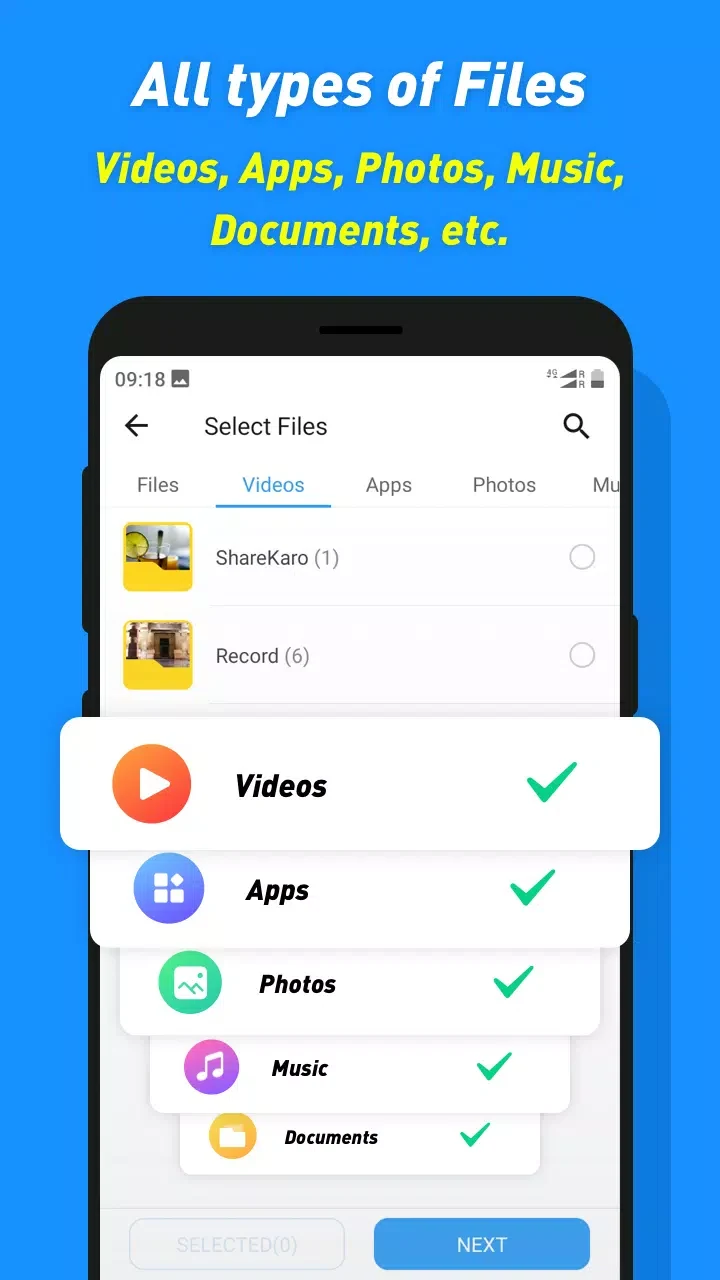
The listing presents Share Karo as a tool for transferring files quickly and organizing what is stored on the device. It covers sending and receiving images, videos, documents, archives, music, application installers, contacts, and whole folders. It also includes features for downloading photos and videos from certain social platforms and for managing media already on the phone. Taken together, the app is positioned as a general transfer and file handling utility rather than a single-purpose tool.
Does Share Karo need Wi-Fi or mobile data to transfer files?
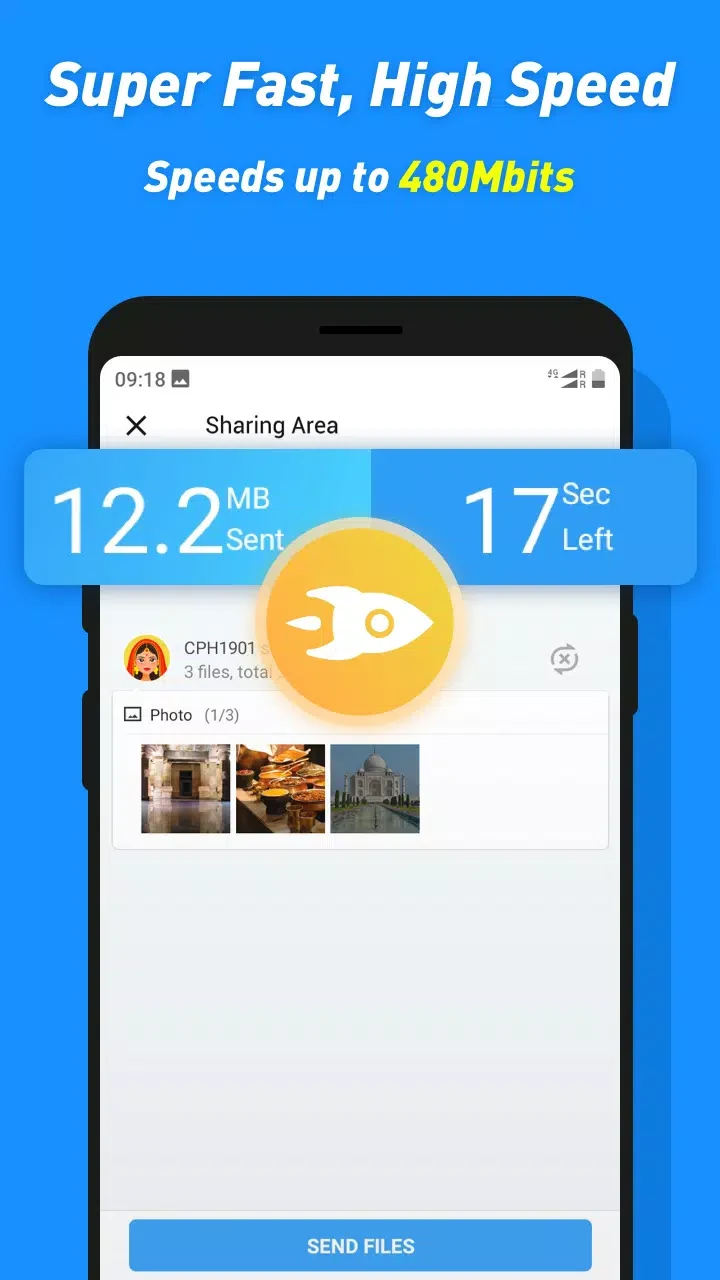
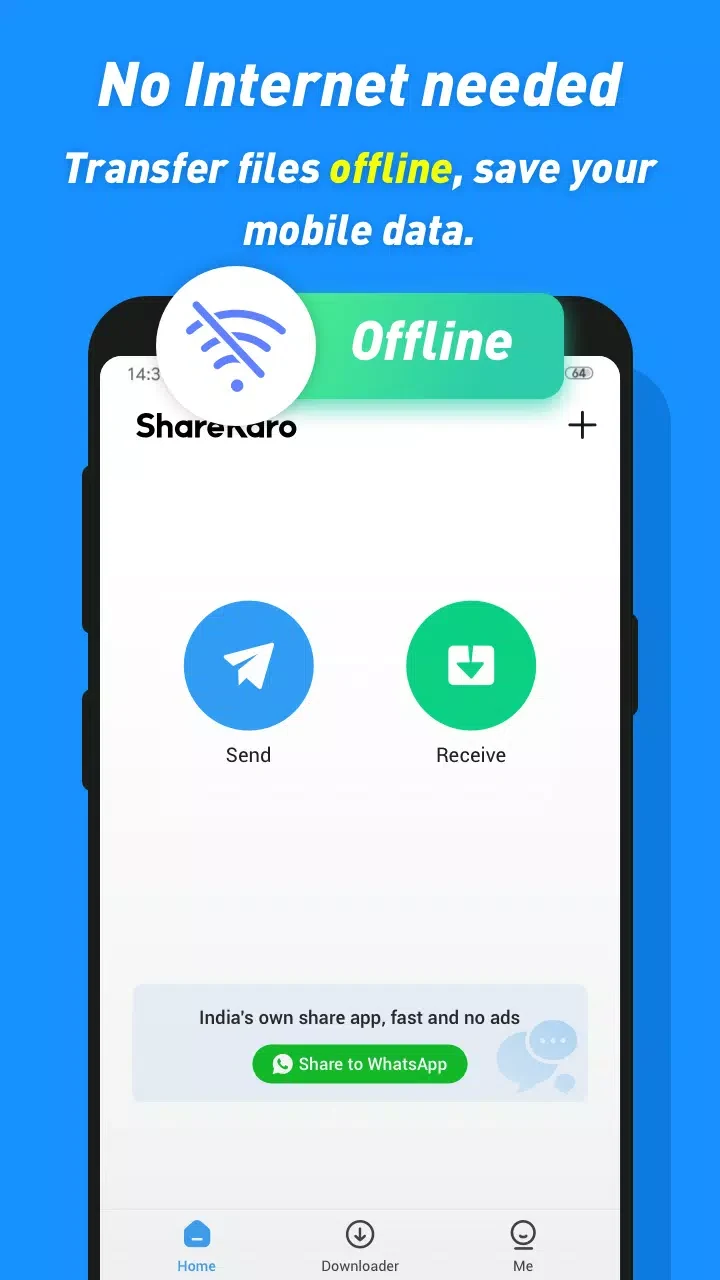
According to the listing, transfers do not depend on an internet connection, Wi-Fi network, or mobile data. Instead, the app uses peer-to-peer technology based on Wi-Fi Direct and Bluetooth, which is why the listing emphasizes offline use. The listing also claims that this method is 200 times faster than traditional Bluetooth. That figure comes from the developer's own description and has not been independently verified here, so it should be treated as a marketing claim rather than a measured result. The listing further states that large items, including high-definition videos, application installers, and entire folders, can be sent without quality loss or interruption; readers should treat that as the developer's description as well.
What file types and sizes are supported?
The listing says Share Karo supports a broad range of file types and imposes no file size or compression limits. It names images, videos, PDF documents, ZIP archives, music, APK files, and contacts as examples, and it lists unlimited file transfer size among its benefits. Because these statements come from the listing, anyone with very large transfers or a specific file format should confirm the behavior on their own device before relying on it for important work.
How are devices connected and how are interrupted transfers handled?
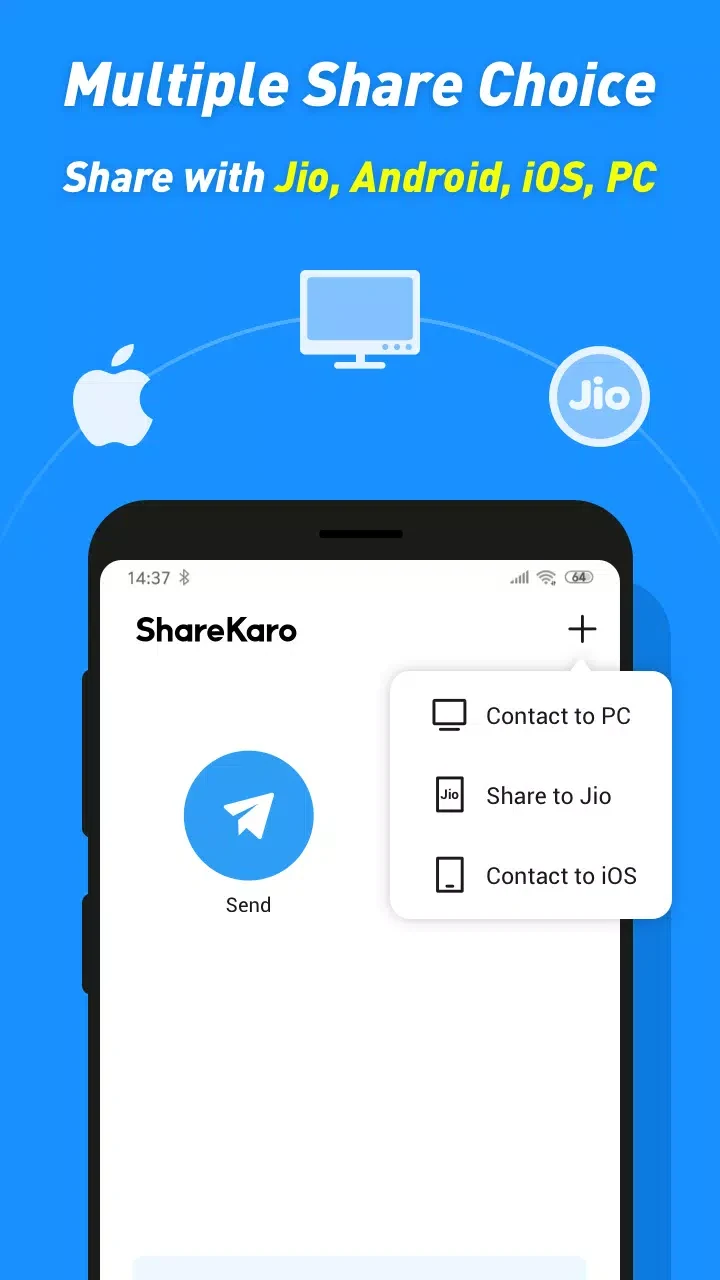
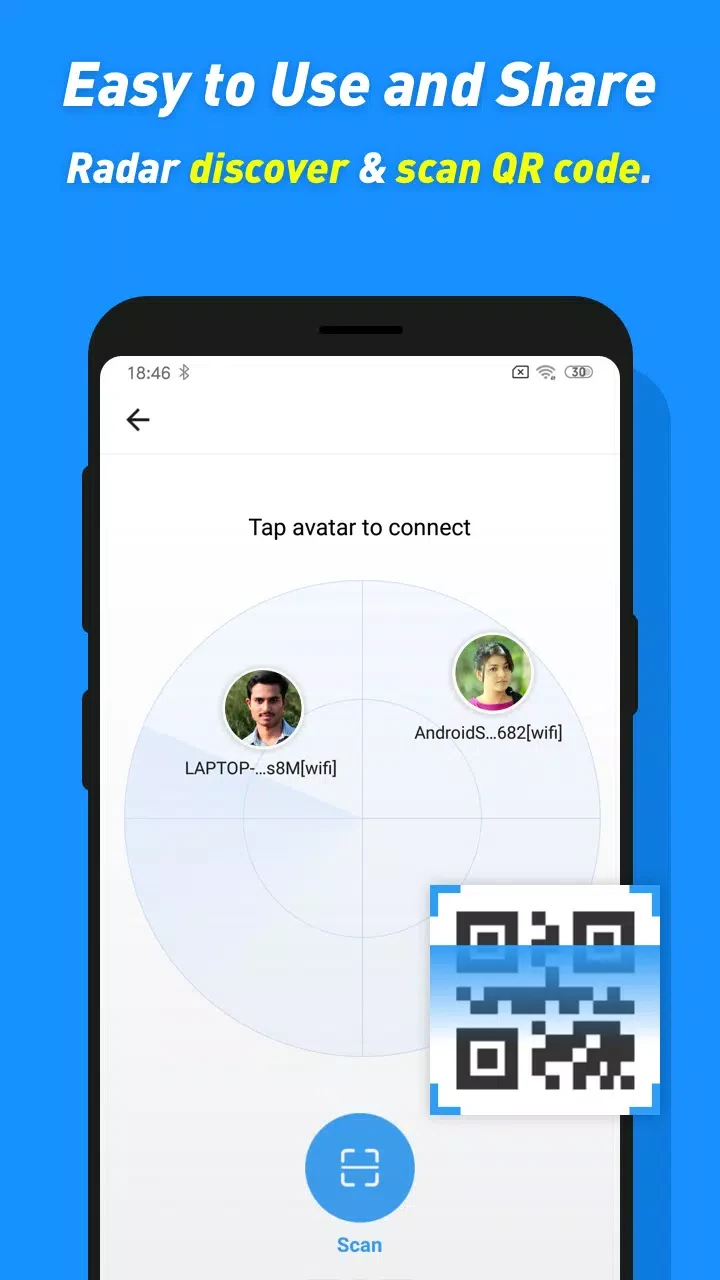
Connection is described as quick and simple. The listing mentions connecting devices through a QR code, detecting nearby devices, and starting a transfer after selecting files. It also says an interrupted transfer can be resumed so that sending does not have to restart from the beginning. The interface is described as clean and free of heavy menus, with the goal of sending or receiving files in only a few steps. These are the app's described design goals, and the listing does not provide detailed step-by-step instructions.
Can Share Karo manage media and clean up the phone?
Beyond transfers, the listing describes Share Karo as a way to manage videos, music, and other files stored on the phone. It also says the app can be used as a portable media player for videos and music. The listing further claims that the app can clean up junk files and help improve phone speed, and that it can refresh the appearance of a device in a short time. The listing does not explain how the cleanup works or what it removes, so those claims are best understood as broad descriptions of the app's purpose.
Can Share Karo download content from social media platforms?
The listing states that Share Karo can download photos, videos, and other resources from platforms including Instagram, WhatsApp, and Facebook. Users should make sure they have the right to save and reuse any content they download, since that depends on the source platform and the content owner rather than on the app.
What permissions and limitations should I know about?
The listing says location, storage, and camera permissions are required, because the app focuses on nearby transfers. It also says Share Karo does not require login or account creation. Two limitations are stated directly. First, the listing says the app does not provide encryption, so users should send files only to people they trust. Second, the app cannot delete files itself, so removing a file requires a separate file manager. A reader who needs encrypted transfers or in-app deletion should take these statements into account before choosing the app.
Version history
View all22 May 2026 · stable
APK5.0.39.112 Jan 2026 · stable